



Aller au contenu
View in the app

A better way to browse. Learn more.

Cani-Seniors

A full-screen app on your home screen with push notifications, badges and more.

To install this app on iOS and iPadOS
  1. Tap the Share icon in Safari
  2. Scroll the menu and tap Add to Home Screen.
  3. Tap Add in the top-right corner.
To install this app on Android
  1. Tap the 3-dot menu (⋮) in the top-right corner of the browser.
  2. Tap Add to Home screen or Install app.
  3. Confirm by tapping Install.

Classement

  1. Mary Ho

    Administratrice
    9
    Points
    41 779
    Compteur de contenus
  2. Marion

    Trésorière
    5
    Points
    20 169
    Compteur de contenus
  3. Thalie

    Membres
    5
    Points
    28 592
    Compteur de contenus
  4. anne92

    Membres
    5
    Points
    4 738
    Compteur de contenus

Contenu populaire

Affichage du contenu avec la meilleure réputation le 03/01/2019 dans toutes les zones

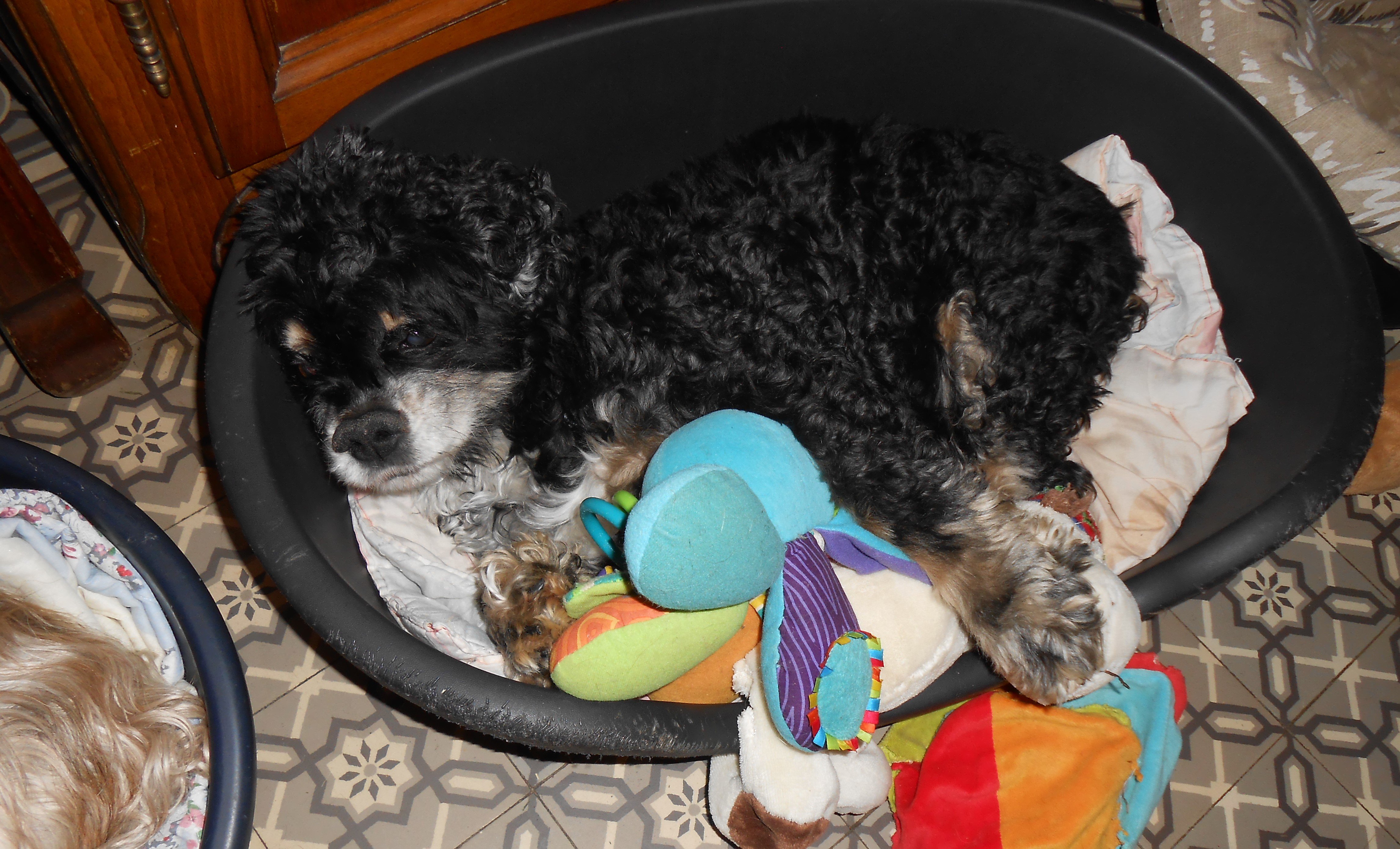
  1. Dépêchez vous de me trouver ma famille, ici, c'est le bagne, je suis fatigué, peut même pas regarder l'objectif tellement la vie est difficile.
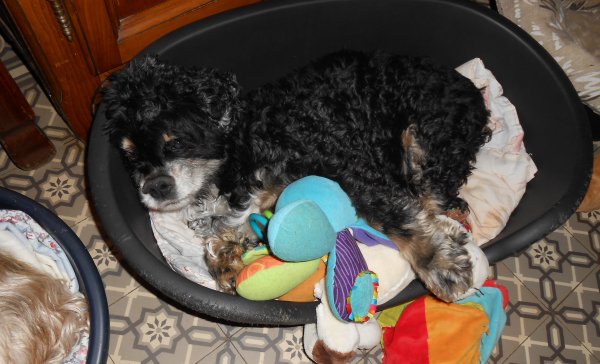
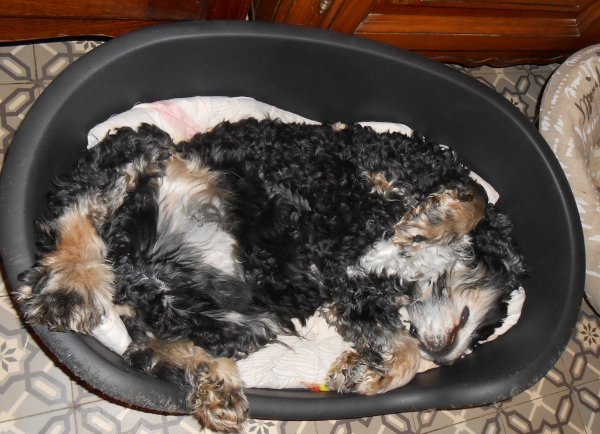
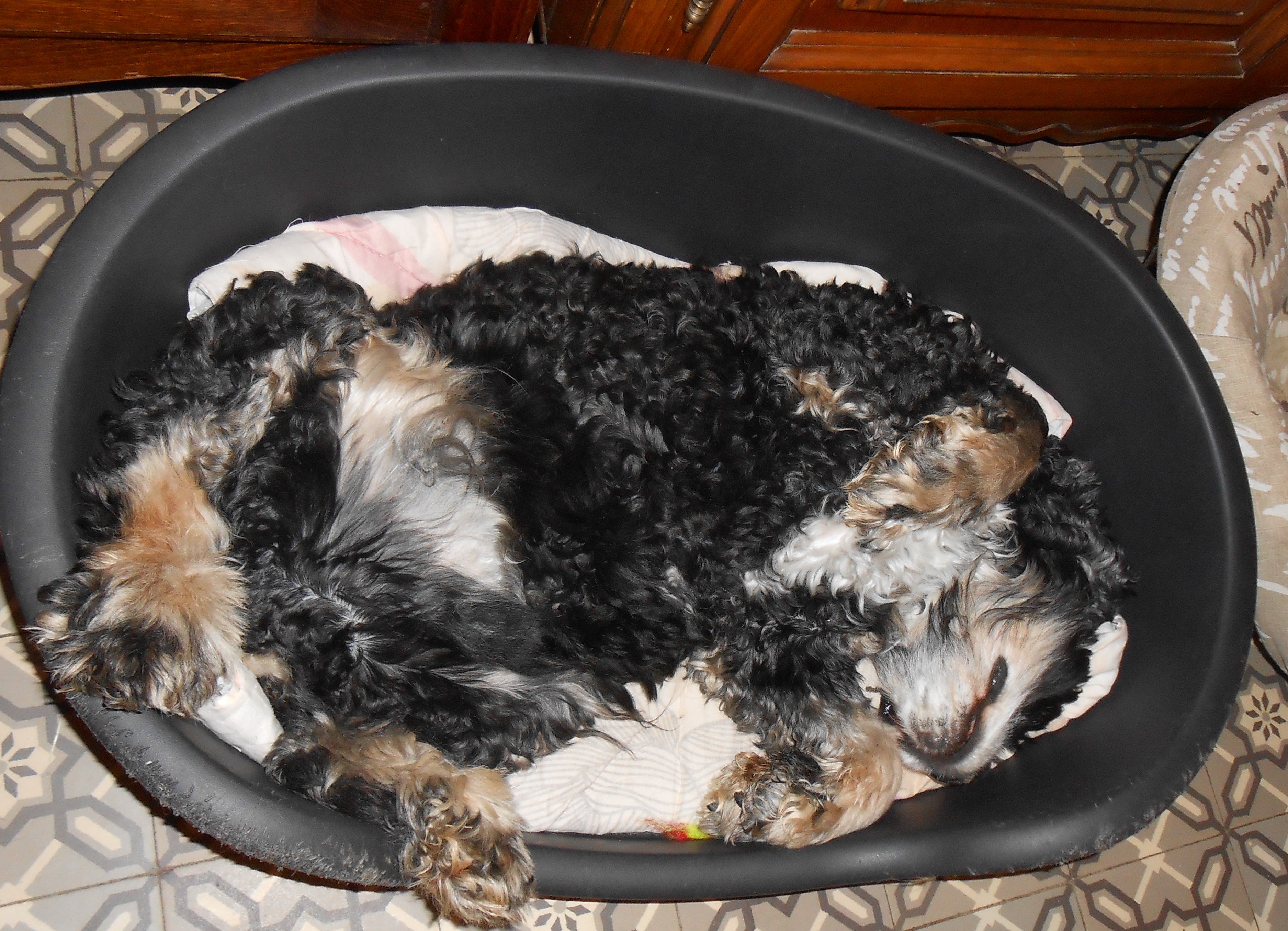
  2. Voyons ! Qui se dévoue ! Ce chien souffre visiblement.
  3. Je goute, je verifie, je cherche les miettes, pour ça c’est bien les tables. Ou pensez-vous que j’ai laissé tremper ma moustache ?

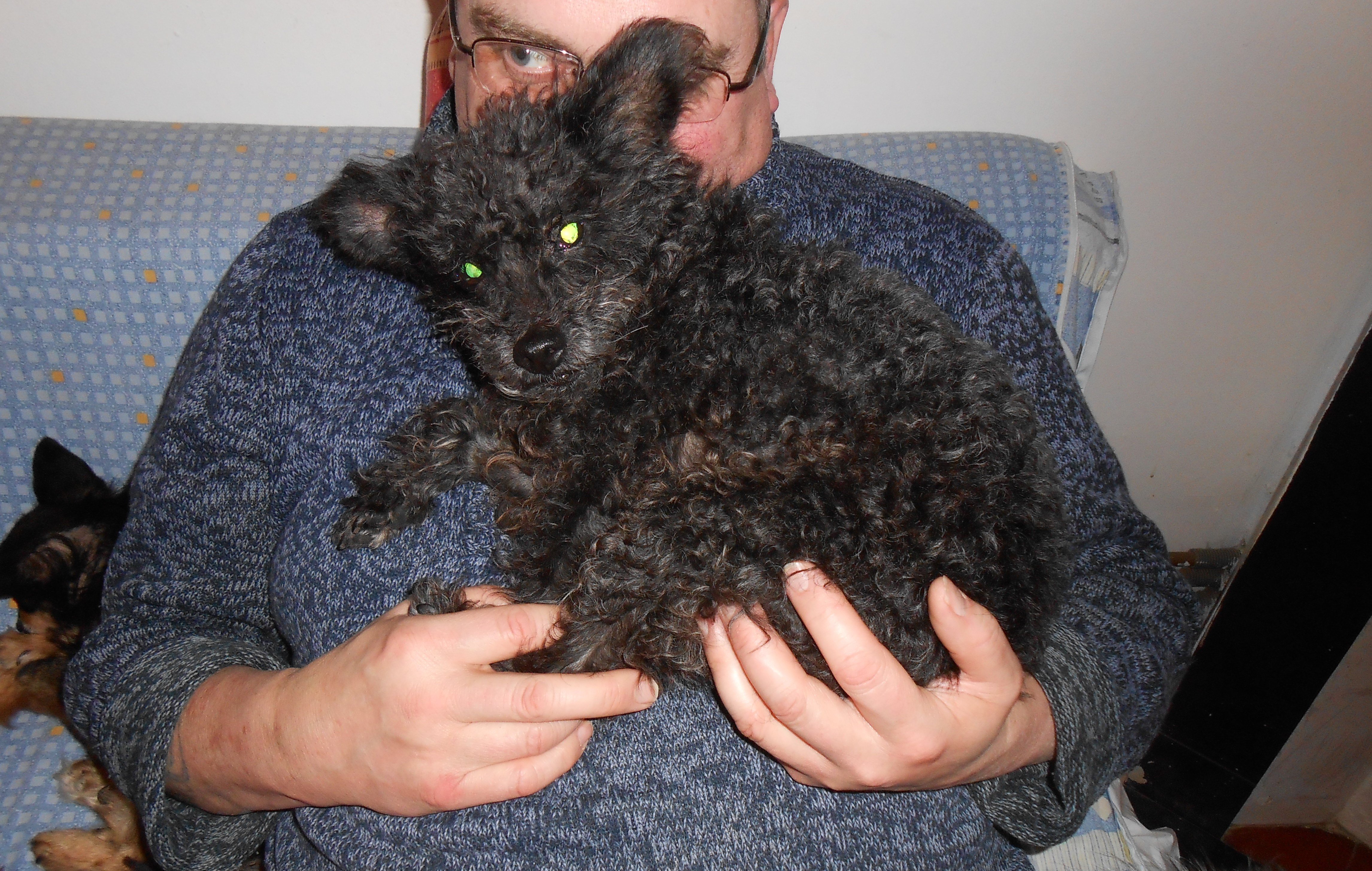
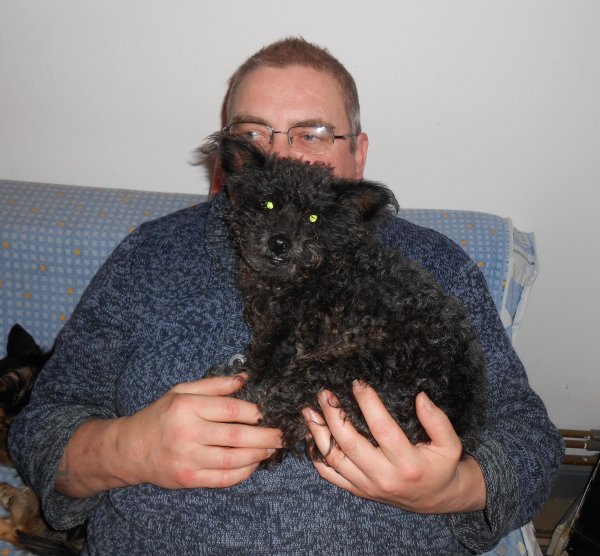
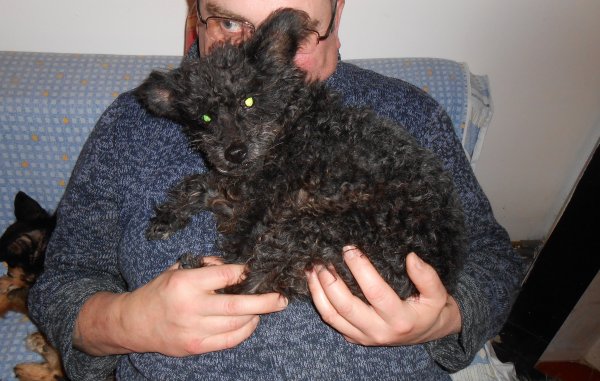
  4. bonsoir, merci pour vos bons vœux, je vous fais pleins de léchouilles. vous voyez, je suis un petit gabarit, je tiens dans la main de tonton.
Account

Navigation

Rechercher

Rechercher

Configure browser push notifications

Chrome (Android)
  1. Tap the lock icon next to the address bar.
  2. Tap Permissions → Notifications.
  3. Adjust your preference.
Chrome (Desktop)
  1. Click the padlock icon in the address bar.
  2. Select Site settings.
  3. Find Notifications and adjust your preference.