


chichis06
Membres
-
Inscription
-
Dernière visite
-
Bienvenue jolie Rose
-
Joyeux anniversaire lilas 🎂🎂
-
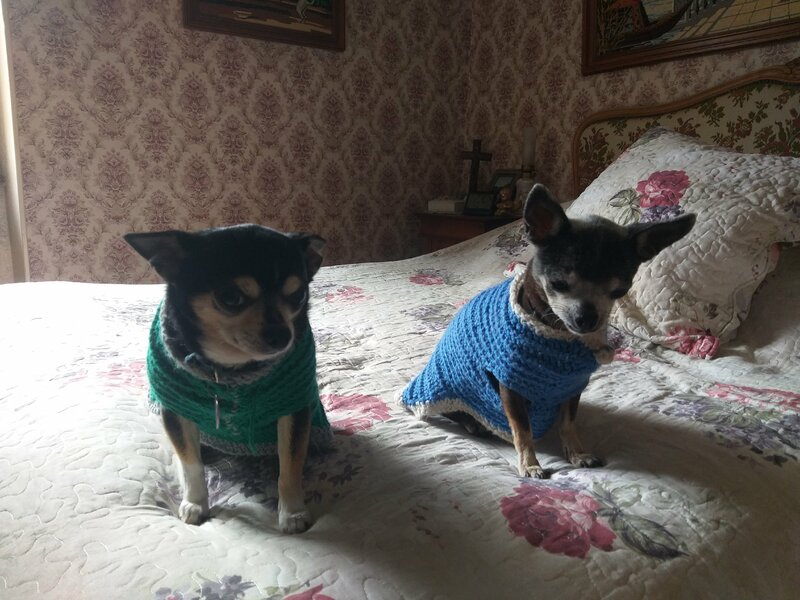
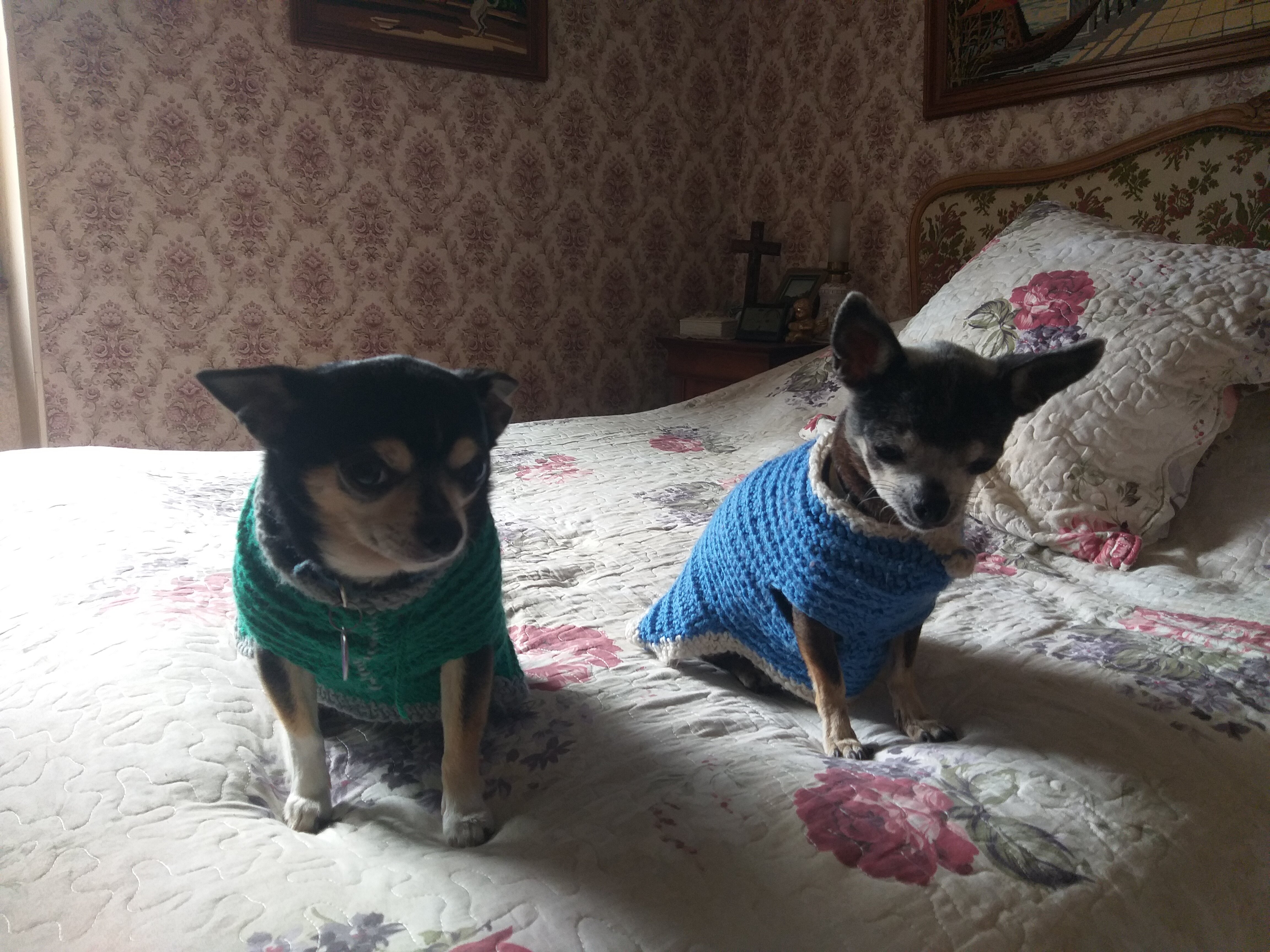
Tu es superbe Pioupiou dans ton joli manteau bleu 💗
-
chichis06 a répondu à un(e) sujet de S.Rault dans Les nouvelles données par les familles d'accueil (2010 à 2018)Doux repos Elisa de tout cœur avec vous
-
Beaucoup d ondes positives pour toi Ange 🤞🍀🤞🍀🤞🍀
-
chichis06 a répondu à un(e) sujet de S.Rault dans Les nouvelles données par les familles d'accueil (2010 à 2018)Je penserai bien à vous demain 🙏
-
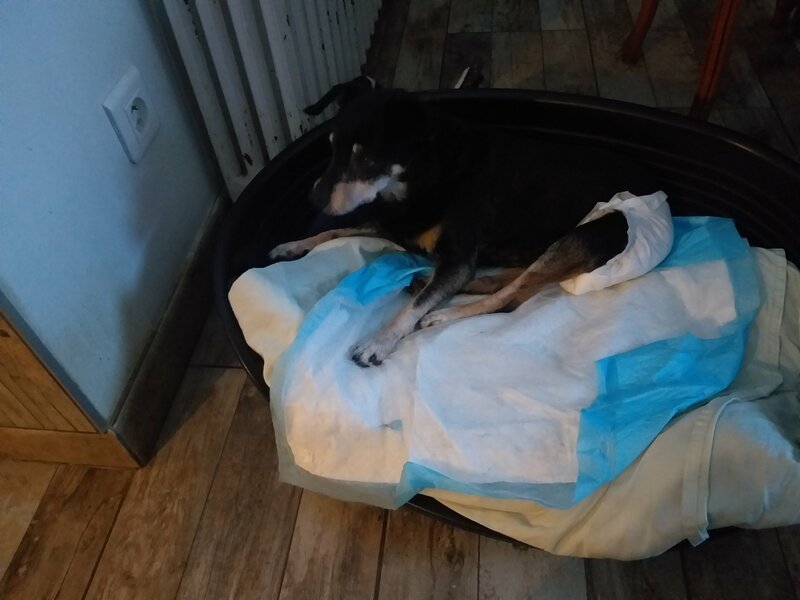
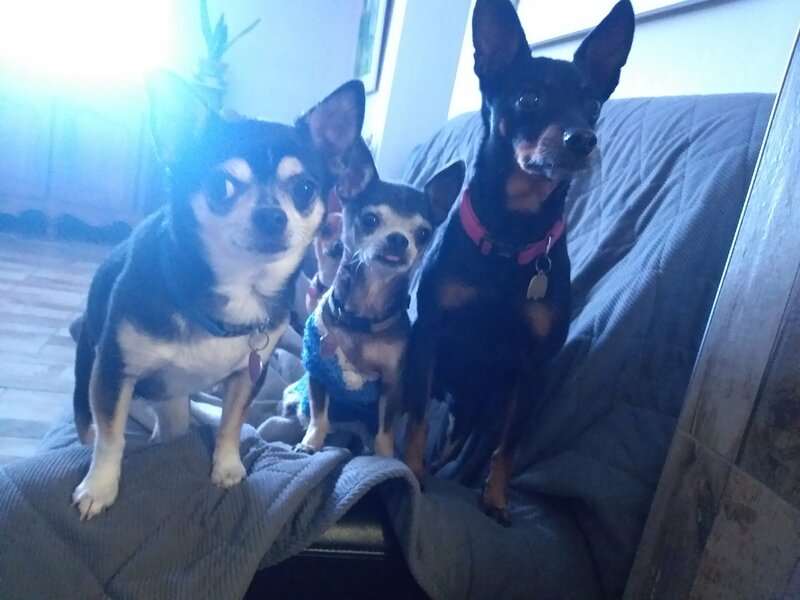
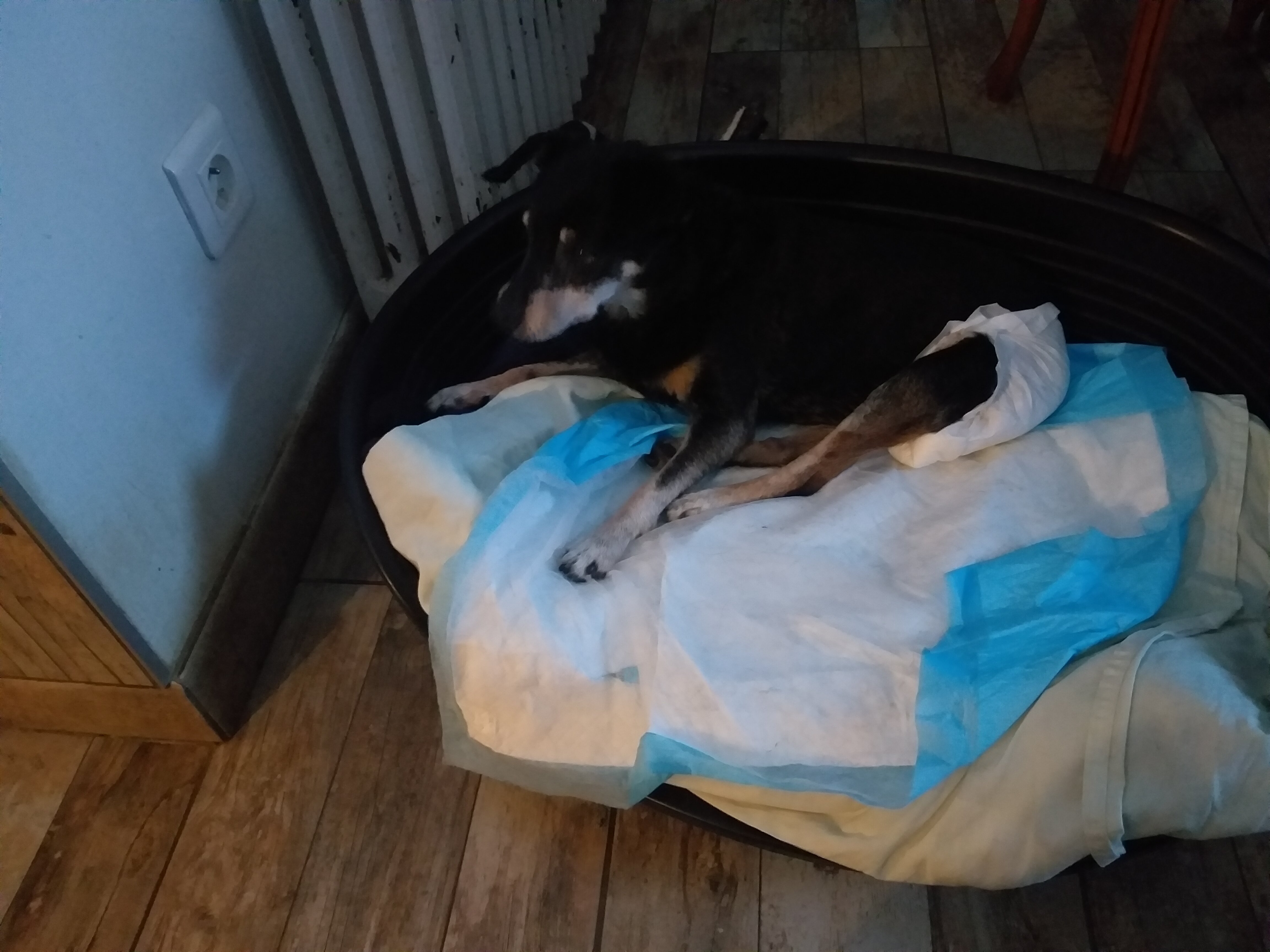
Coucou c'est Fany je vieillis beaucoup je n y vois presque plus je suis pratiquement sourde je ne marche plus 10 pas c est mon maximum après je tombe je suis maintenant incontinente mais je suis folle de la nourriture et j adore manger Voici une photo de moi ce soir bisous Fany Et voici Nino le pinscher CS 13 ans maintenant et ses copains entre les deux chichis on voit Louana Ils veulent du fromage 😉
-
J ai eu un petit pinscher qui venait de l ile de la reunion il a vécu jusqu'à 19 ans il était devenu aveugle avec l age il s etait très bien habitué dans la maison et en balade il se mettait au milieu des autres pour se guider on ne se rendait pas compte qu il était aveugle et il marchait comme un petit soldat en lançant ses pattes vers l avant pour en prévention d un obstacle Courage petit Ange tu es très bien soigné et tu te laisses bien soigné 🥰
-
Bien jolies photos ils sont tous adorables 😘💗
-
Princesse Annabelle est déjà chez elle est bien installée j adore son petit air superieur nul doute qu elle va être très heureuse 💗🍀
-
Merci pour les nouvelles de Sam qui est très heureux les photos sont magnifiques Bisous de sa copine Louana😘💗😘
-
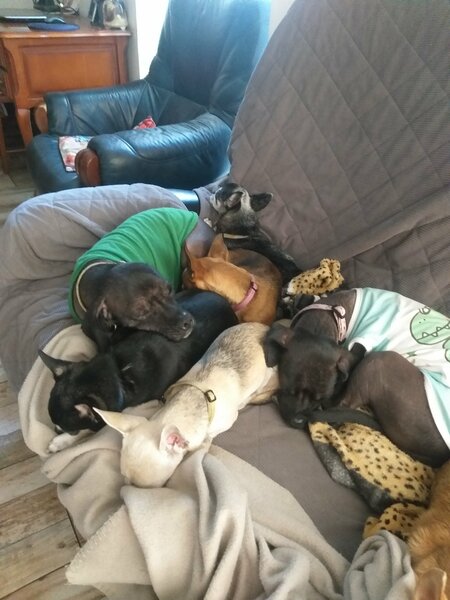
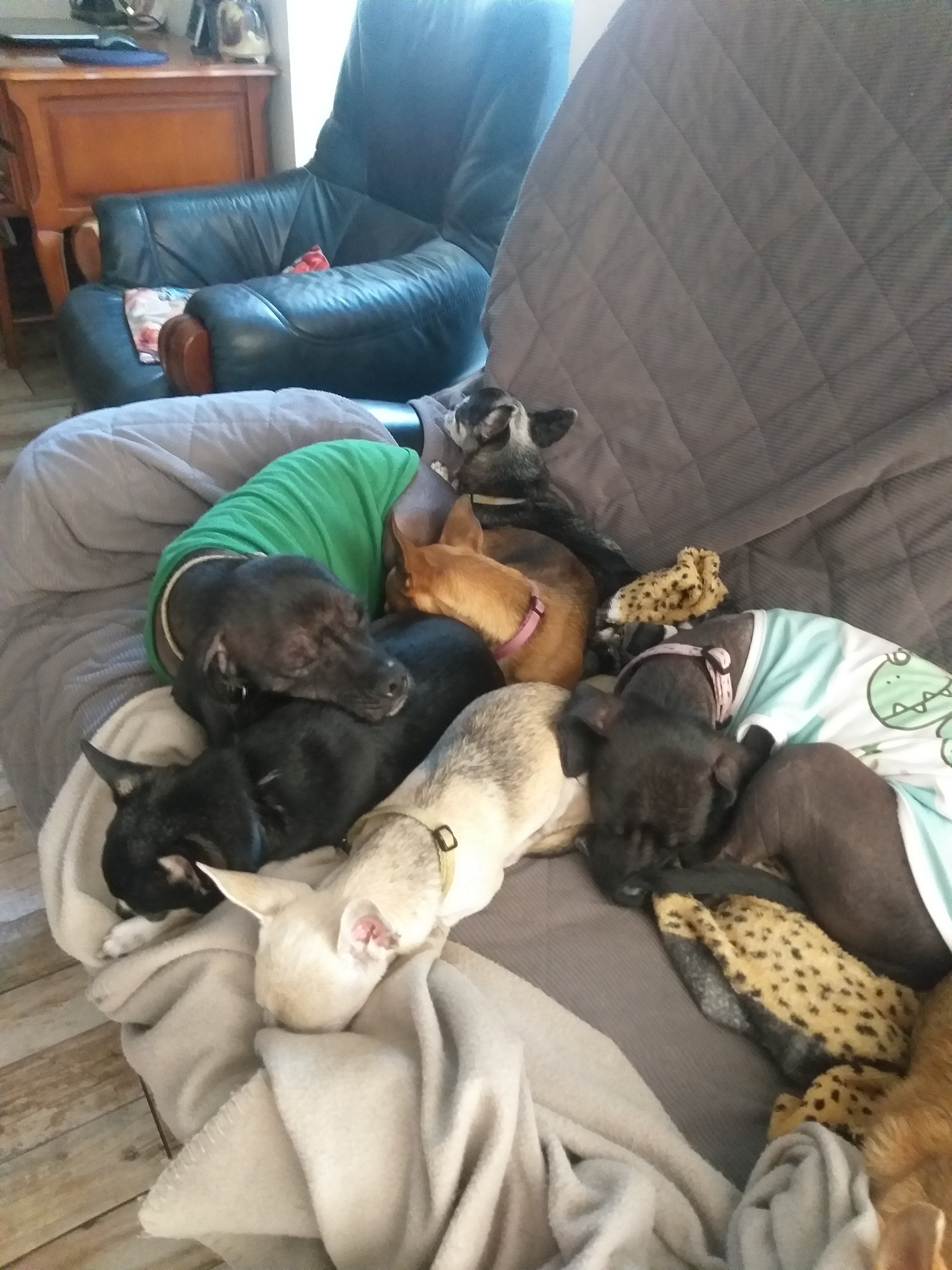
Louana est maline elle se colle aussi contre Dante et Venecia car les chiens nus sont beaucoup plus chaud que ceux avec des poils🤣 les nus sont ceux en tee-shirt
-
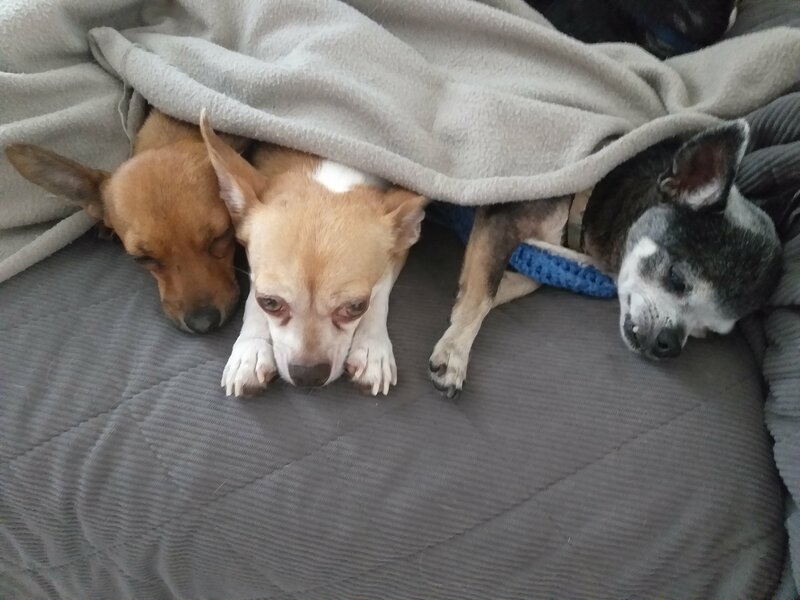
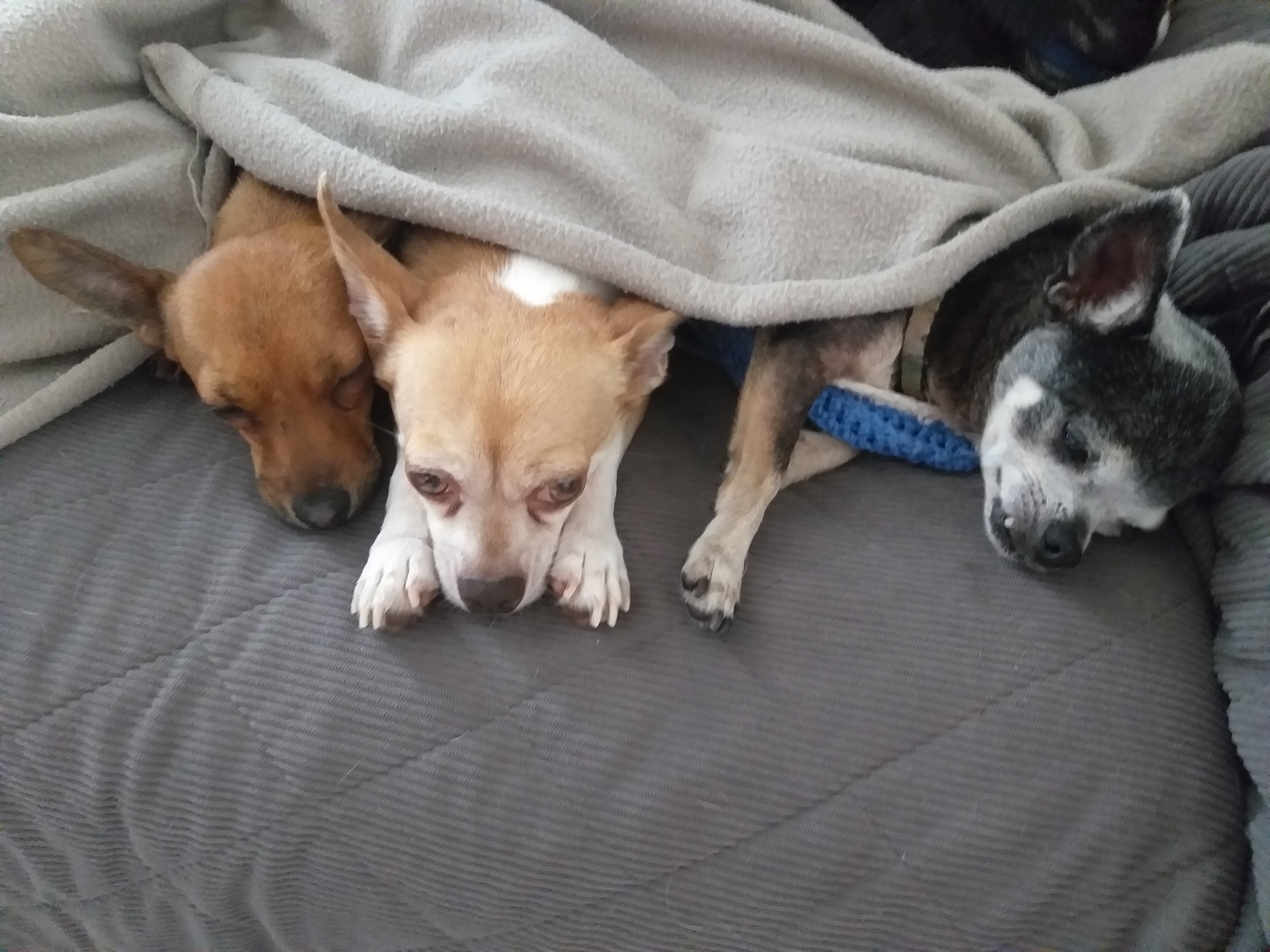
Un petit coucou de Miss Louana Malgres qui fasse toujours bon elle aime bien se coucher sur le canapé avec une couverture Avec pablo et diabolo
-
Bienvenue jolie Lilas 💗
-
Magnifiques photos Jayron est heureux et saute de joie trop beau 💗



.gif)

.gif)



.gif)