


Aller au contenu
View in the app

A better way to browse. Learn more.

Cani-Seniors

A full-screen app on your home screen with push notifications, badges and more.

To install this app on iOS and iPadOS
  1. Tap the Share icon in Safari
  2. Scroll the menu and tap Add to Home Screen.
  3. Tap Add in the top-right corner.
To install this app on Android
  1. Tap the 3-dot menu (⋮) in the top-right corner of the browser.
  2. Tap Add to Home screen or Install app.
  3. Confirm by tapping Install.

Classement

  1. Mary Ho

    Administratrice
    8
    Points
    41 779
    Compteur de contenus
  2. Anna76

    Modératrice
    5
    Points
    32 583
    Compteur de contenus
  3. labrit45

    Membres
    4
    Points
    2 206
    Compteur de contenus
  4. S.Rault

    Administratrice
    3
    Points
    45 615
    Compteur de contenus

Contenu populaire

Affichage du contenu avec la meilleure réputation le 24/03/2019 dans toutes les zones

  1. 1 point
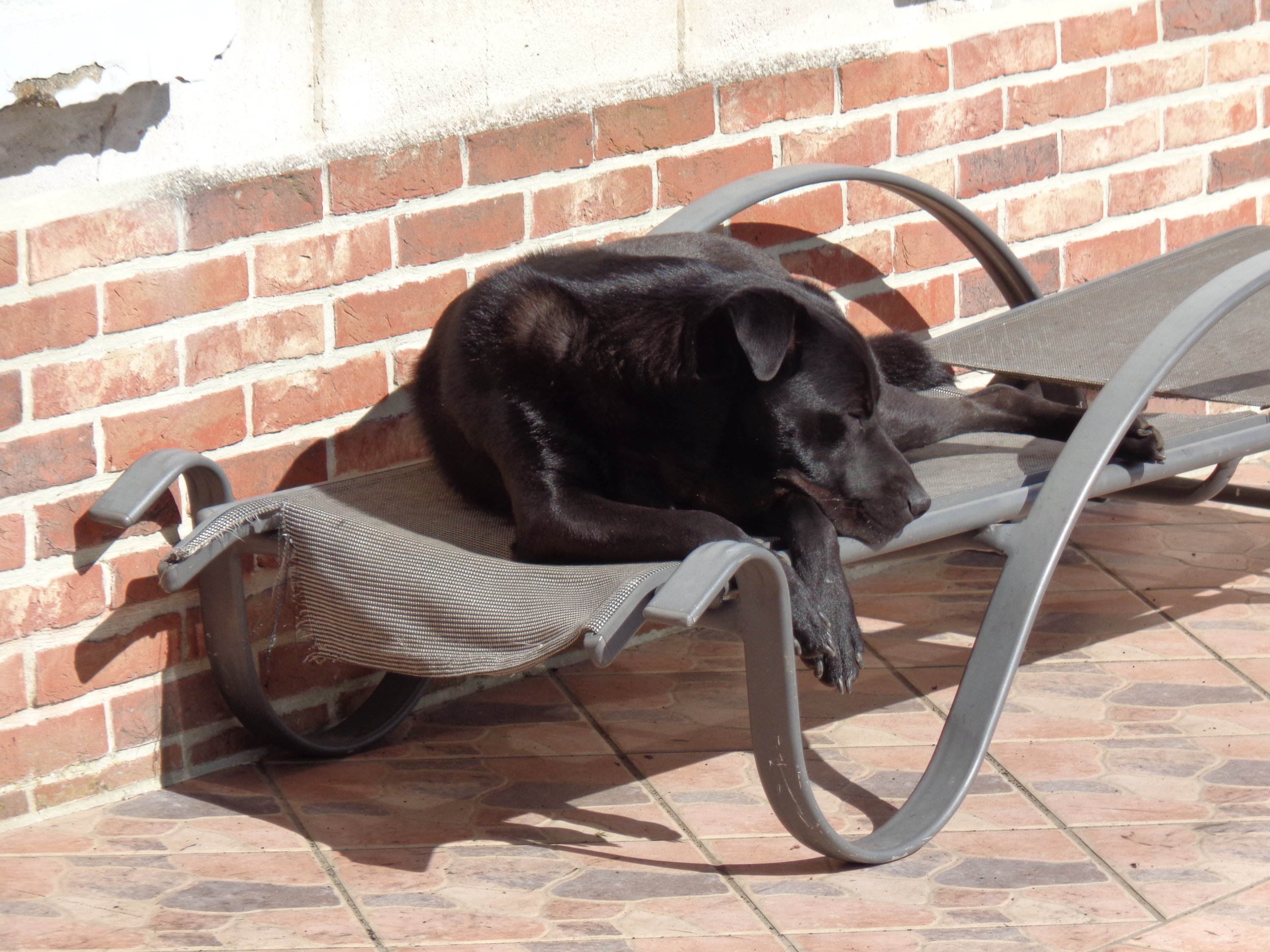
    Le soleil est de retour alors j'en profite pour faire bronzette. Je suis beau comme un coeur et mes parents sont toujours fous de moi !
  2. mais oui ! merci Joe d'avoir pensé à l'amie Zelma... pour les plus "nouveaux" sur le forum, voilà l'histoire de Zelma qui, elle aussi, a connu à peu près la même histoire que Plume ... je suis émue qu'elle ne soit pas oubliée...

Account

Navigation

Rechercher

Rechercher

Configure browser push notifications

Chrome (Android)
  1. Tap the lock icon next to the address bar.
  2. Tap Permissions → Notifications.
  3. Adjust your preference.
Chrome (Desktop)
  1. Click the padlock icon in the address bar.
  2. Select Site settings.
  3. Find Notifications and adjust your preference.