.JPG.120982c2b6b3af11fbe9db5cbfdfa369.JPG)
Charline
Membres
-
Inscription
-
Dernière visite
Tout ce qui a été posté par Charline
-
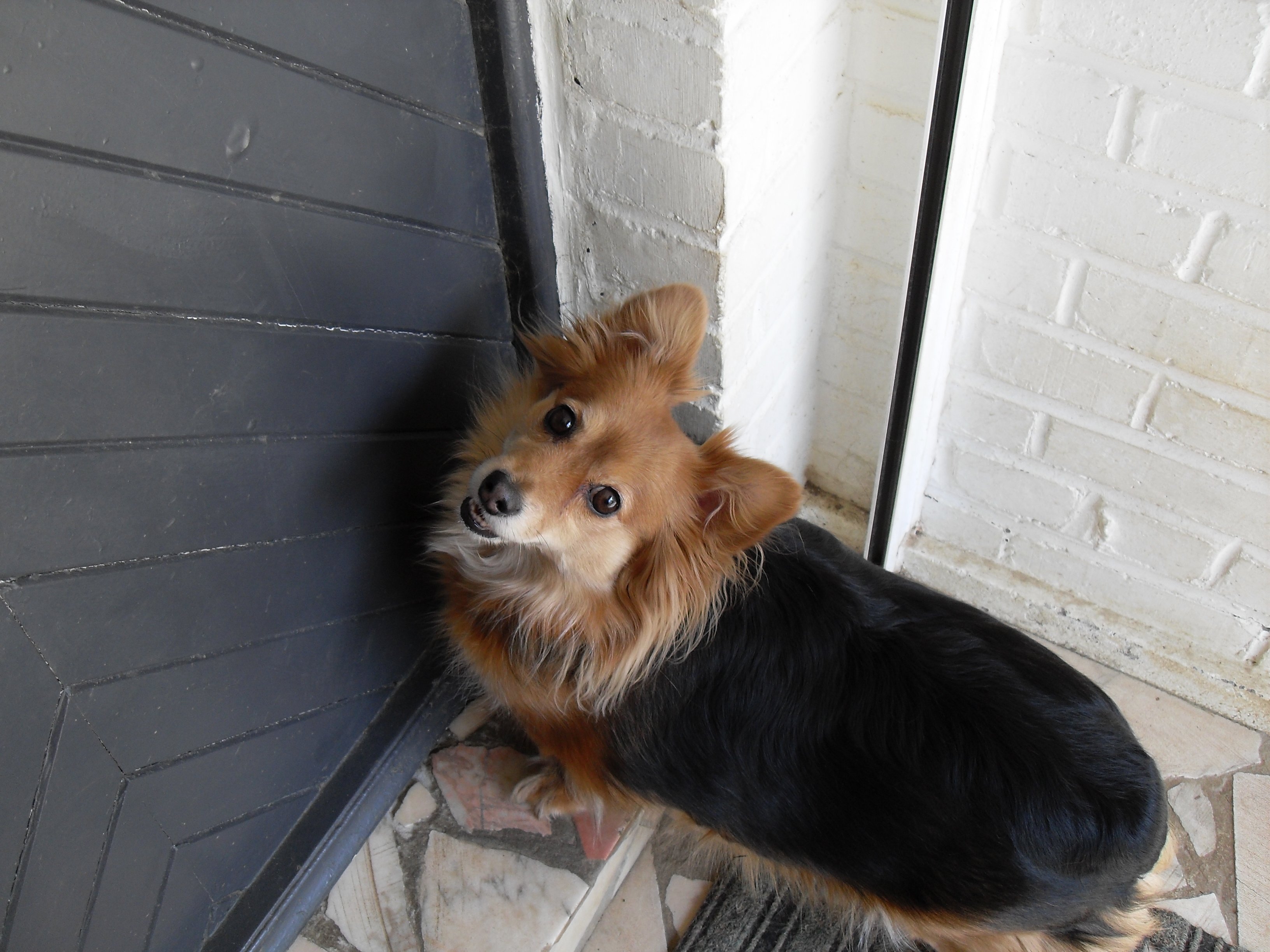
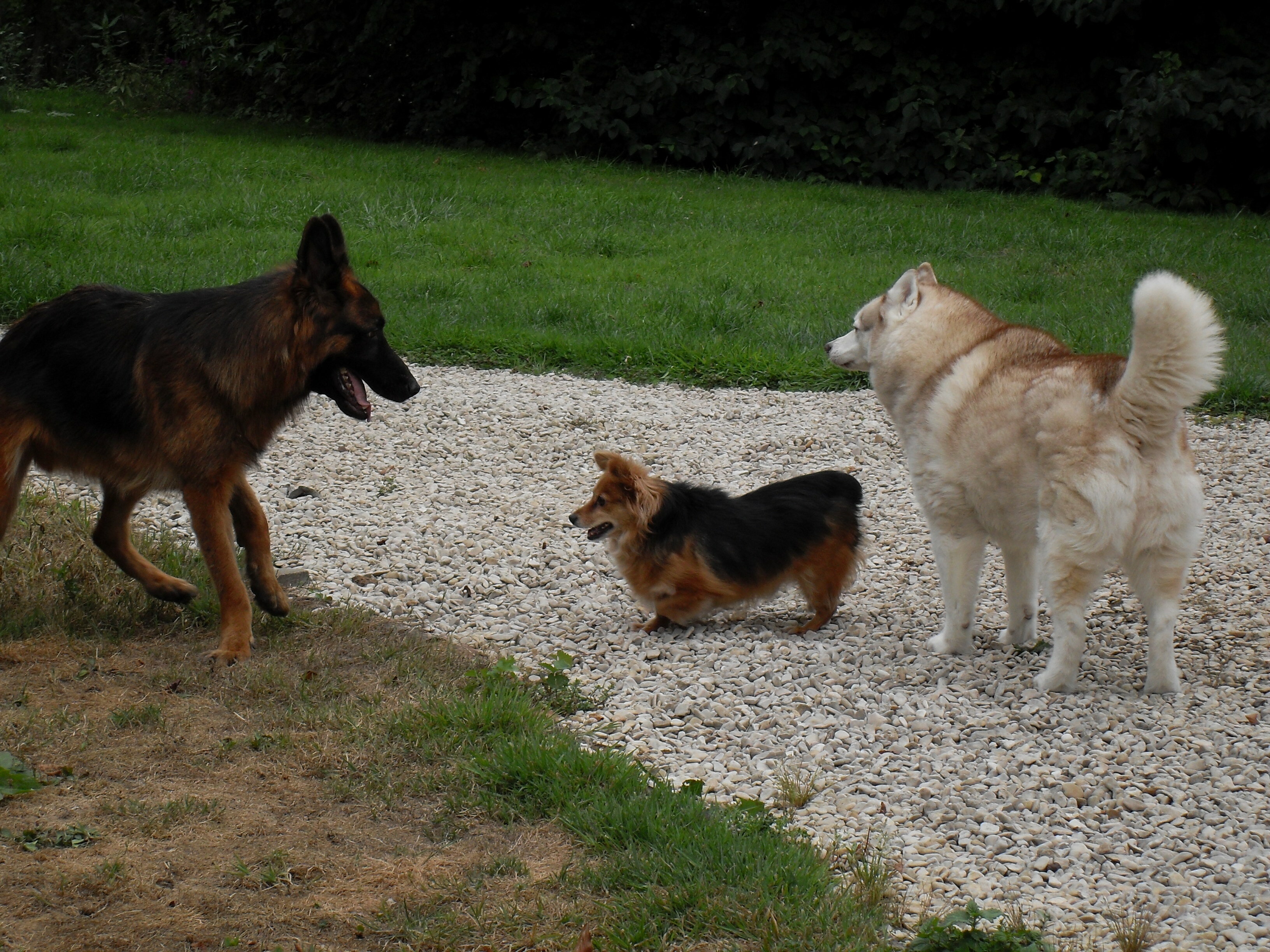
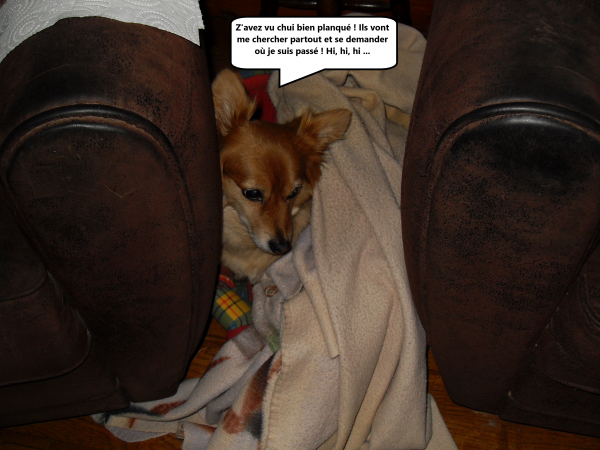
Coucou c'est Willow, Cette semaine il y a eu un an que je suis arrivé dans MA maison, avec toutes ces nouvelles choses à voir et à apprendre je n'ai pas vu le temps passer. Ma mèredechiens dit que je suis un petit pirate bien dans ses petites pattounes et c'est vrai je suis toujours content et même que je leur fais des farces. Vous voulez une photo ?
-
Ça y est mon loulou, tu as trouvé une môman et un pôpa, c'est super ! Longue vie heureuse à toi mon beau filleul tu le mérites !
-
Coucou ma poulette ! J'espère que tu vas bien et que tu es en forme. Ton cousin Willow lui est en pleine forme et depuis qu'il est allée chez le coiffeur on dirait qu'il a rajeuni, il court partout, nous mordille pour jouer et fait le foufou. Tu as vu Prince Rudy a trouvé une famille, il a enfin de la chance il va être heureux pour toujours. Et toi petite fille, j'espère que tu vas vite trouver aussi ta famille, on est bien chez C.S. mais avoir une maman à soi c'est bien aussi. Je te fais de gros bisous et à plus tard ma nénette.
-
Petit Will et marraine sont bien contents pour toi mon loulou . Maintenant y'a pu qu'à savoir qui est l'heureuse môman !
-
C'est bien mon Prince t'es un bon chien ! Tu t'entends bien avec les chats et ça c'est un gros "plus" pour une future famille adoptante car nous savons tous ici que les amoureux des animaux font très souvent cohabiter la gent canine et la gent féline. Tu es si beau et as l'air si heureux et à ton aise dans ce beau jardin que tu vas intéresser quelqu’un quand même, je l'espère de tout cœur. En attendant profite bien de ta tatie qui te fait découvrir cette belle vie dont tu as été privé. Gros bisous mon loulou.
-
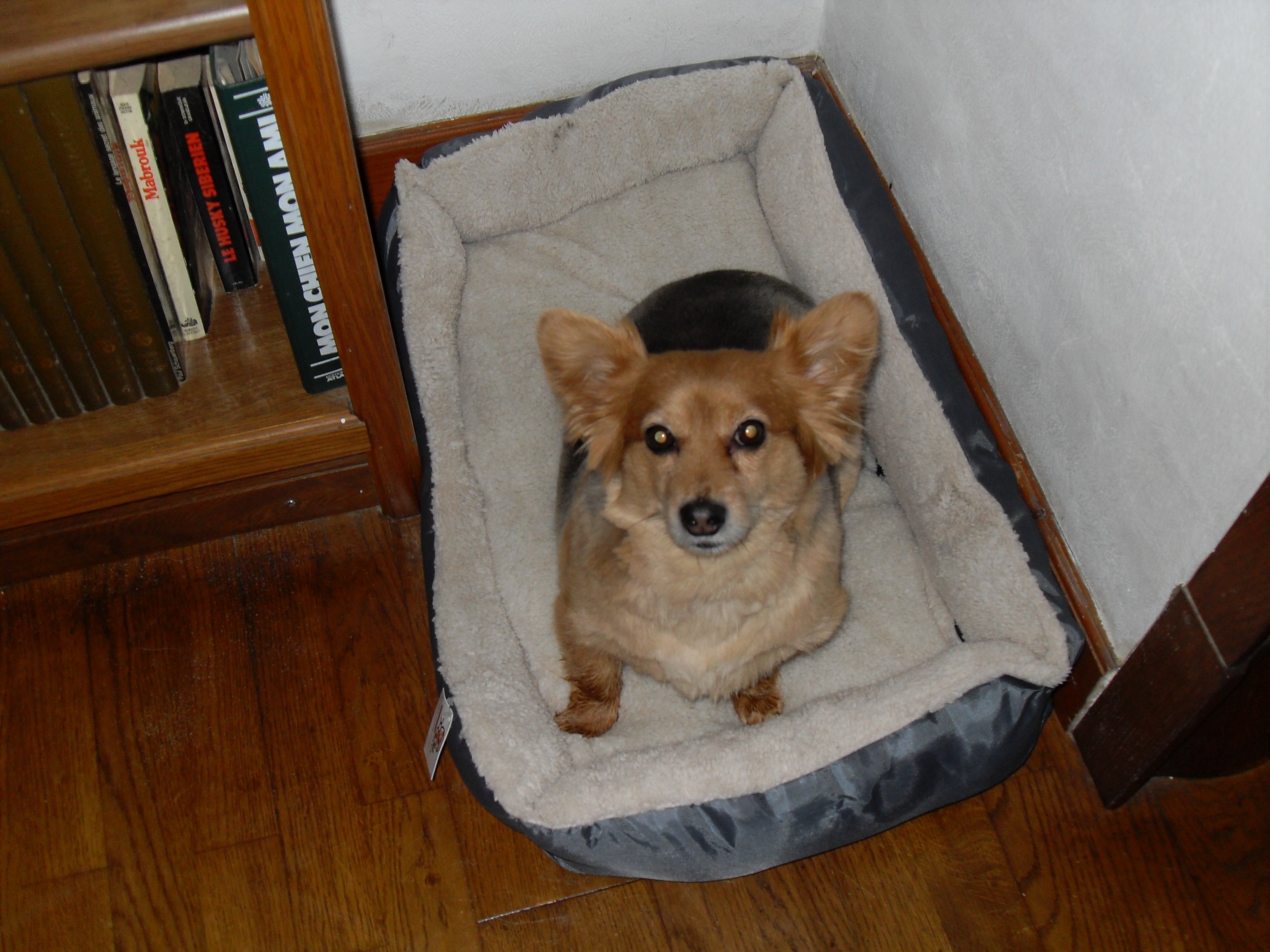
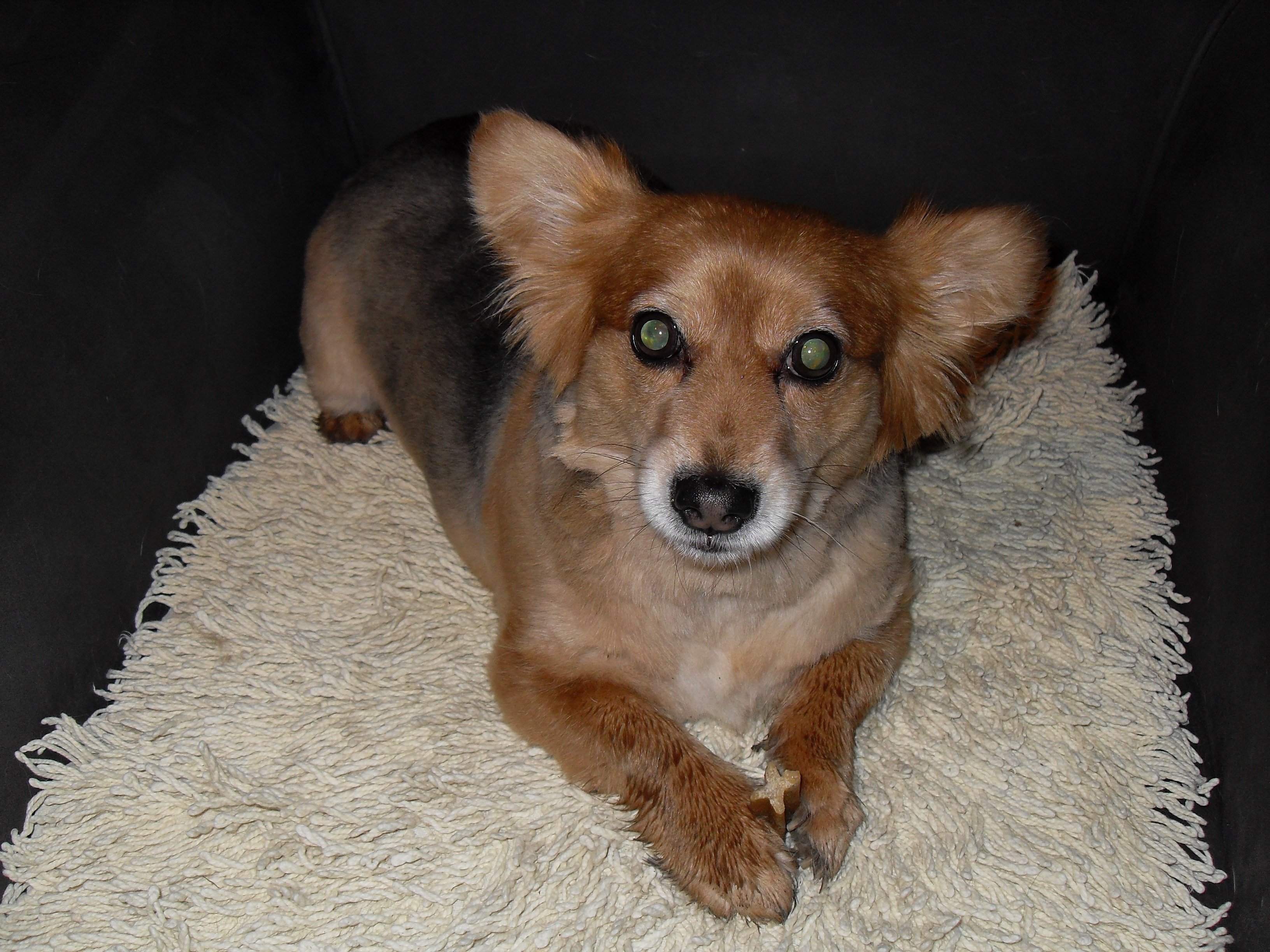
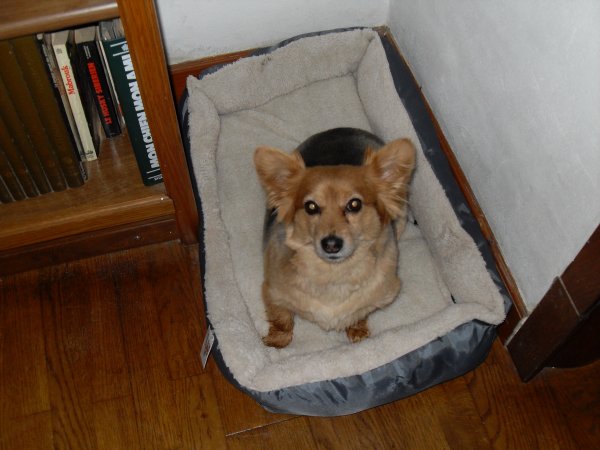
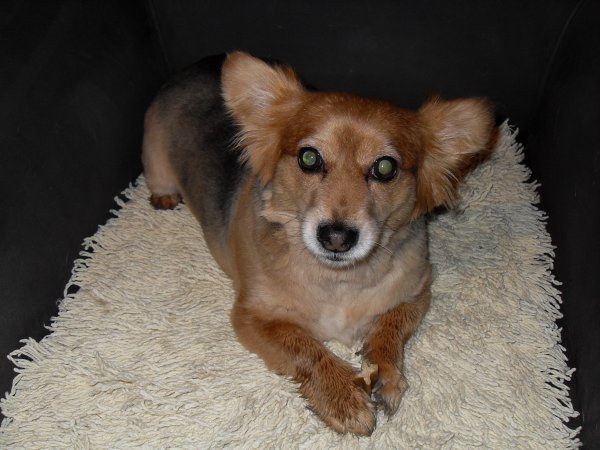
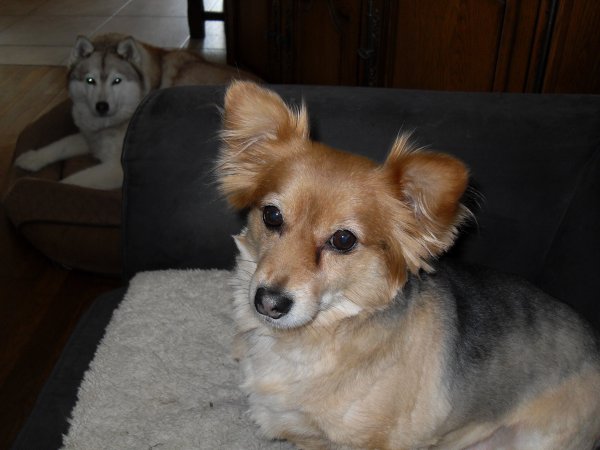
Coucou c'est Willow, J'ai oublié de vous dire que comme j'avais été bien sage chez la toiletteuse ma mèredechiens m'a offert un nouveau panier tout doux. 1ère photo : chui bien dans mon nouveau panier 2e photo : quand j'ai mon dentastix entre les pattes faut pas trop m'approcher hein ! 3e photo : avec ma soeur Chimène
-
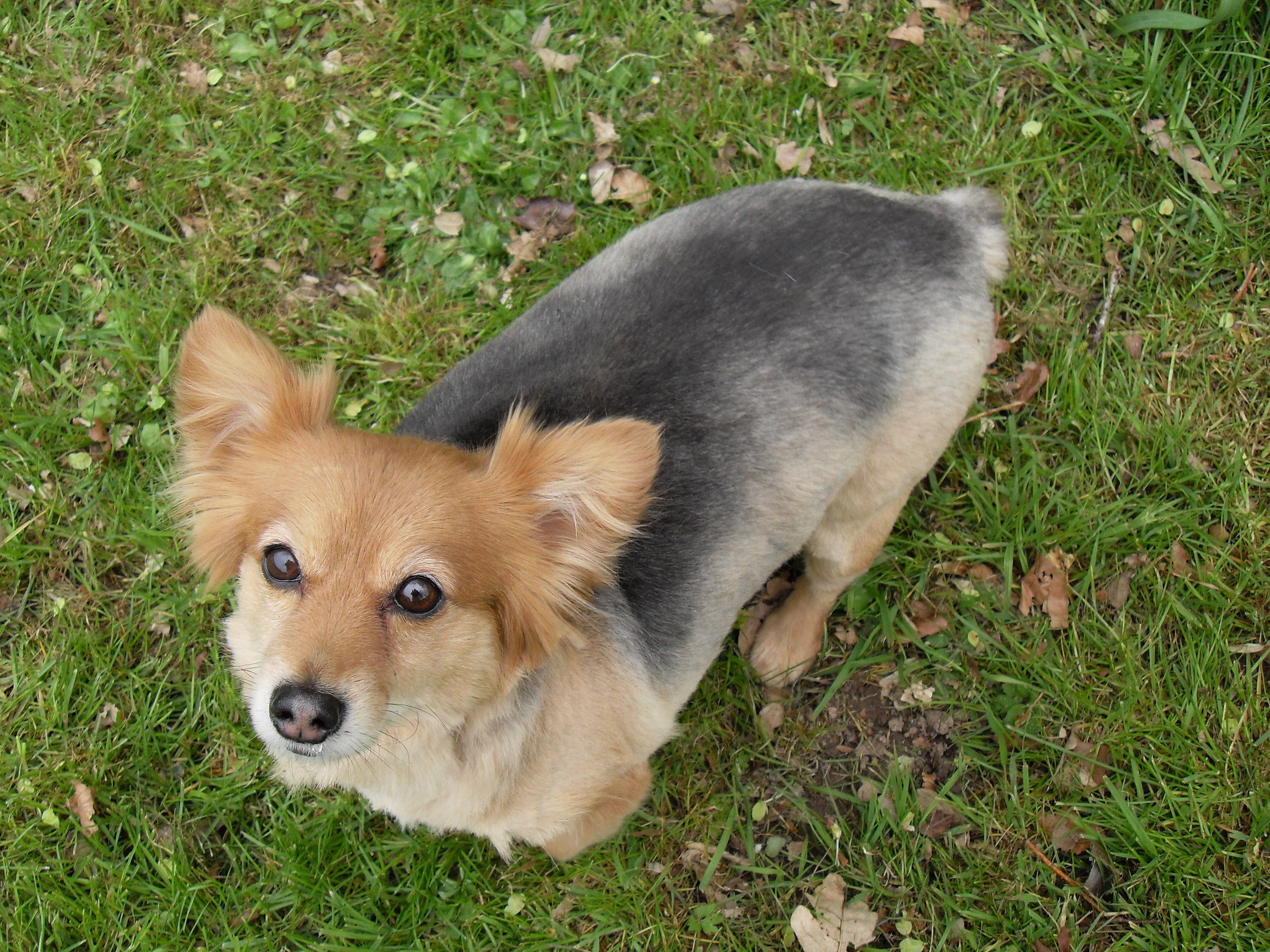
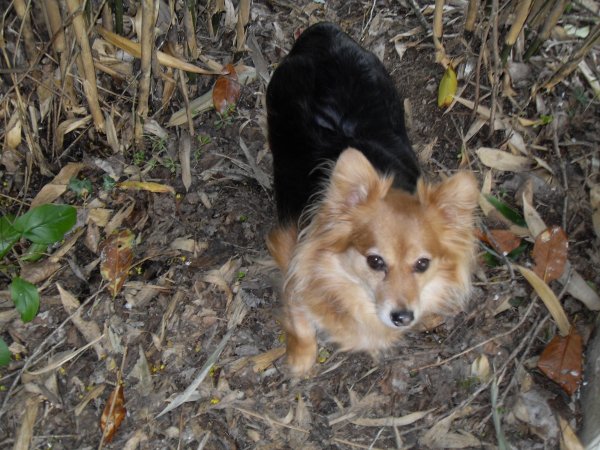
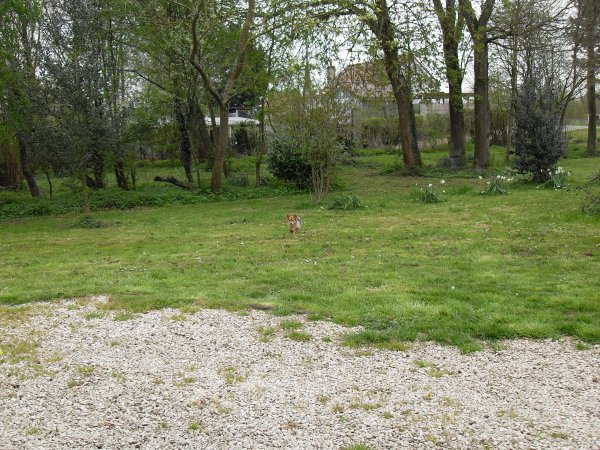
Coucou c'est Willow, Alors, pour faire plaisir à mon fan, club voici des photos : la première photo elle a été prise dimanche dernier la deuxième c'est aujourd'hui après mon passage chez la coiffeuse pour chiens. Qu'est-ce qu'elle est gentille la coiffeuse ! la troisième c'est ce matin quand je suis revenu dans MON jardin. Z'avez vu, de noir je suis passé à argenté chui bô hein ? Je fais un gros bisou à toutes celles qui liront de post . Le petit Will !

-
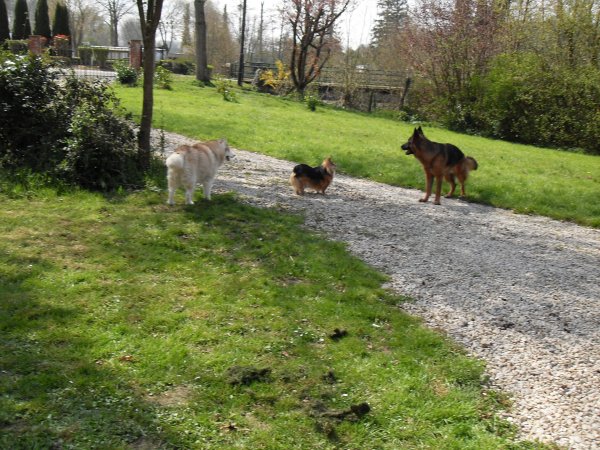
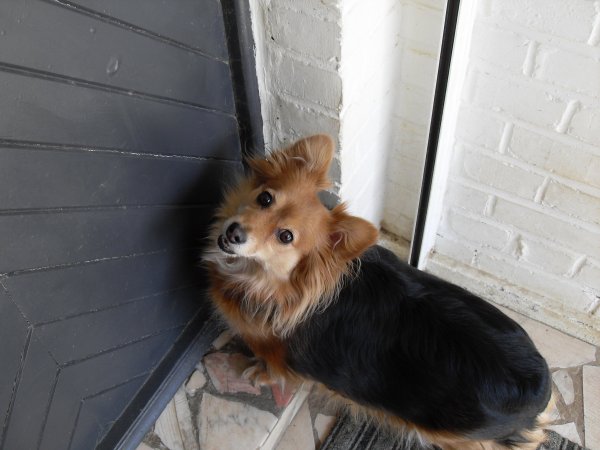
Coucou, c'est Willow ! Ça fait longtemps que je n'ai pas donné de mes nouvelles mais c'est parce que tout va bien, oui oui, je suis le petit roi chez moi et tout le monde m'adore. La semaine prochaine je dois aller chez le coiffeur pour chiens afin de couper mes longs poils qui sont tout mouillés quand je rentre du jardin et j'aime pas beaucoup le coiffeur, mais bon c'est pour faire plaisir à ma mèredechiens alors ... je vais me laisser faire ! Hier, ma marraine (la soeur de ma mère chiens) est venue à la maison et c'est tout juste si elle ne m'aurait pas dognappé. Ben ouais, chui beau et je sais y faire avec les filles alors tout le monde m'aime bien ! Ça vous dit des p'tites phots de moi ce matin dans le jardin alors voilà : .

-
Cette semaine, au courrier, il y avait une enveloppe pour moi avec ta photo, mon beau Prince. Un grand merci et bien sûr c'est avec un plaisir immense que je suis ton honorée marraine... Gros bisous mon loulou.
-
Petit coucou et gros bisous pour toi Noellinette
-
Bravo mon bébé et merci Queenycj, je suis bien contente. Ça sera quand même plus pratique pour courir sans cette fichue collerette. Bisous mon loulou. PS - Je vais envoyer un peu plus que ton parrainage, petit poussin, afin d'aider à payer la facture de tes soins.
-
T'es pas gentil hein mon poussin, tu embêtes ta tatie qui en a bien assez pour elle en ce moment, marraine fait les gros yeux mais elle t'aime beaucoup quand même ! Ceci dit arrête de lécher ta cicatrice fais plutôt un gros bisou à ta tatie.
-
Rhooo qu'il est beau et craquant ce petit prince ???...
-
Tu vas voir petit Prince Rudy, la baie de Somme c'est magnifique ! Je te fais un gros bisou mon loulou et ne fais pas courir ta tatie elle doit se reposer. Courage Queenycj parce que ça doit être bien douloureux. J'espère que tu pourras profiter quand même de ton séjour, il fait beau et les couleurs de la mer sont magnifiques.
-
Ah la la c'est pas marrant d'avoir mal, vivement que ça passe ! Repose-toi près de ta tatie qui veille si bien sur toi, mange bien ta gamelle et tu vas guérir vite et gambader comme avant. Merci Quennycj de prendre autant soin de lui et gros bisous à vous deux

-
Ouf, une bonne chose de faite ! Tu as une tête de petit filou malgré le port de l'abat-jour, ça se voit que tu es un coquin. Bonne nuit mon loulou, dors bien demain tu auras oublié tout ça

-
Gros bisous petite puce ?.
-
Mon loulou, je suis contente que tout se soit bien passé. et surtout que tu sois en pleine forme. Je te retourne un gros bisou d'amour et Willow aussi enfin, il te serre la patte, parce qu'il n'aime pas que j'ai un autre amour que lui ! Sinon ... qu'est-ce que j'aimerais que tu sois avec nous à la maison ! ?
-
Prince Rudy ! C'est royal comme prénom ?.
-
Merci mon Prince de bien vouloir de moi comme marraine. Noelie et toi vous faîtes la paire, deux magnifiques petits papillons d'amour et merci Queenycj. Plein de bisous. !!!
-
Il a l'air déjà bien à l'aise notre petit Lucky ?.
-
Oh la qu'il est beau ce petit chien ! C'est un prince charmant. Puisque Lucky a trouvé sa famille et qu'il n'a plus besoin de ses marraines j'aimerais bien être la marraine d'un prince. Est-ce que tu veux bien être mon filleul beau Prince ? En tout cas je te fais un gros bisou de bienvenue chez C.S. tu vas y être heureux tu vas voir !
-
Alors là mon Lucky t'en as de la chance, un pôpa à la maison, tu vas être choyé. Je suis très contente pour toi et te souhaite une longue vie heureuse dans ta nouvelle famille.
-
Une gentille pensée et un gros bisou pour toi petite puce. ???
-
Je pense très fort à toi petite fille. Courage petit bout je te fais un gros bisou. A ce soir. ❤️❤️❤️
.thumb.JPG.fb94149969573b419fc73d920b224d40.JPG)
.gif)

.gif)