Classement


Contenu populaire
Affichage du contenu avec la meilleure réputation depuis le 08/07/2018 dans Avis sur les images
-
2 points
 Ben moi je craque , on tombe raide dingue devant ce petit bout ... on se demande si c'est un vrai ou une peluche . Il est incroyable ce petit gars. Quel regard . Bravo à la photographe et ... à son modèle2 points
 -
2 points
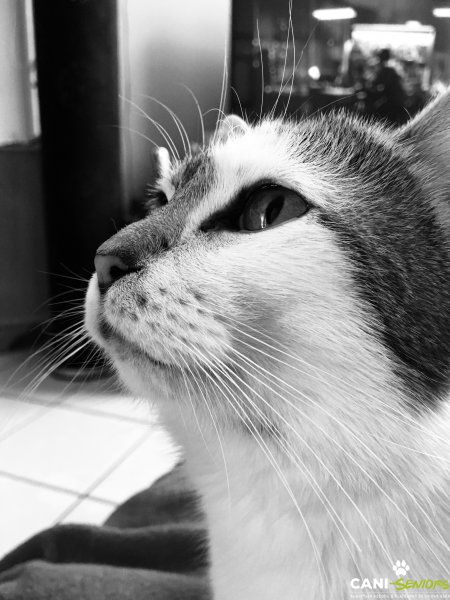 Un regard très attentif ,,plein de gentillesse et de douceur ,un beau petit chat noir et blanc2 points
 -
2 points
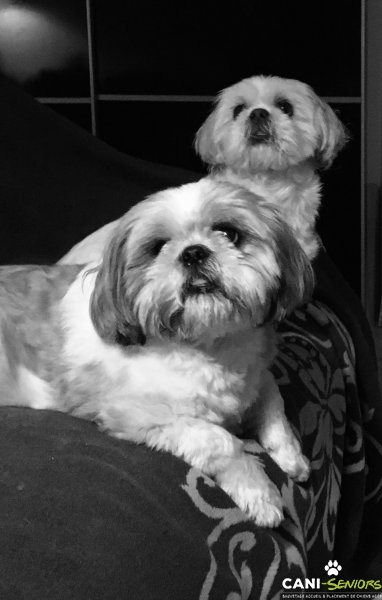 Les photos d'art sont toujours en noir et blanc ceci dit ces photos sont d'une très grande qualité ,," magnifique "2 points
 -
2 points
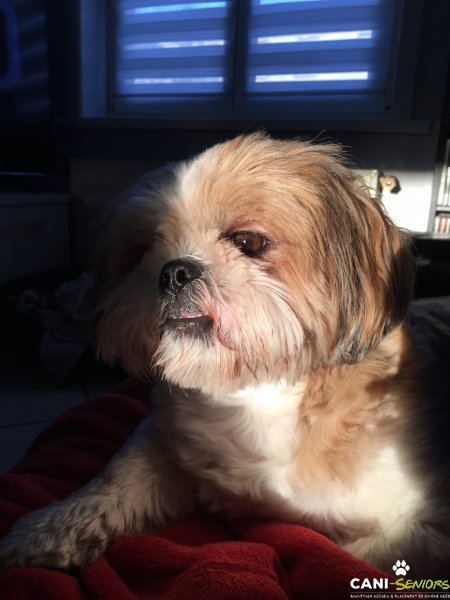 Que tu es belle dans cette semi-lumière des beaux yeux noisettes et un gentil sourire qui te mettent en valeur. . oups désolée Moon tu es très beau je n'avais pas vu la couleur de tes chaussettes2 points
 -
1 point
-
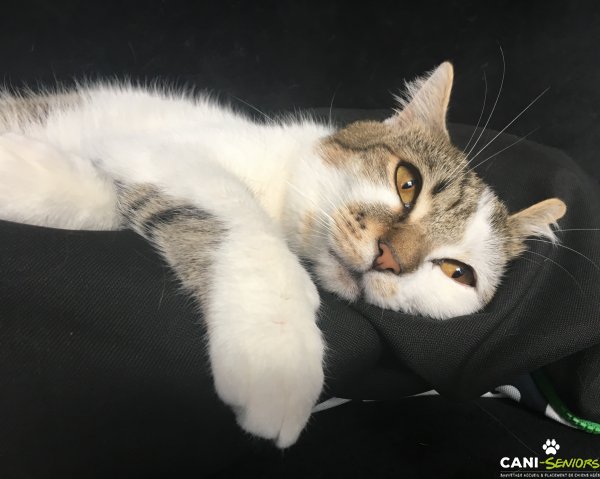 Ne serais-tu pas en train de ronronner de bonheur ? tu es magnifique Osy !1 point
 -
1 point
-
Il est trop chou ce bonhomme ! et c'est vrai on dirait une peluche ! j'adore ses couettes !1 point
-
1 point
-
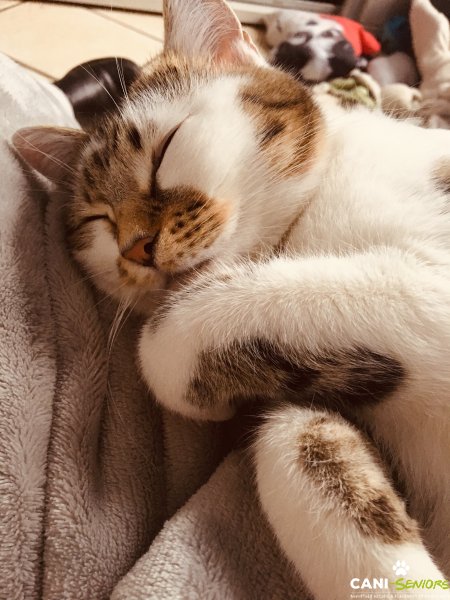
Un beau minet ,qui se repose ,mais qui reste éveillé !!au cas où ???Osy tu es un1 point
-
quelle beauté ce minou et il a l'oeil bien vif quoique faisant sa petite sieste !!!1 point
-
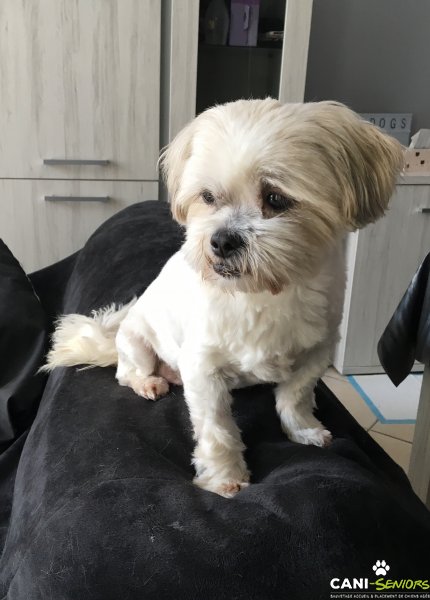 Qu'elle est mignonne & aime être en hauteur apparemment1 point
 -
1 point
-
1 point
-
Tu es une bien jolie petite puce Daisy!!!toute mignonne avec ta coupe ,tu pourrais concourir pour un prix de beauté !!1 point
-
1 point
-
1 point
-
1 point
-
1 point
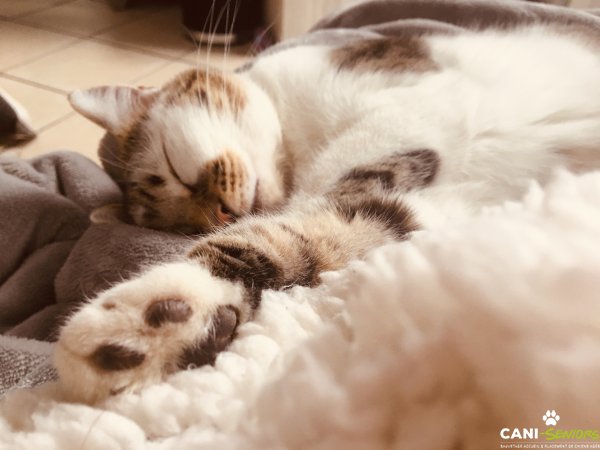 j'adore sur cette photo la proportion entre la taille de la patte du chat et celle de sa tête , c'est trop amusant !!! et c'est une bien jolie photo.1 point
 -
1 point
Que dire de plus les photos parlent d'elles mêmes !!!C'est le paradis quand on voit comment ces petits bouts dorment on ne peut être qu'heureux , c'est le must chez vous ,, Sinangel ,,,1 point
-
1 point
oui c'est vrai, Hélène a raison ! les modèles sont beaux et la photographe experte1 point
-
1 point
-
1 point
-
1 point
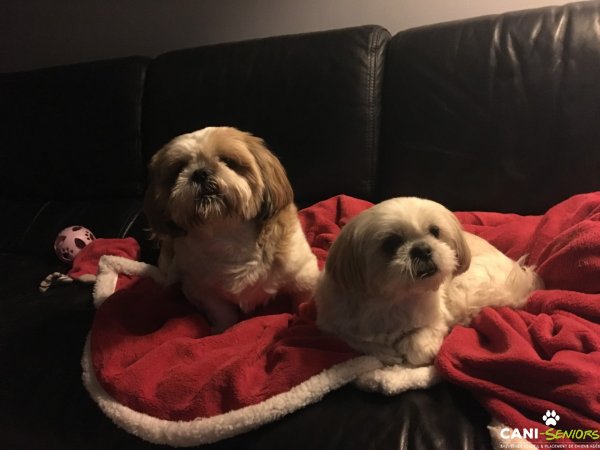 on dirait deux petits pères Noël dans leur beau plaid rouge doublé de fourrure blanche1 point
 -
1 point
-
1 point
-
1 point
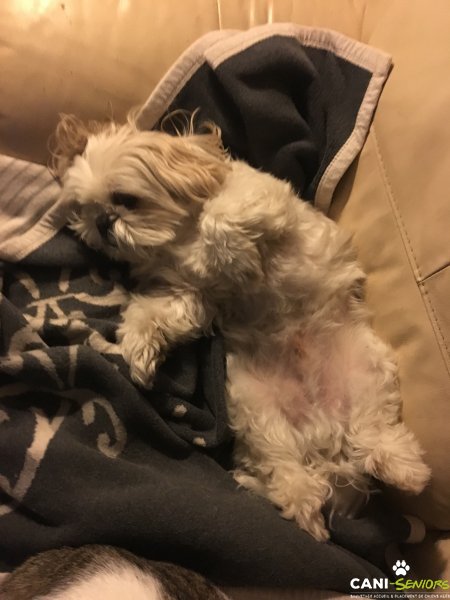 Quelle belle image ,, !!! Gysmo est en pleine confiance ,très détendu, et surtout très heureux !!!1 point
 -
1 point
-
1 point
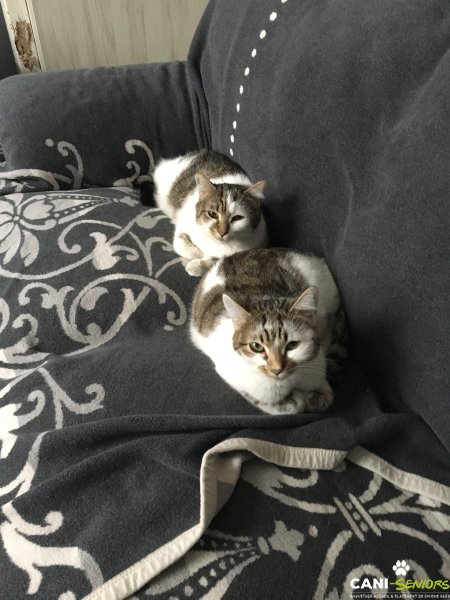 Ysis et Osis sont bien mignons !!!,Ils font un duo sympas effectivement ce n'est pas facile de les différencier ,,, pas grave on les trouve très beaux ,,,1 point
 -
1 point
Oui j'avoue que lorsque je les ai eu à 6 semaines j'avais du mal à les différencier. Ils ne sont pas frère et sœur pour rien !1 point
-
1 point
-
1 point
-
1 point
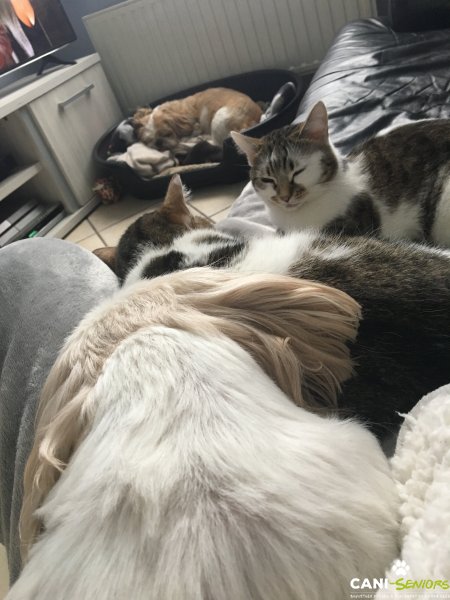 Oui un beau petit monde ! Ils ont bien profité de mon arrêt pour se reposer aussi. C'était à celui qui profiterai le plus de mes genoux et du plaid. Et en général c'est le petit vieux qui avait le dessus !!!1 point
 -
1 point
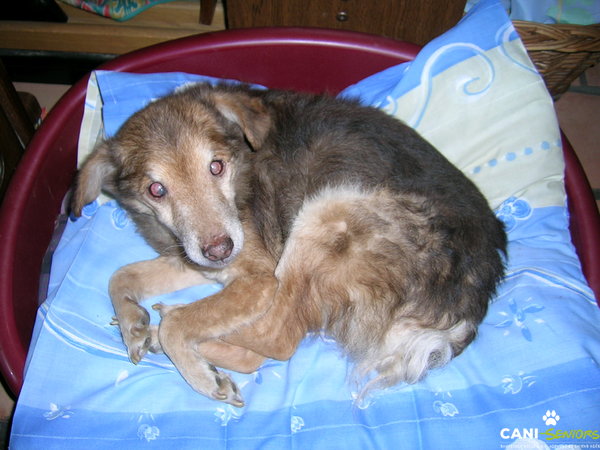 Un beau loulou bien heureux dans ses pattounes un peu surpris !!!un regard plein de douceur !! superbe photo1 point
 -
1 point
-
1 point