
Aller au contenu
View in the app

A better way to browse. Learn more.

Cani-Seniors

A full-screen app on your home screen with push notifications, badges and more.

To install this app on iOS and iPadOS
  1. Tap the Share icon in Safari
  2. Scroll the menu and tap Add to Home Screen.
  3. Tap Add in the top-right corner.
To install this app on Android
  1. Tap the 3-dot menu (⋮) in the top-right corner of the browser.
  2. Tap Add to Home screen or Install app.
  3. Confirm by tapping Install.

Classement

  1. felixou

    Membres
    28
    Points
    45 036
    Compteur de contenus
  2. Olympe

    Membres en vacance
    15
    Points
    549
    Compteur de contenus
  3. Queenycj

    Administratrice Forum
    14
    Points
    34 992
    Compteur de contenus
  4. buggy

    Membres
    13
    Points
    2 766
    Compteur de contenus

Contenu populaire

Affichage du contenu avec la meilleure réputation le 05/04/2021 dans toutes les zones

  1. 11 points
    Lundi de pâques
  2. 2 points
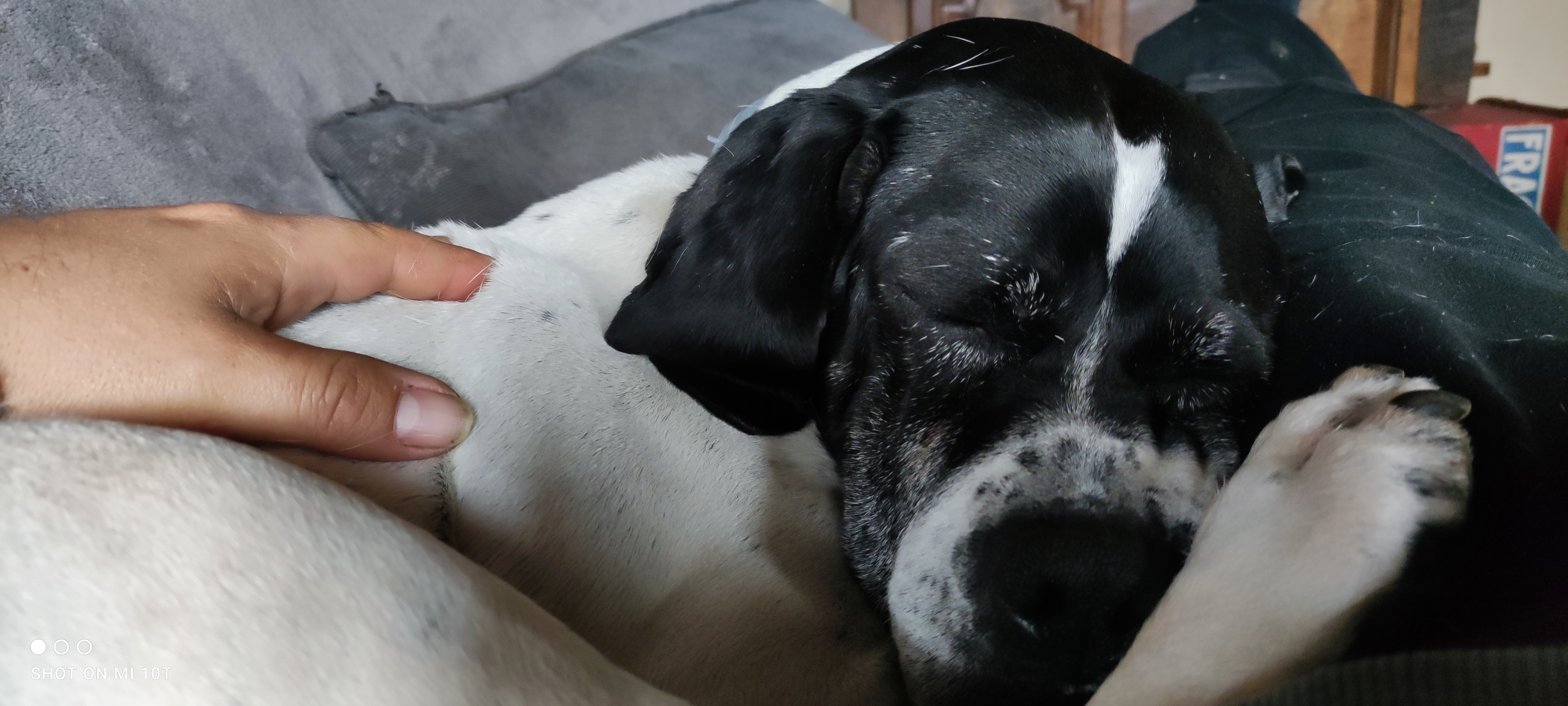
    Ils sont bien sympas les deux petits bouts même si Gucci a un petit caractère affirmé i , ,mon ex voisine avait Chichi quatre femelles t un mâle ,je donnais chaque jour des biscuits à chacun d'entre eux ,le mâle était jaloux et cherchait toujours à me mordre ,,il refusait de manger le biscuit mais cherchait mes doigts ,,,,
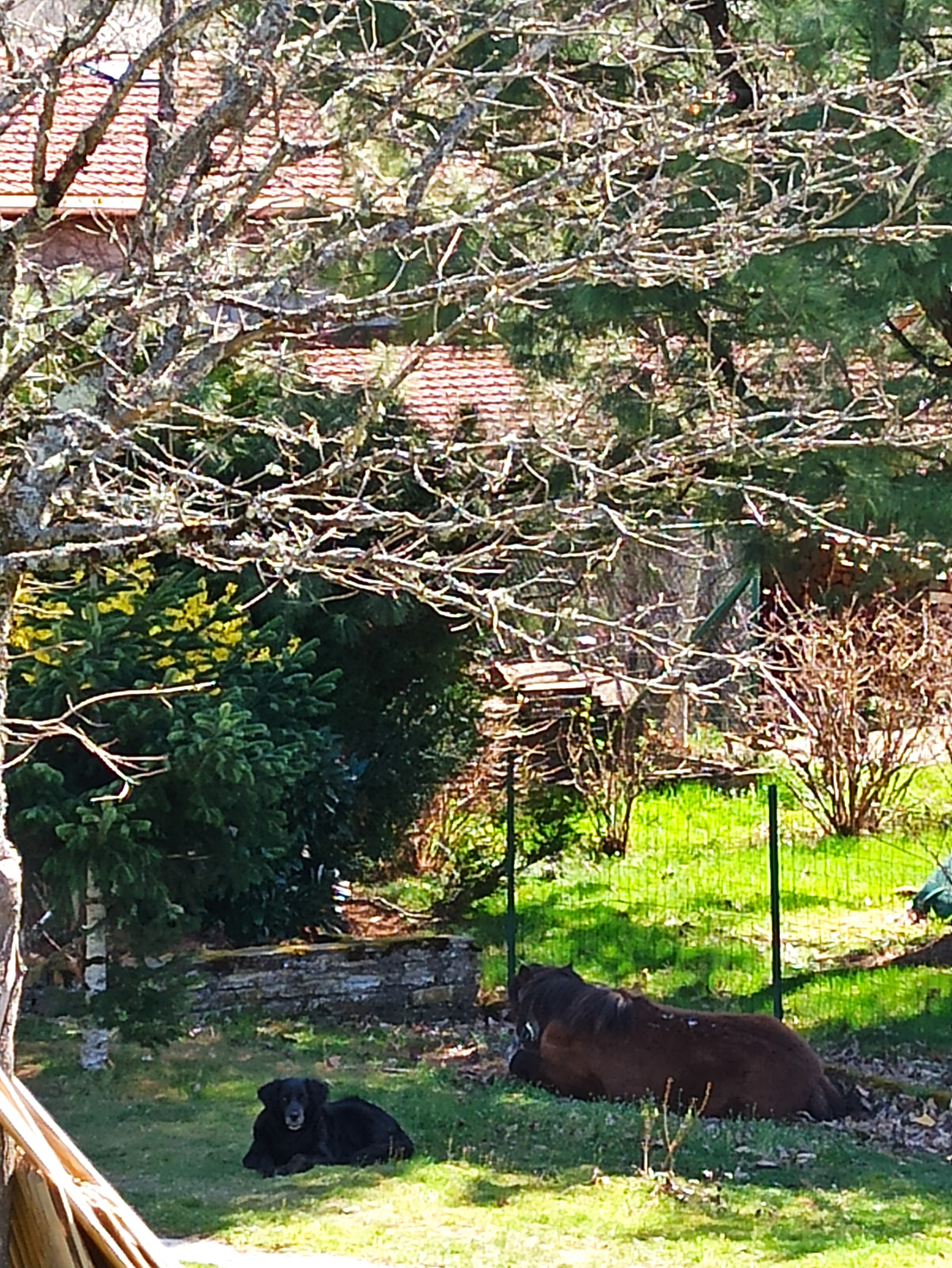
  3. C'est sympa, Néva qui veille sur le repos de la ponette.
  4. Neva couchée avec la ponette ❤
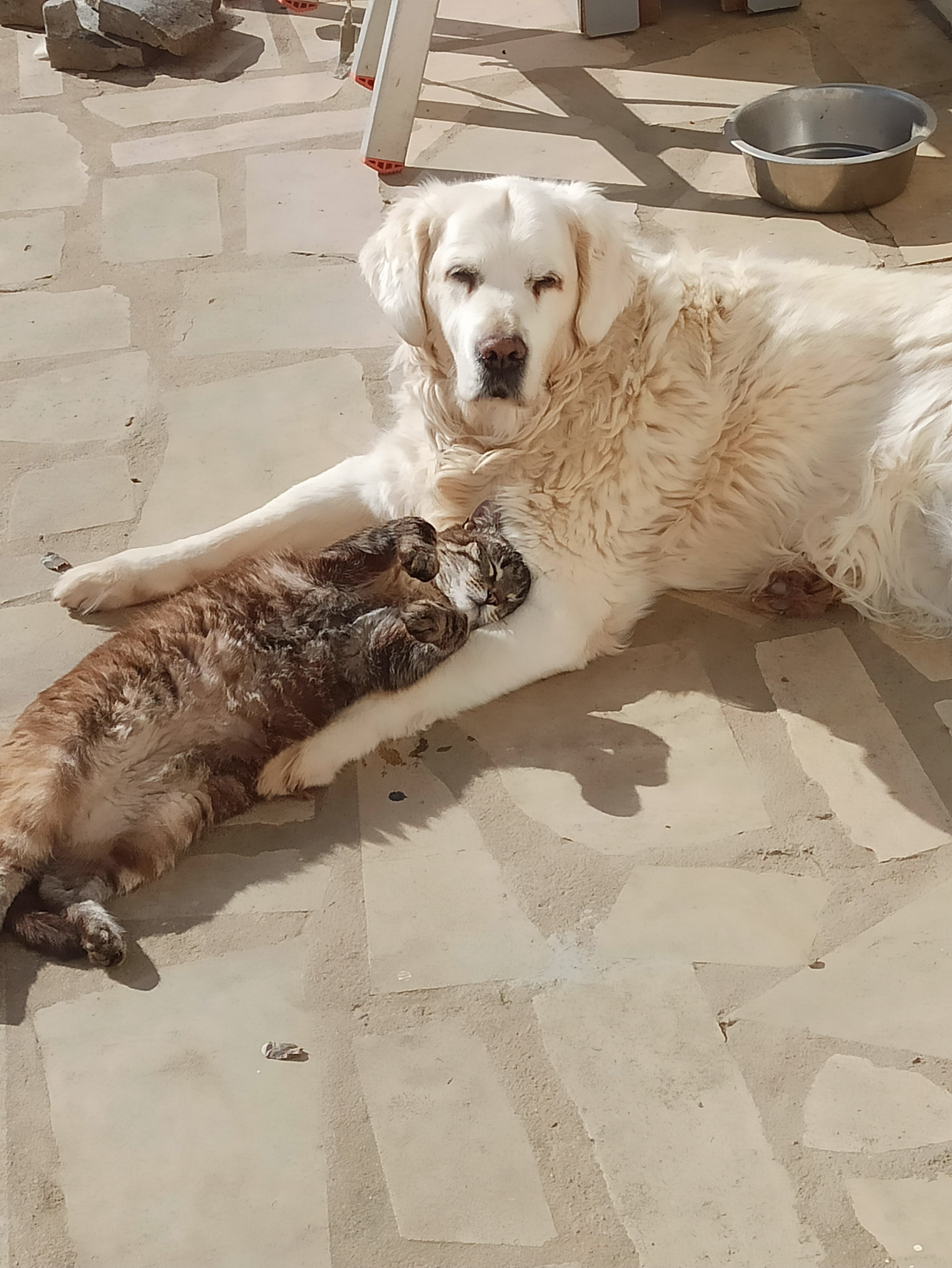
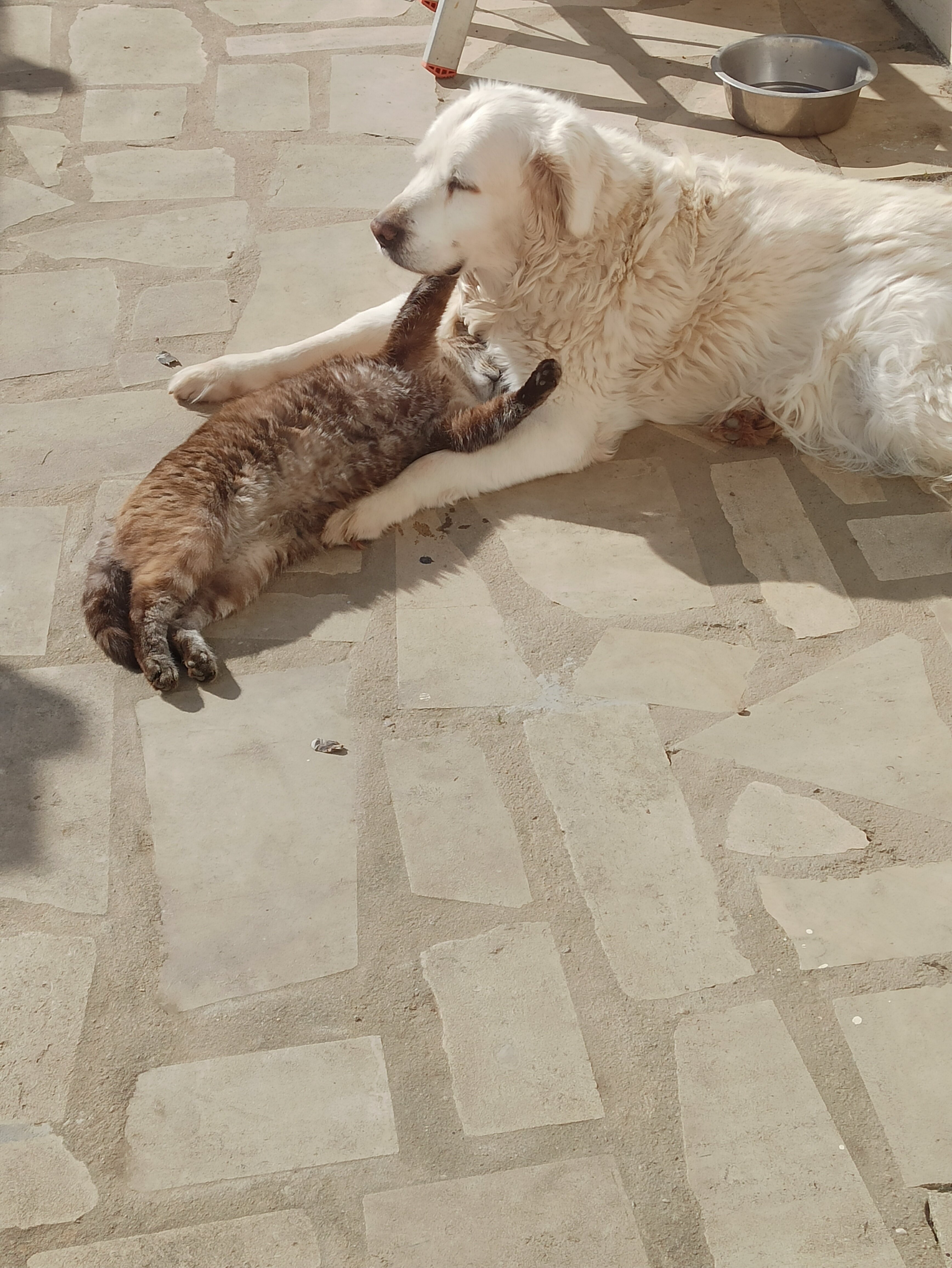
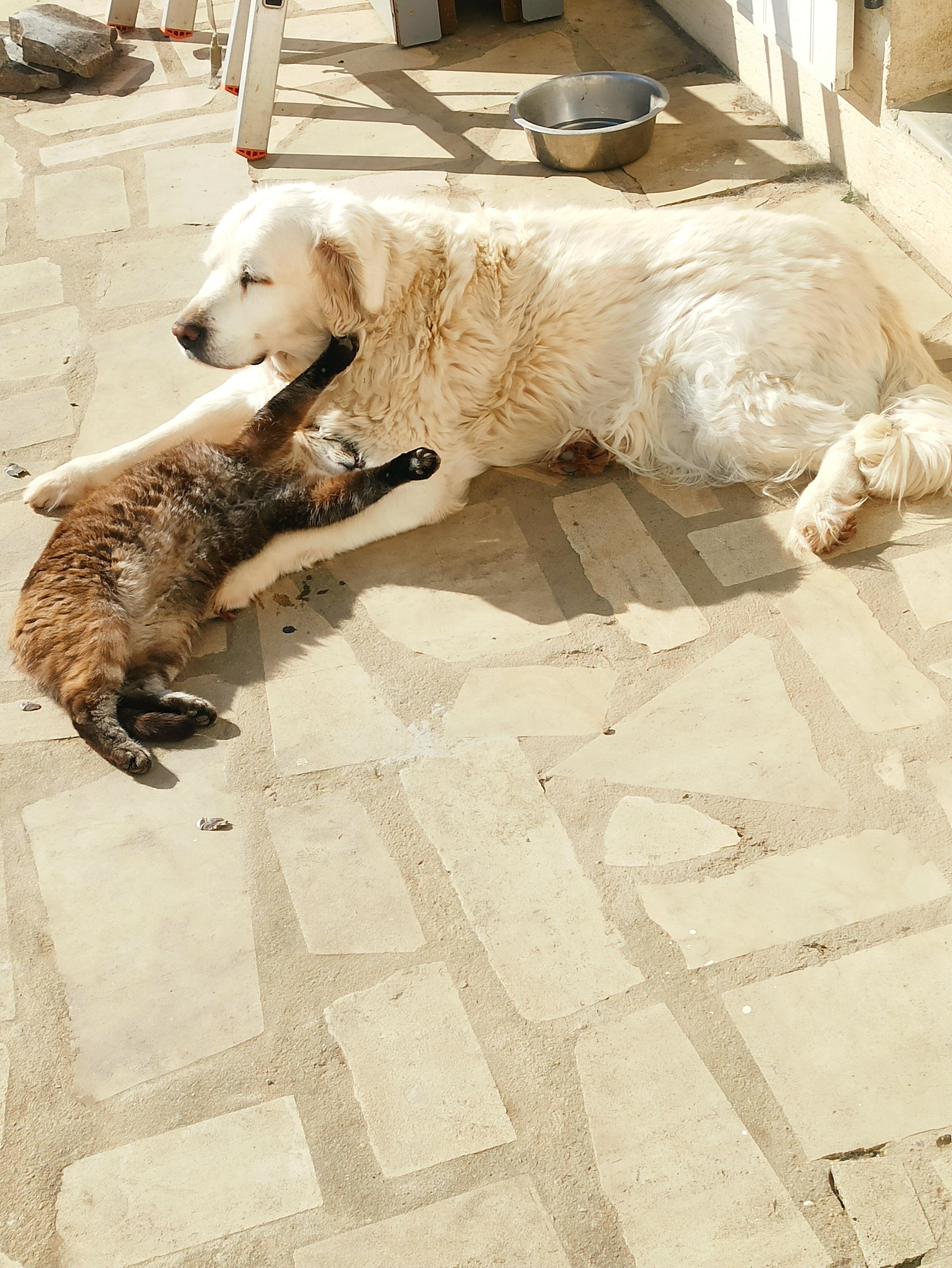
  5. Clea prend le soleil avec son copain
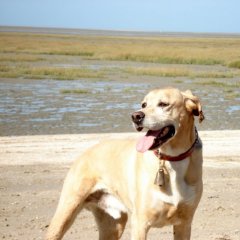
  6. Balzac est magnifique !

Account

Navigation

Rechercher

Rechercher

Configure browser push notifications

Chrome (Android)
  1. Tap the lock icon next to the address bar.
  2. Tap Permissions → Notifications.
  3. Adjust your preference.
Chrome (Desktop)
  1. Click the padlock icon in the address bar.
  2. Select Site settings.
  3. Find Notifications and adjust your preference.