Aller au contenu
View in the app

A better way to browse. Learn more.

Cani-Seniors

A full-screen app on your home screen with push notifications, badges and more.

To install this app on iOS and iPadOS
  1. Tap the Share icon in Safari
  2. Scroll the menu and tap Add to Home Screen.
  3. Tap Add in the top-right corner.
To install this app on Android
  1. Tap the 3-dot menu (⋮) in the top-right corner of the browser.
  2. Tap Add to Home screen or Install app.
  3. Confirm by tapping Install.

Dilou

Membres
  • Inscription

  • Dernière visite

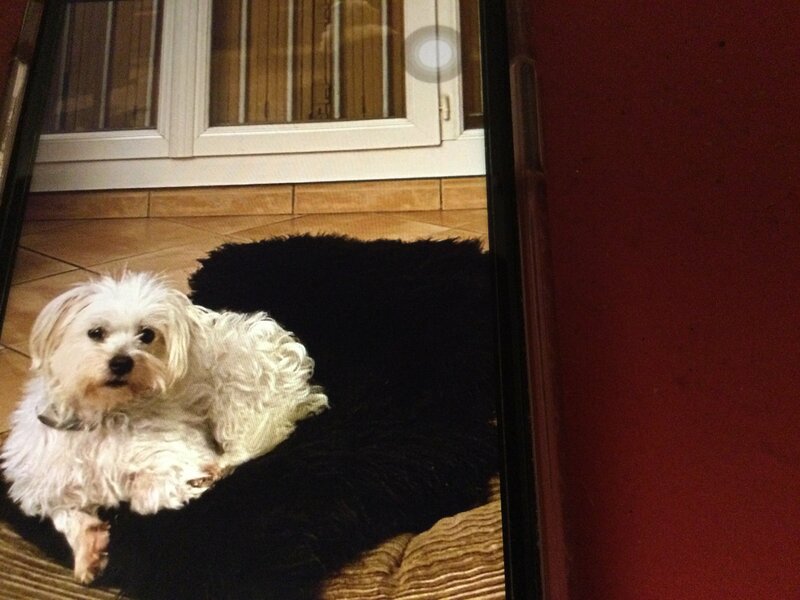
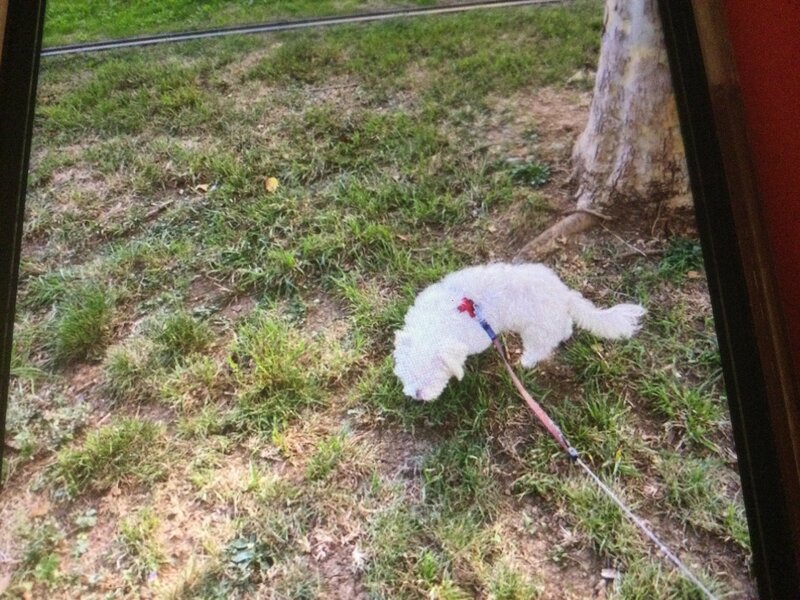
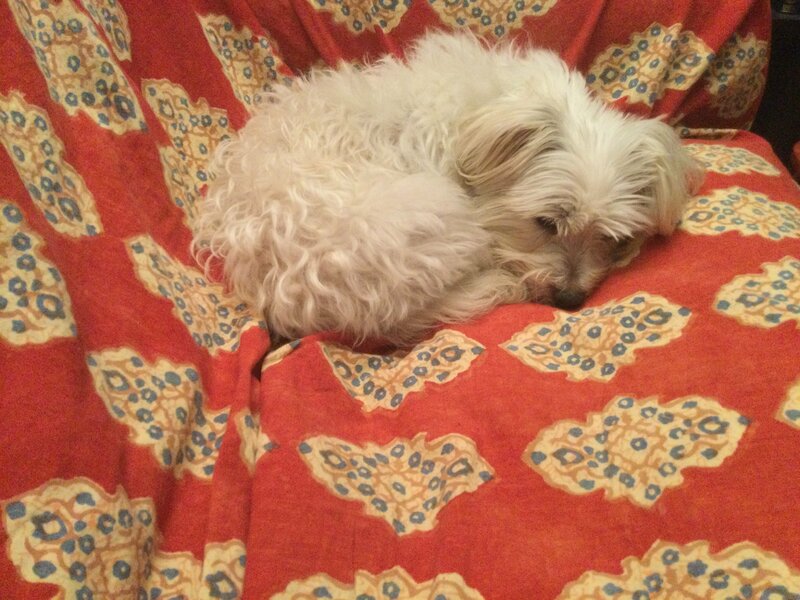
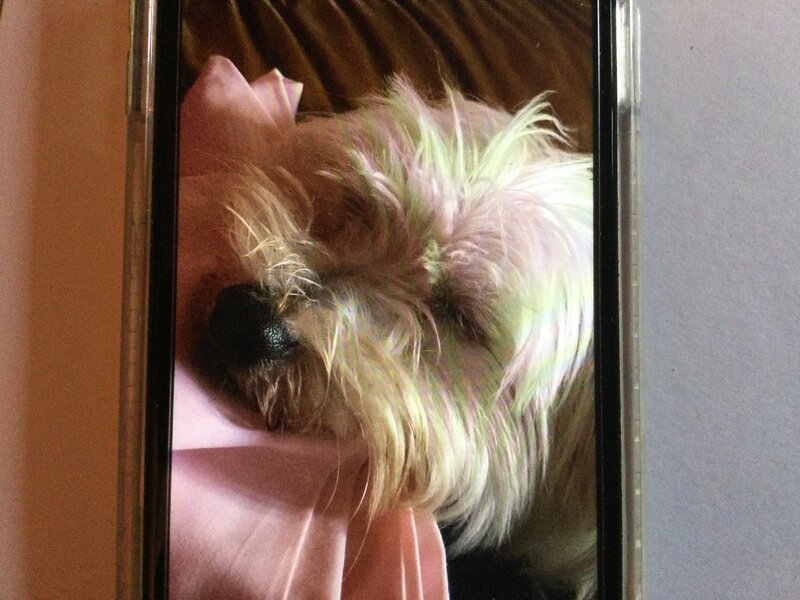
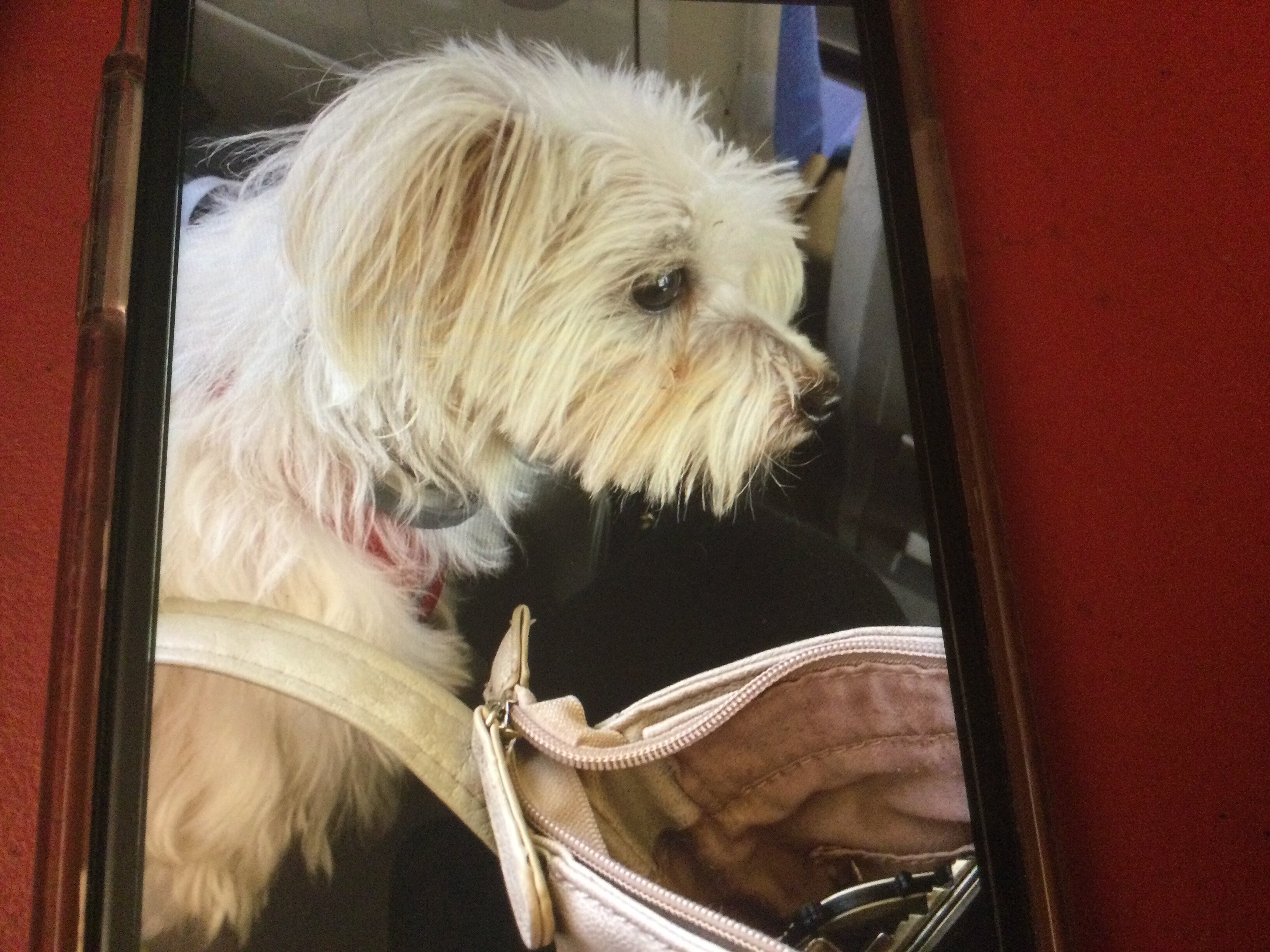
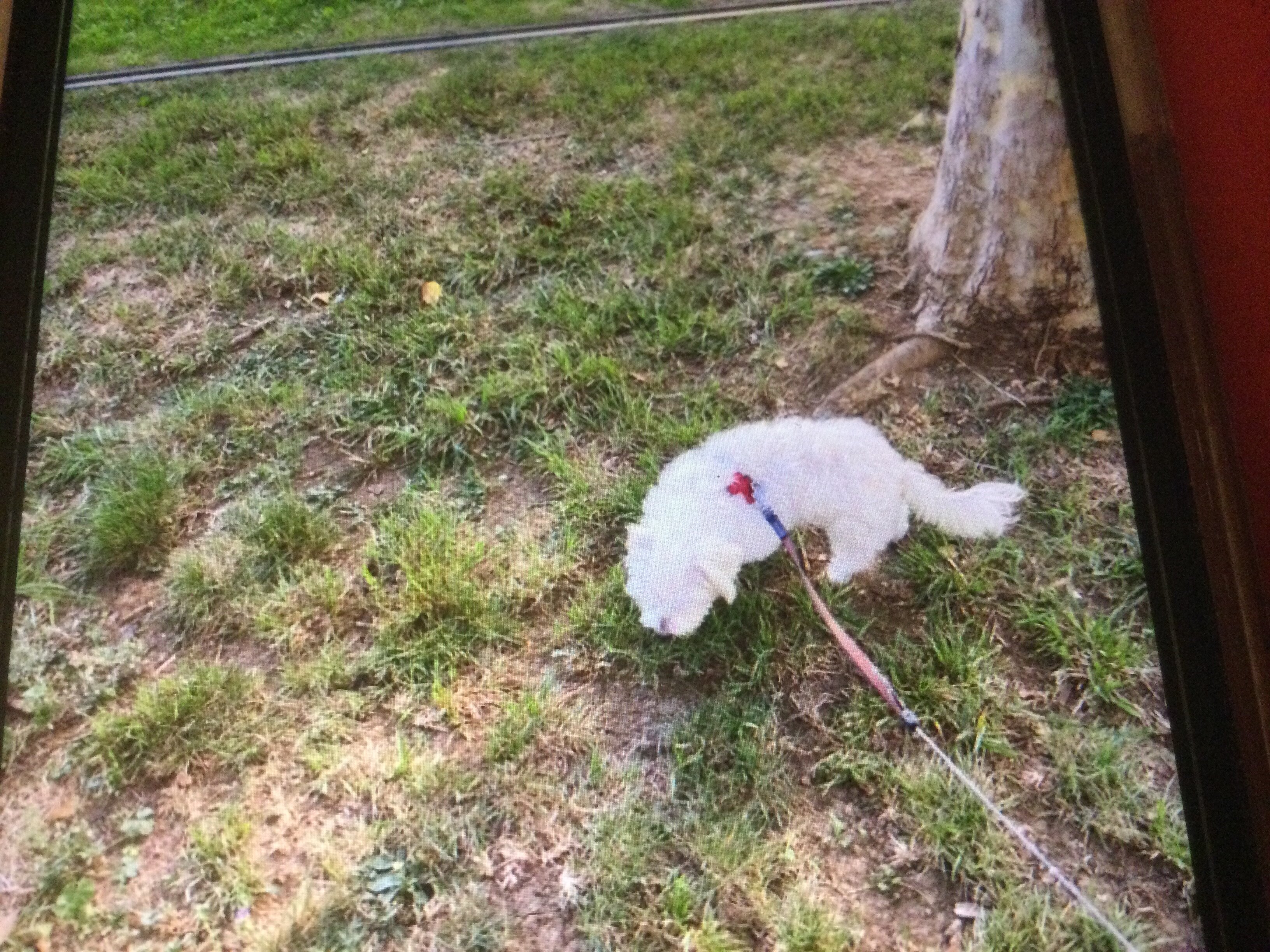
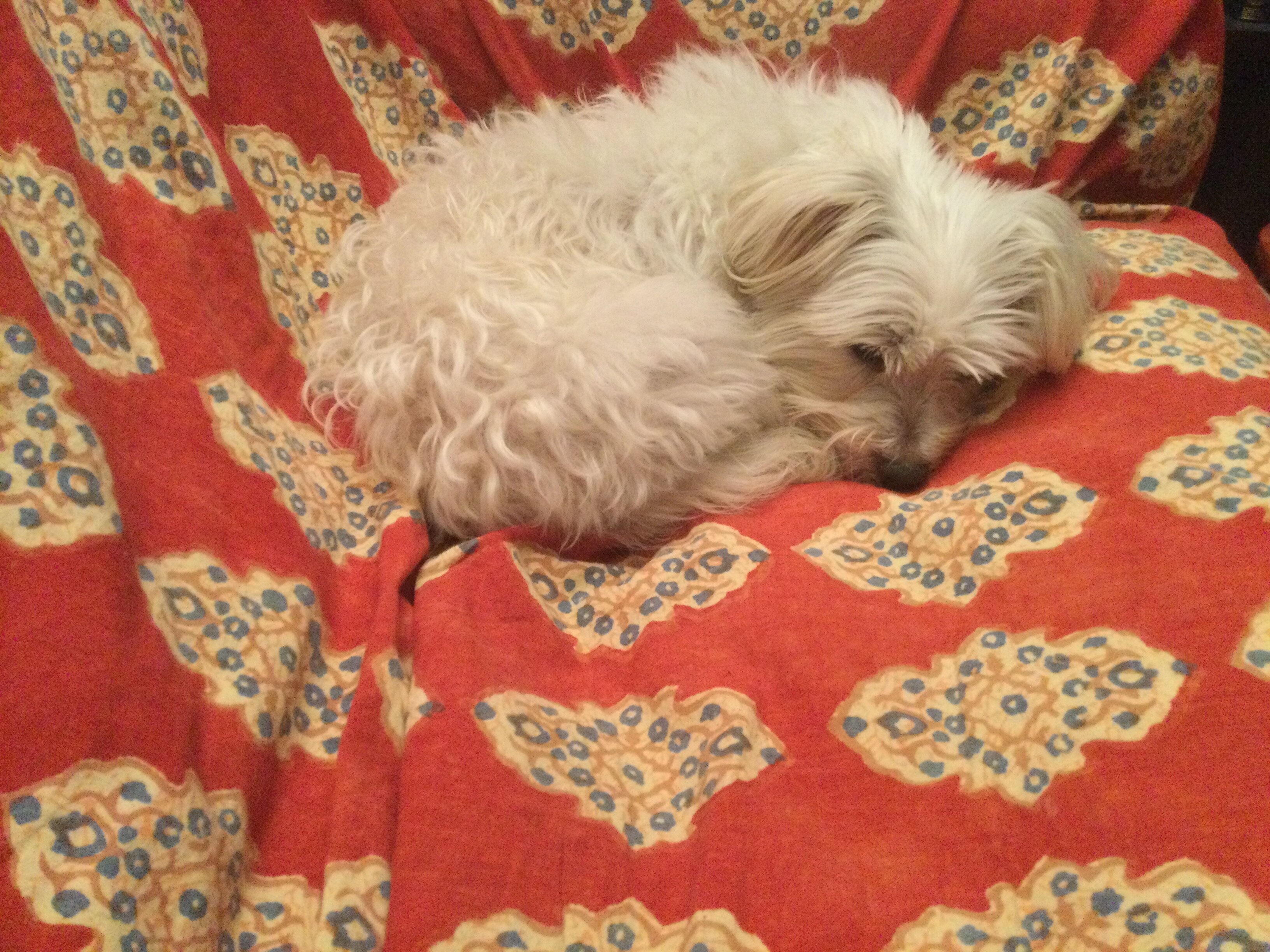
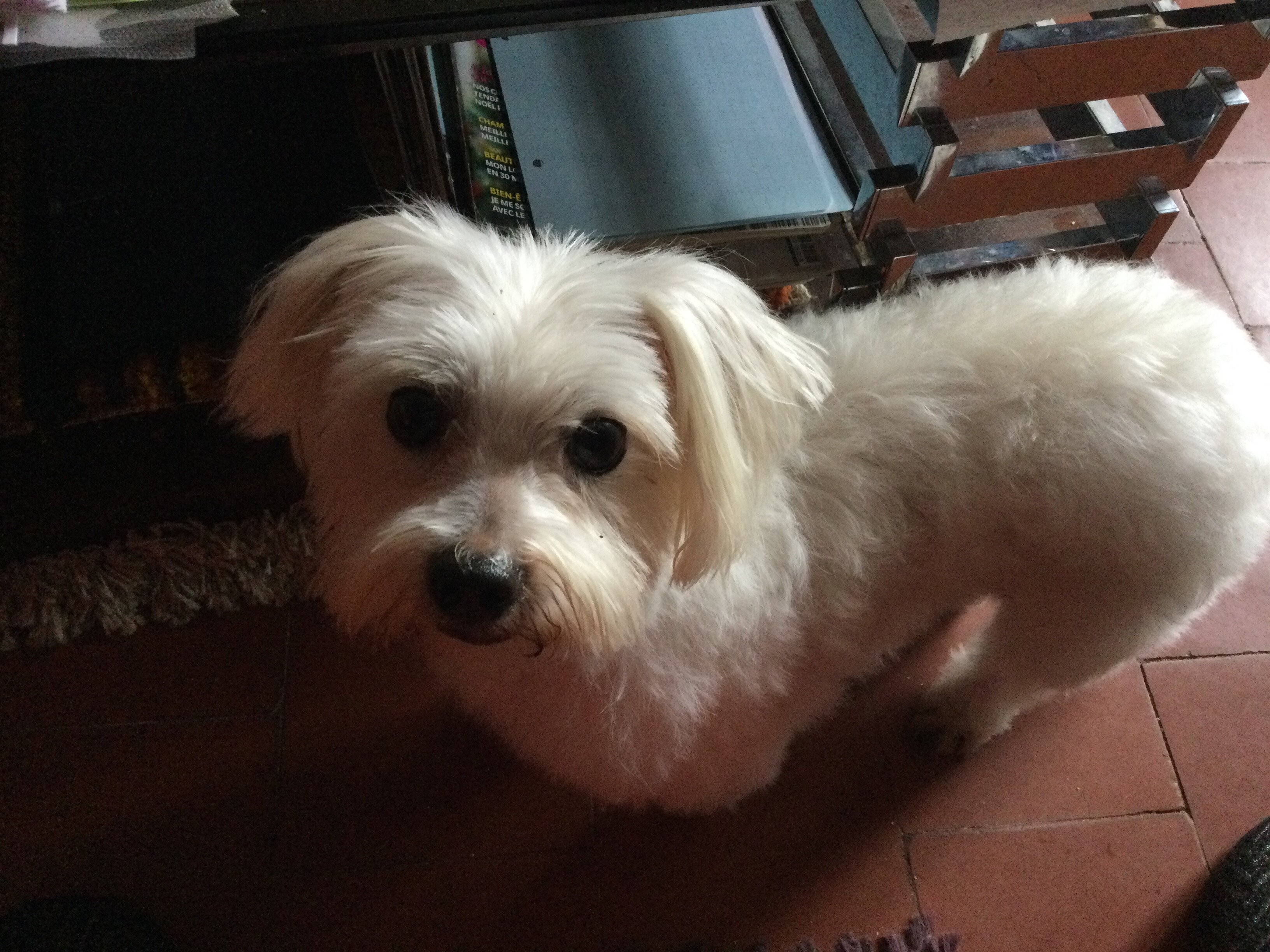
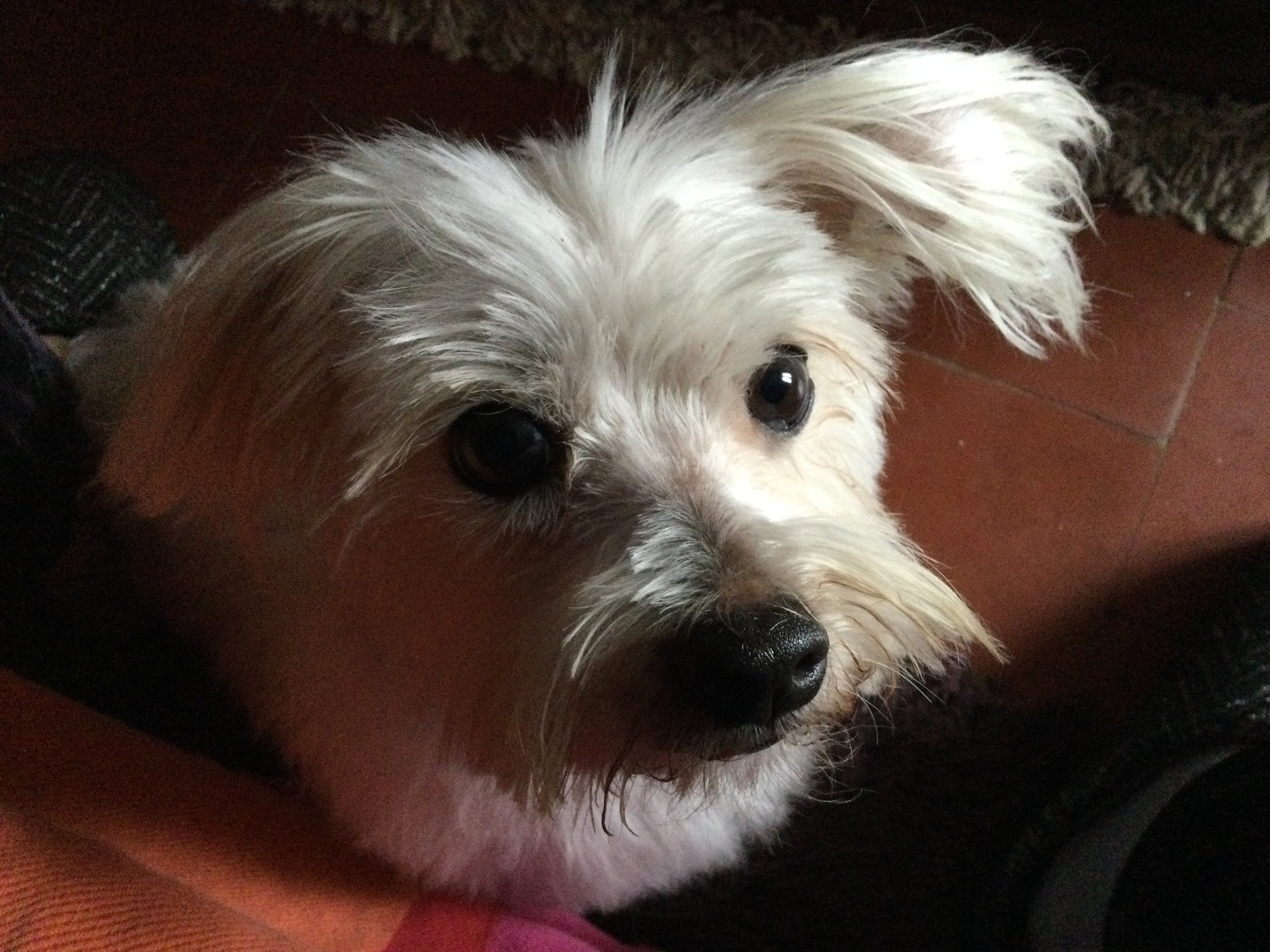
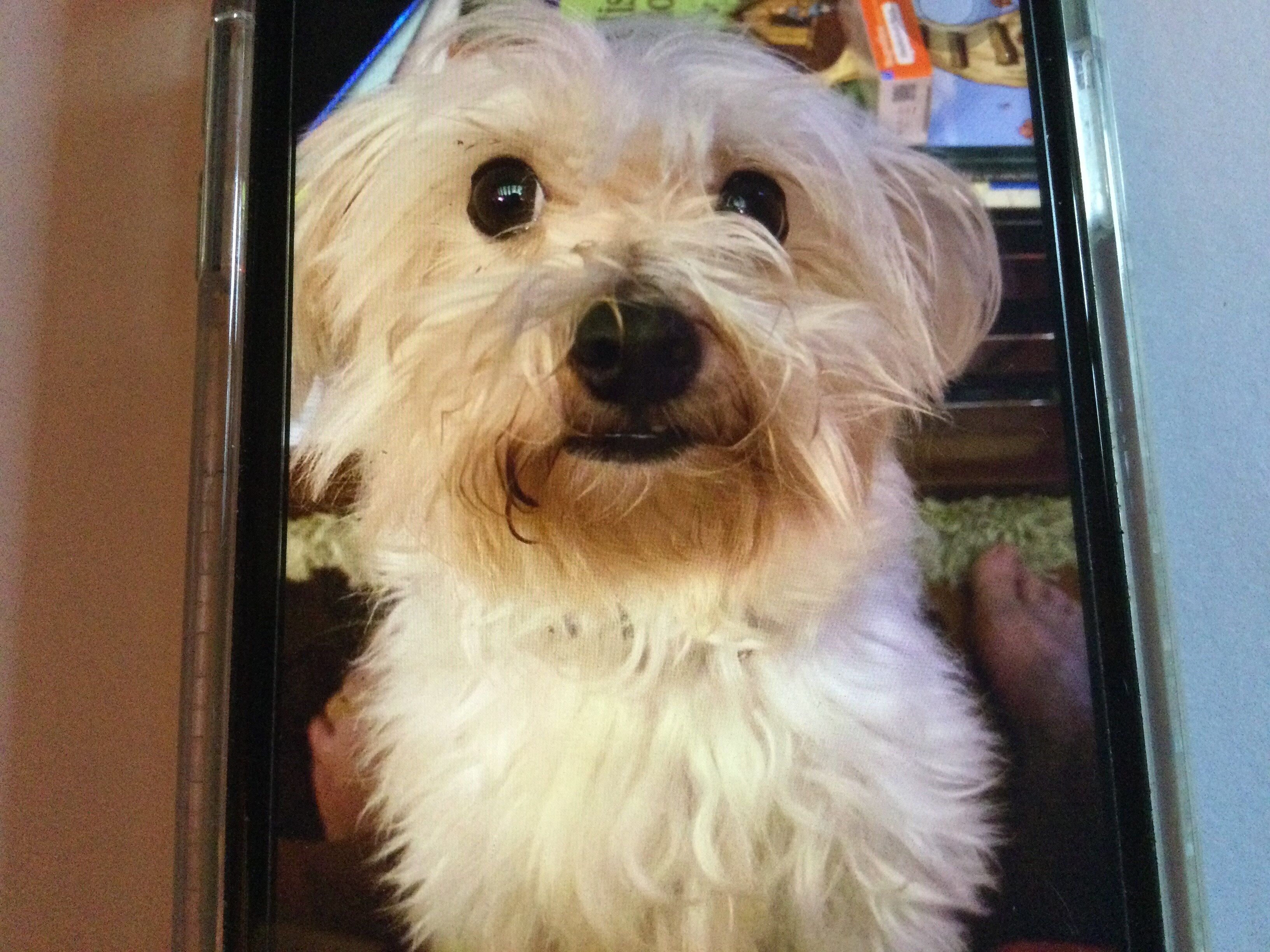
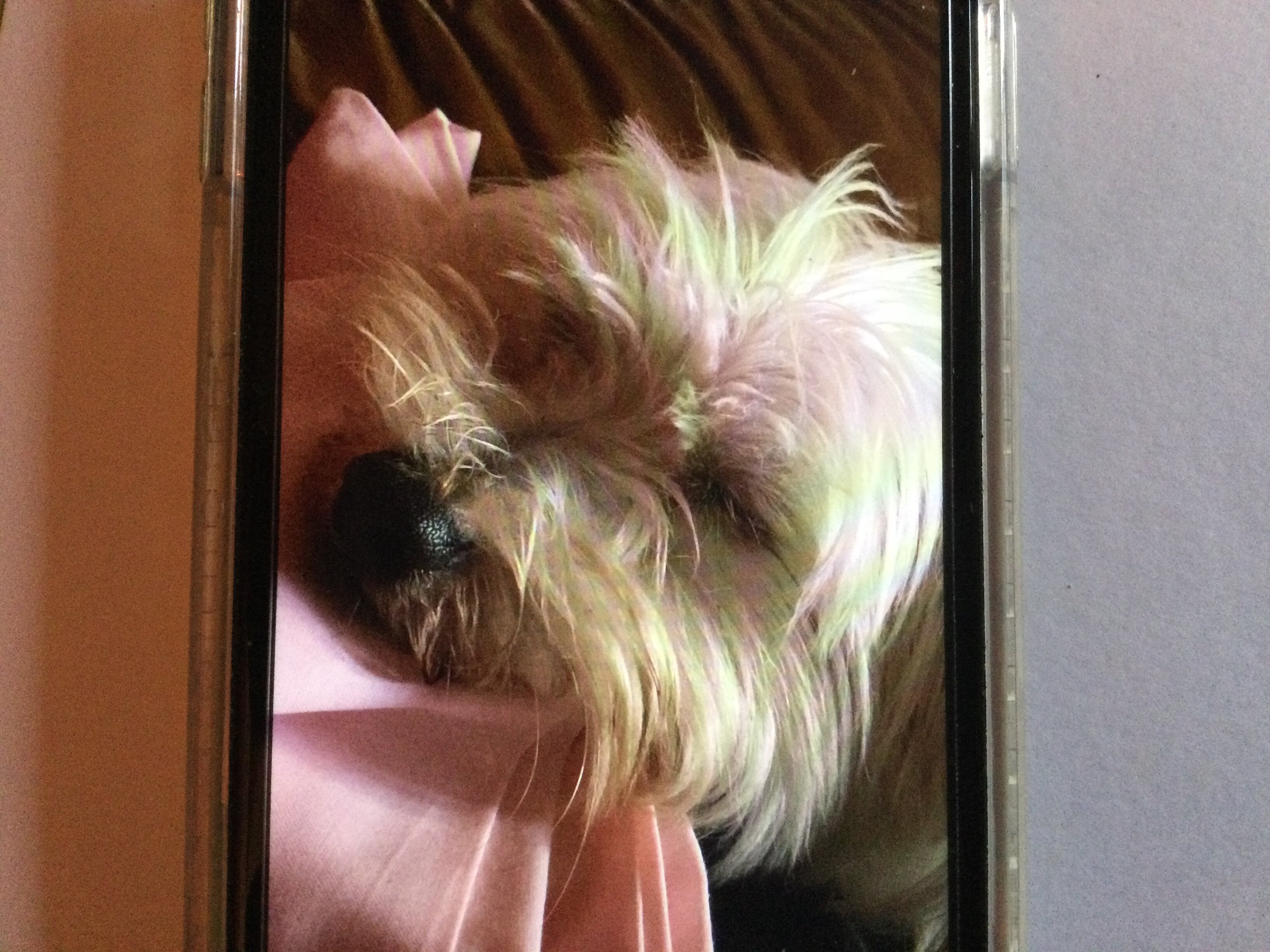
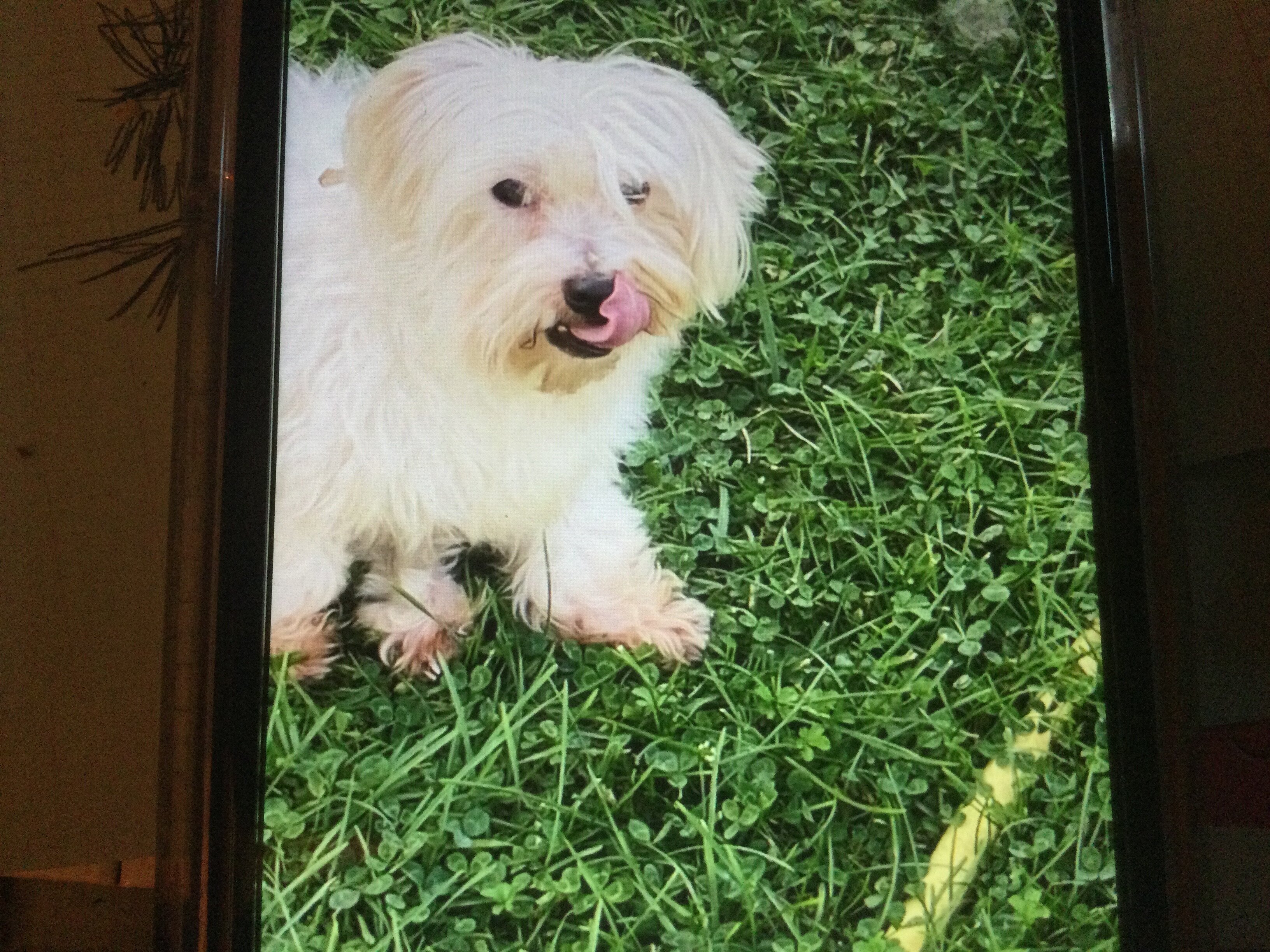
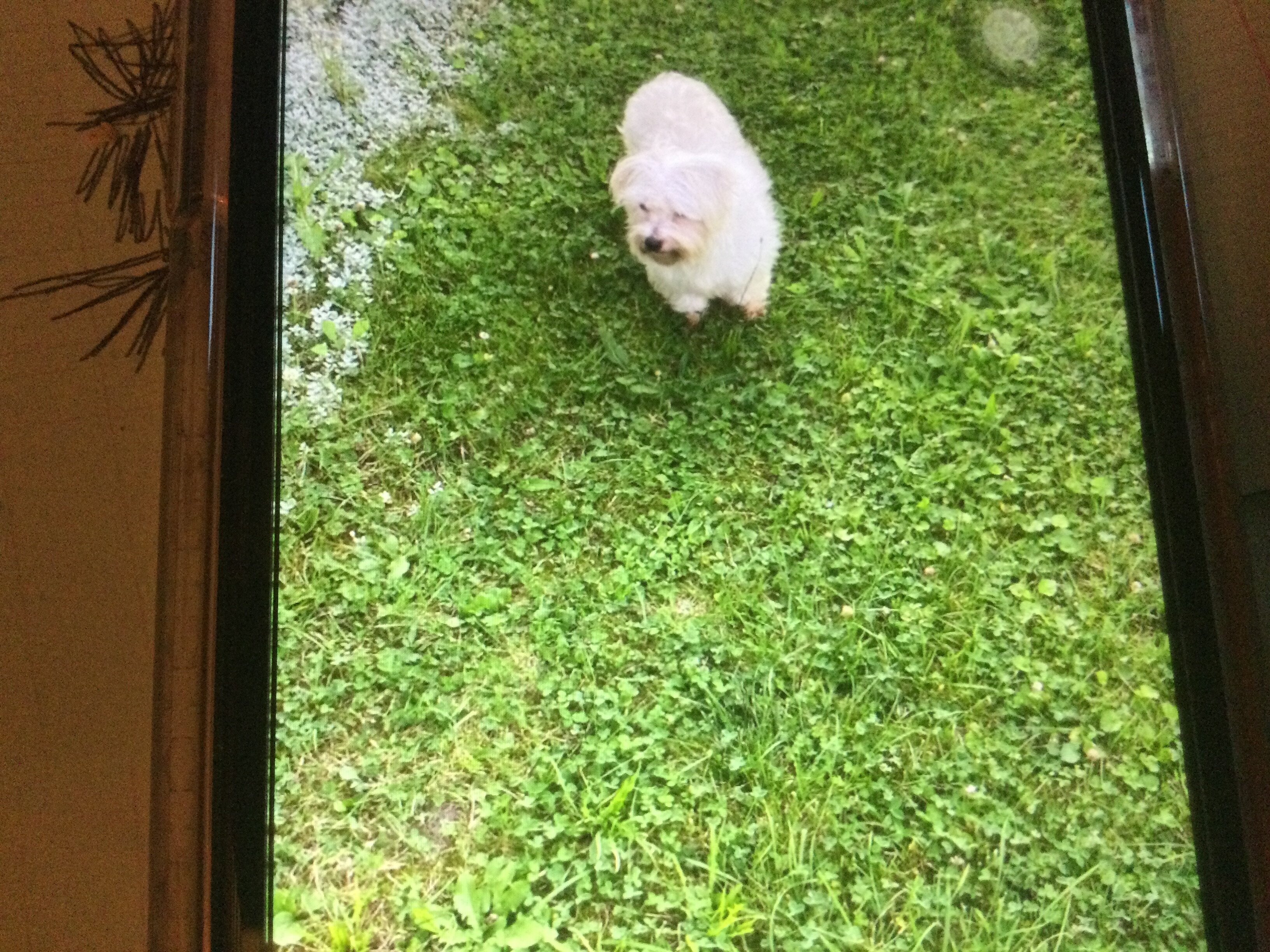
  1. Petit bonhomme a quitté la campagne pour la ville… Le voici dans le tgv pour Marseille (photo) le voyage s’est très bien déroulé et il a eu beaucoup de succès auprès des voyageurs! A Marseille il y a quand même un peu d herbe … (photo). Après les balades … vive le canapé!
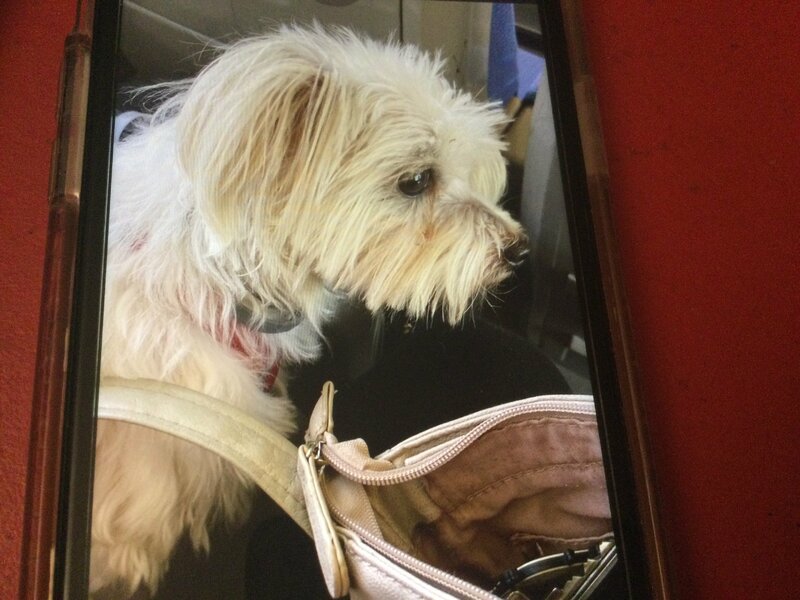
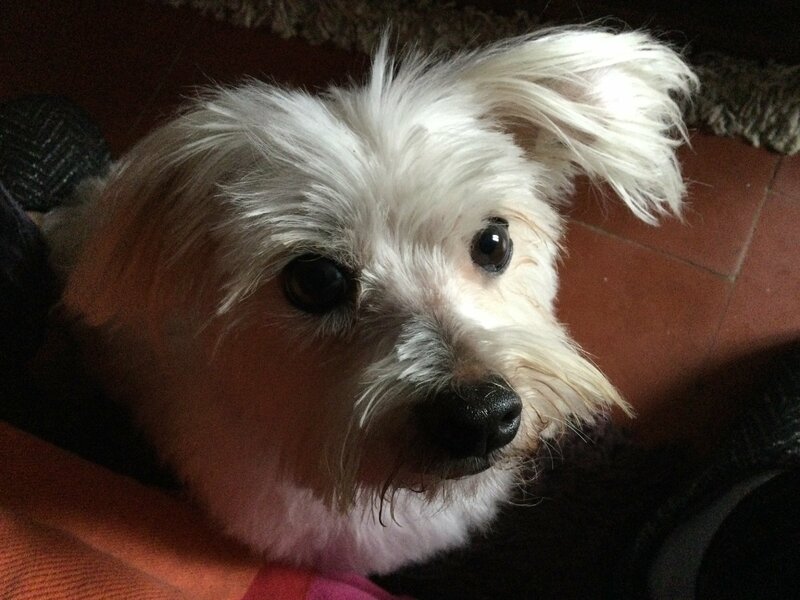
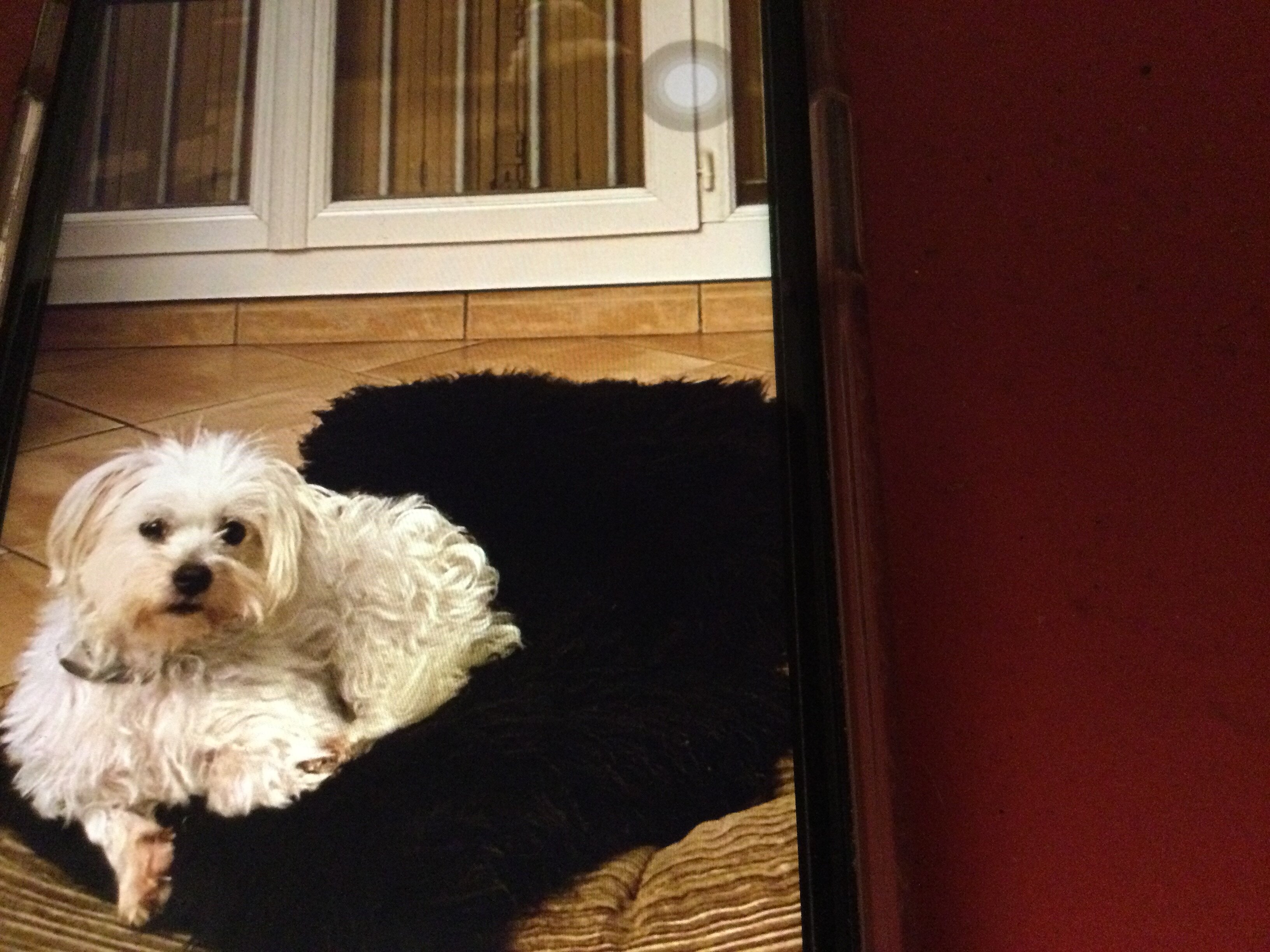
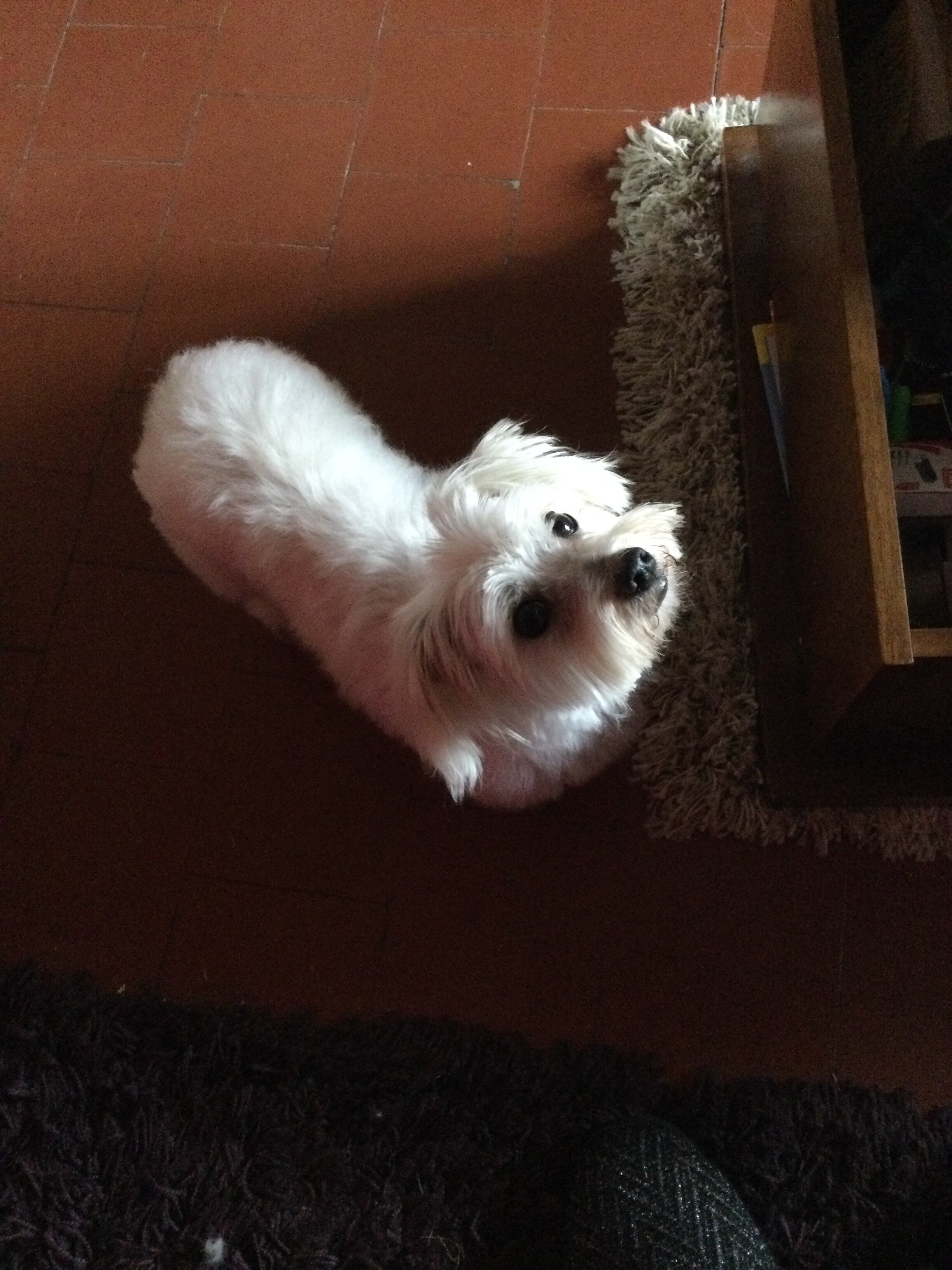
  2. Bonsoir voilà petit bonhomme après une séance de toilettage … il est toujours aussi mignon !

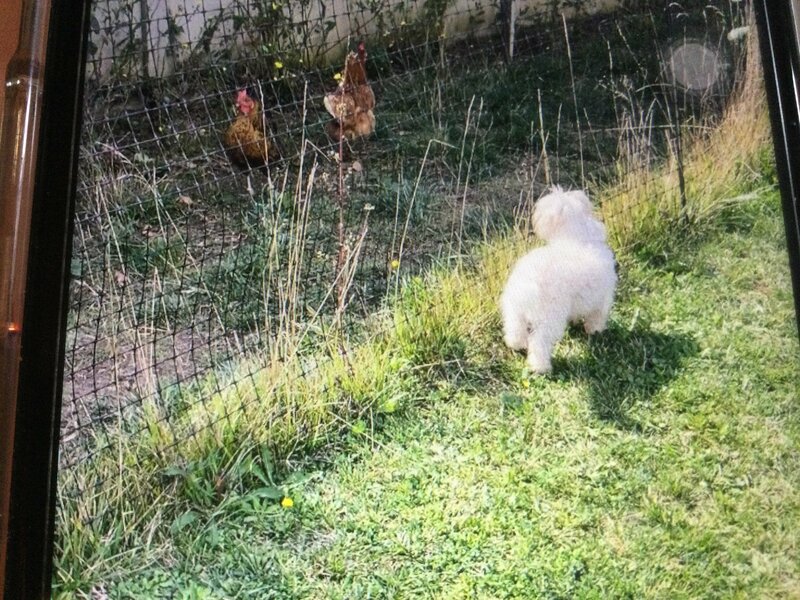
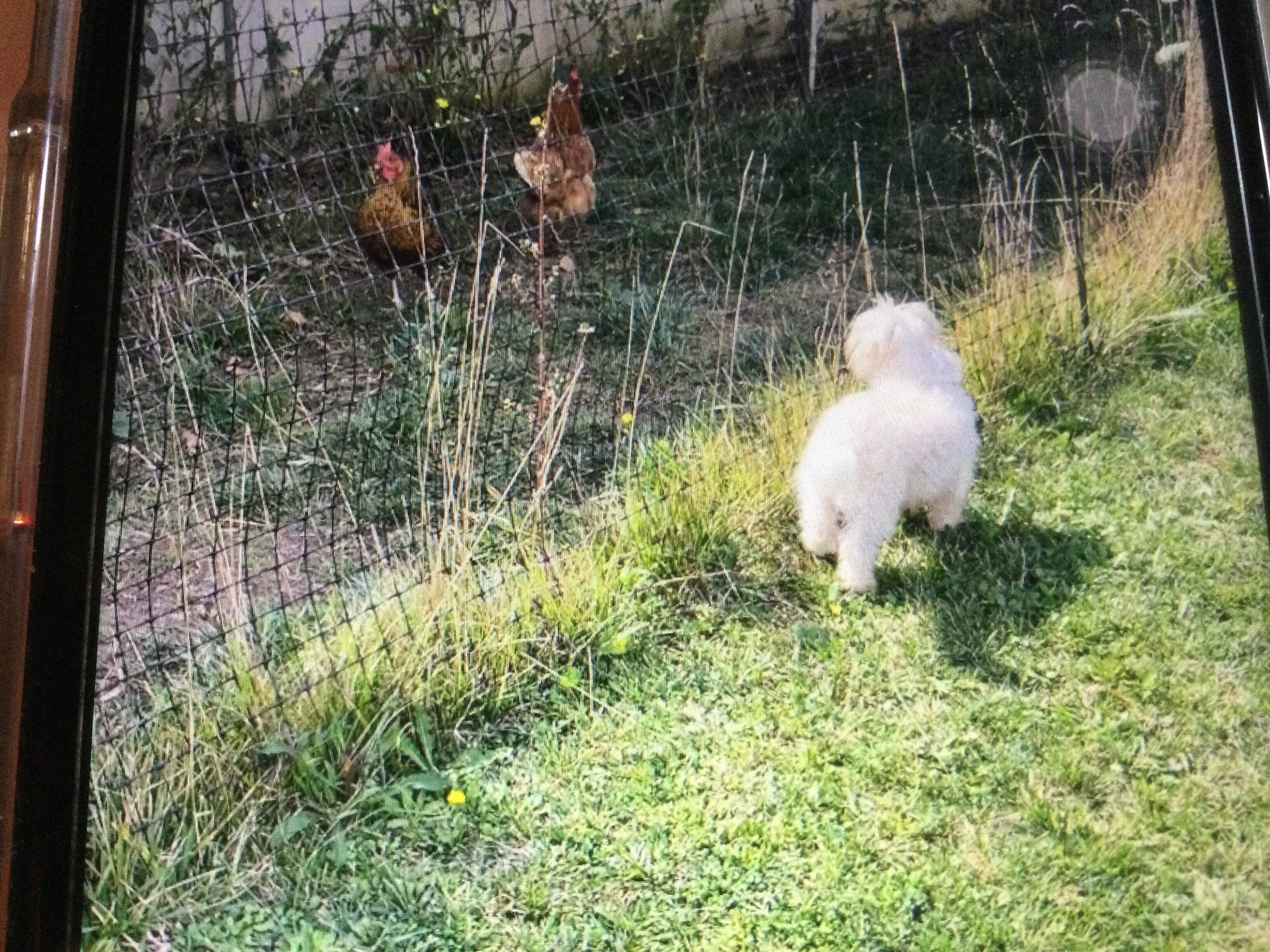
  3. Deux semaines que petit bonhomme est ici. il prend ses repères et se promène dans le jardin. Nous nous promenons quand le temps le permet! il a fait connaissance avec mes deux poulettes et est très intrigué! Le contact avec les voisins se passe très bien. Il est tres câlin.
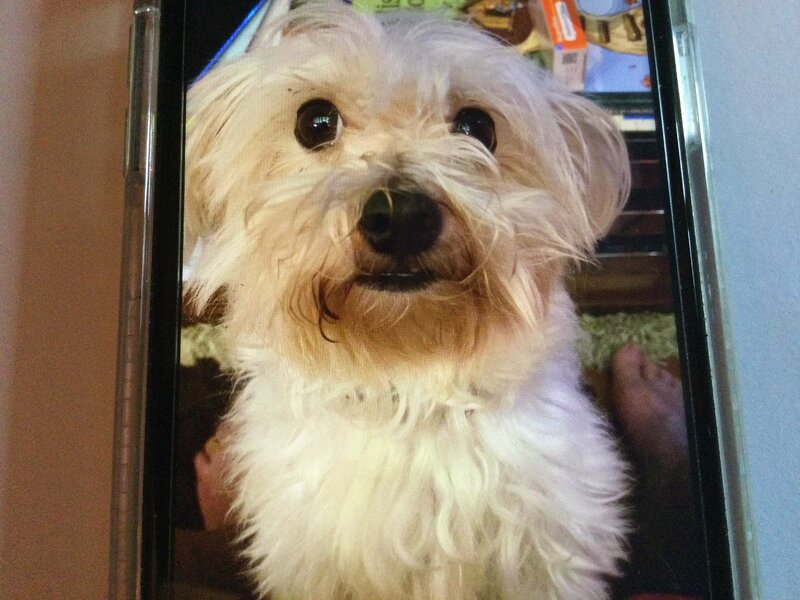
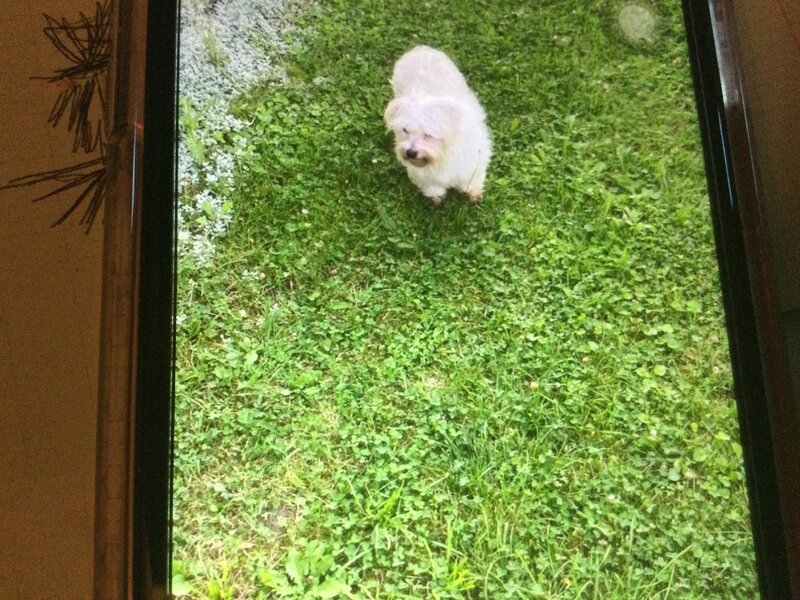
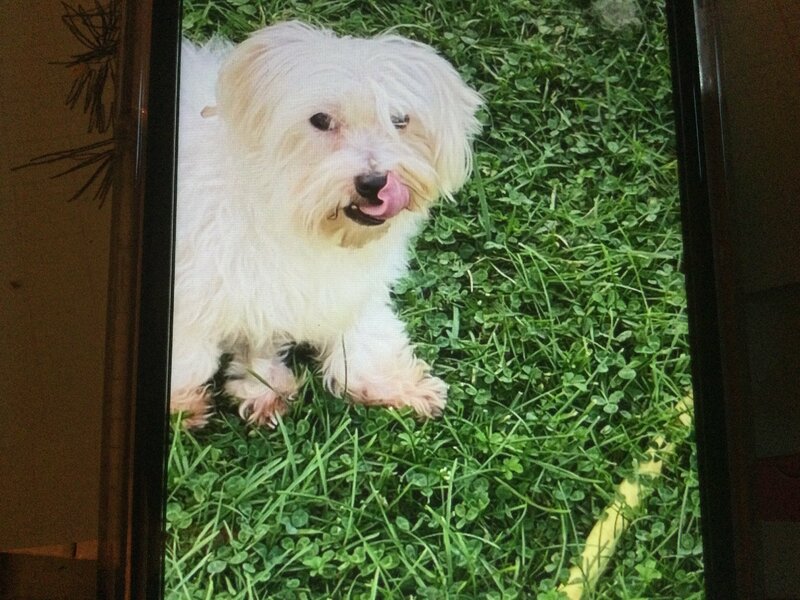
  4. Merci à tous pour vos messages. Petit bonhomme va bien. Il a commencé à découvrir le jardin.
Account

Navigation

Rechercher

Rechercher

Configure browser push notifications

Chrome (Android)
  1. Tap the lock icon next to the address bar.
  2. Tap Permissions → Notifications.
  3. Adjust your preference.
Chrome (Desktop)
  1. Click the padlock icon in the address bar.
  2. Select Site settings.
  3. Find Notifications and adjust your preference.