Aller au contenu
View in the app

A better way to browse. Learn more.

Cani-Seniors

A full-screen app on your home screen with push notifications, badges and more.

To install this app on iOS and iPadOS
  1. Tap the Share icon in Safari
  2. Scroll the menu and tap Add to Home Screen.
  3. Tap Add in the top-right corner.
To install this app on Android
  1. Tap the 3-dot menu (⋮) in the top-right corner of the browser.
  2. Tap Add to Home screen or Install app.
  3. Confirm by tapping Install.

Fredaine

Membres
  • Inscription

  • Dernière visite

Tout ce qui a été posté par Fredaine

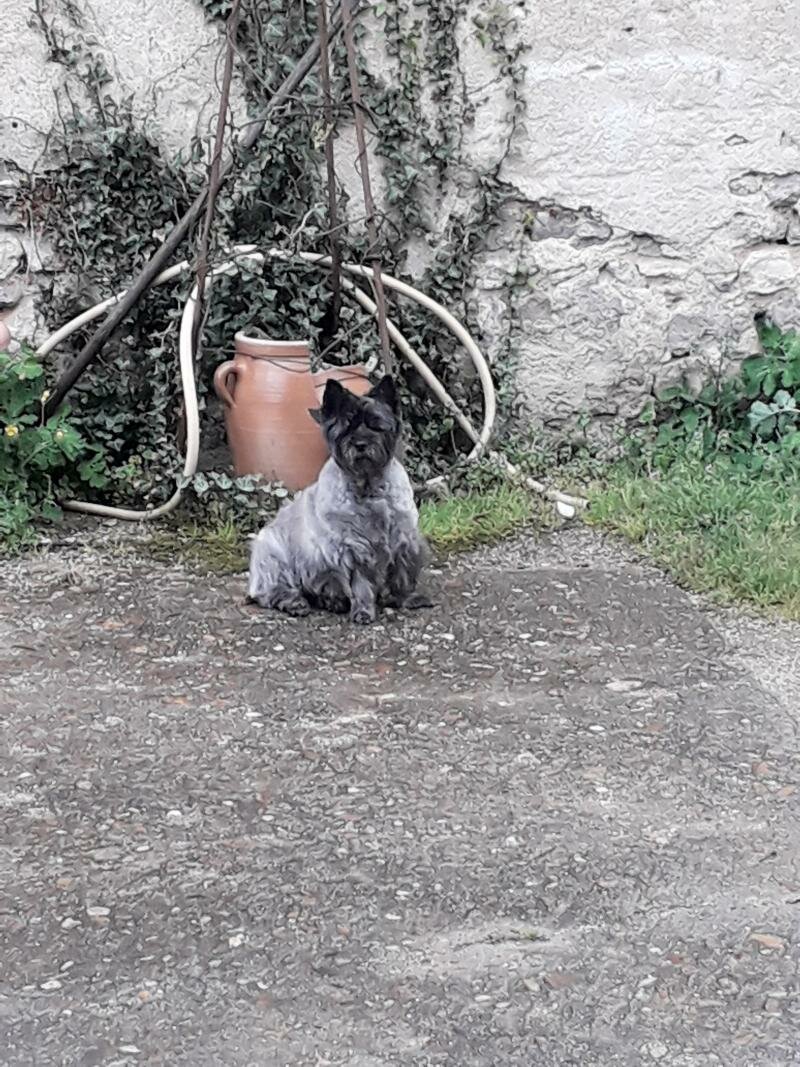
  1. Bonjour, j'ai enfin réussi à m'inscrire aujourd'hui (pb de navigateur, Firefox ne semble pas copain avec ce site ou alors c'est moi (çà n'aurait rien d'étonnant ! ) qui n'ait pas réussi du premier coup, bref. J'ai rendez vous dans une dizaine de jours pour aller rencontrer Ornika, en compagnie de ma cairn âgée de 13 ans et j'espère bien repartir avec cette adorable petite chienne qui correspond en tout point à ma recherche pour tenir compagnie à Fredaine

Account

Navigation

Rechercher

Rechercher

Configure browser push notifications

Chrome (Android)
  1. Tap the lock icon next to the address bar.
  2. Tap Permissions → Notifications.
  3. Adjust your preference.
Chrome (Desktop)
  1. Click the padlock icon in the address bar.
  2. Select Site settings.
  3. Find Notifications and adjust your preference.