



ThaisG
Membres
-
Inscription
-
Dernière visite
-
ThaisG a répondu à un(e) sujet de S.Rault dans Cannelle petite croisée épagneul de 11 ans - réservée !Il fait cliquer sur le lien?
-
ThaisG a répondu à un(e) sujet de S.Rault dans Cannelle petite croisée épagneul de 11 ans - réservée !Balade du jour, avec le soleil c était bien 🐕 mais grosse arnaque on a du y aller en voiture 🐶 IMG_0694.MOV IMG_0696.MOV IMG_0697.MOV
-
ThaisG a répondu à un(e) sujet de S.Rault dans Cannelle petite croisée épagneul de 11 ans - réservée !Un petit coucou de Cannelle, qui attend toujours sa famille… IMG_0601.MOV
-
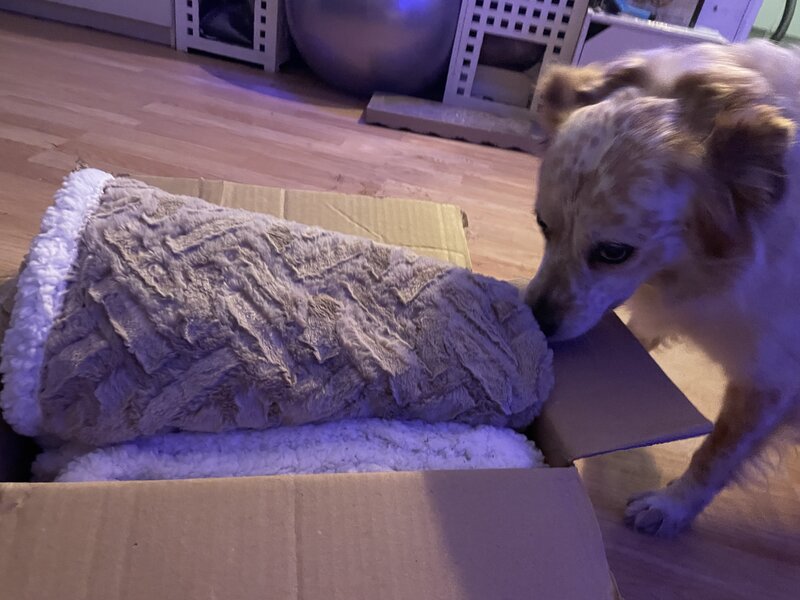
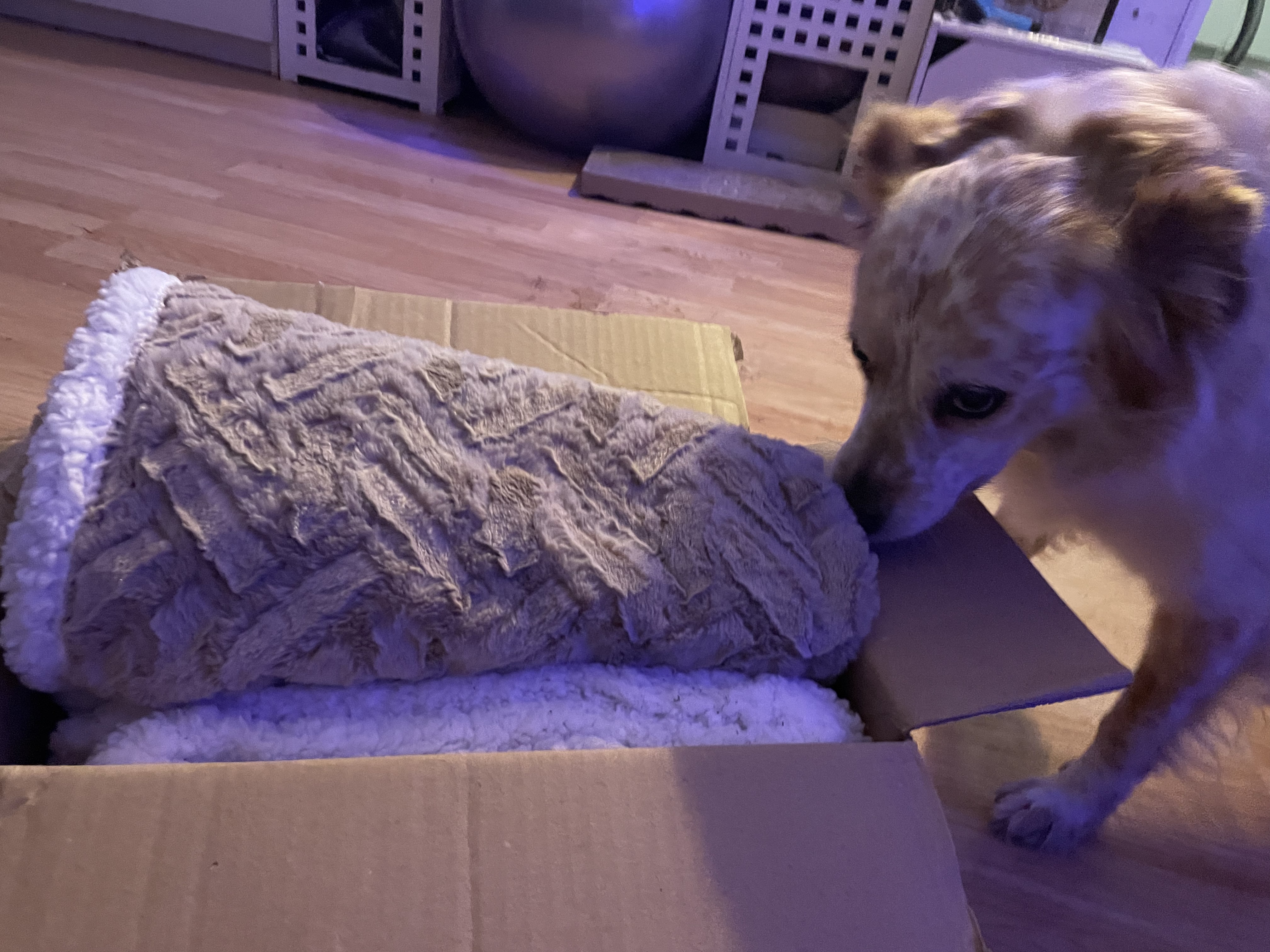
ThaisG a répondu à un(e) sujet de S.Rault dans Cannelle petite croisée épagneul de 11 ans - réservée !Mais c est pour qui ça? Trop bien marraine @Soisic1, je vais faire un gros dodo au chaud

-
ThaisG a répondu à un(e) sujet de S.Rault dans Cannelle petite croisée épagneul de 11 ans - réservée !Cannelle vous envoie ses meilleurs vœux pour 2023 mais c était fatiguant toutes ses fêtes ☺️

-
ThaisG a répondu à un(e) sujet de S.Rault dans Cannelle petite croisée épagneul de 11 ans - réservée !Repose toi maintenant Dandy, on a essayé mais tu en as décidé autrement 💕 Petite Cannelle, qui a bien profité de Noël. Le repas était bon 🐶 et mon pouette pouette aussi Aujourd’hui, on a éliminé tout ça mais à pied, je suis pas fan de la voiture Du coup je vous présente mes nouveaux acolytes 🐕 IMG_9884.MOV Bonsoir avec plaisir mais je ne sais pas comment faire les MP ici mais bon demain car là dodo 💤




.gif)




.gif)


.gif)