Aller au contenu
View in the app

A better way to browse. Learn more.

Cani-Seniors

A full-screen app on your home screen with push notifications, badges and more.

To install this app on iOS and iPadOS
  1. Tap the Share icon in Safari
  2. Scroll the menu and tap Add to Home Screen.
  3. Tap Add in the top-right corner.
To install this app on Android
  1. Tap the 3-dot menu (⋮) in the top-right corner of the browser.
  2. Tap Add to Home screen or Install app.
  3. Confirm by tapping Install.

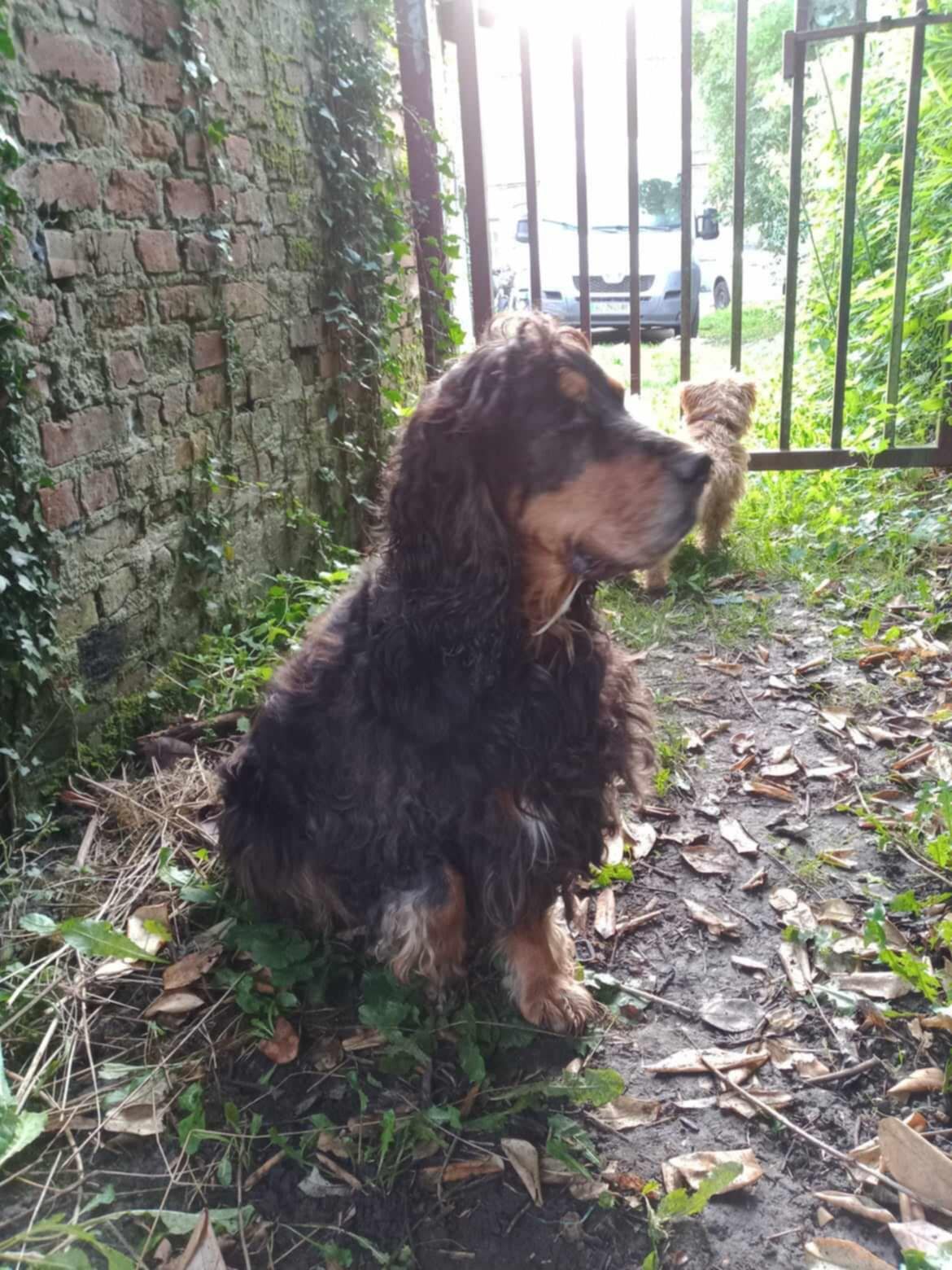
Maicky cocker spaniel de 8 ans - dept 59
3a4dd315-bc93-44b1-acb2-c39db8bacb1f.jpg

  1. Started by Mary Ho,

    Nous avons été appelé par des personnes d'un certain âge qui ont voulu prendre un chien en charge sur le BC et qui n'était pas bien traité. D'après les éléments ICAD, il en était à sa 5ème famille. Sa dernière famille a fait le maxi en le prenant il y a qq.mois mais de gros soucis de santé les ont amené à chercher une autre solution. Nous avons répondu positivement à leur demande mais ils sont bien tristes. Sabine a accepté de le prendre en accueil et elle en dit le plus grand bien : adorable avec les humains, avec les chiens, obéissant (il répond bien au "assis-couché-donne la patte" !). Pour le chat, il a un peu râlé mais Sabine l'a réprimandé gentiment et …

Account

Navigation

Rechercher

Rechercher

Configure browser push notifications

Chrome (Android)
  1. Tap the lock icon next to the address bar.
  2. Tap Permissions → Notifications.
  3. Adjust your preference.
Chrome (Desktop)
  1. Click the padlock icon in the address bar.
  2. Select Site settings.
  3. Find Notifications and adjust your preference.