


poupounette
Membres
-
Inscription
-
Dernière visite
-
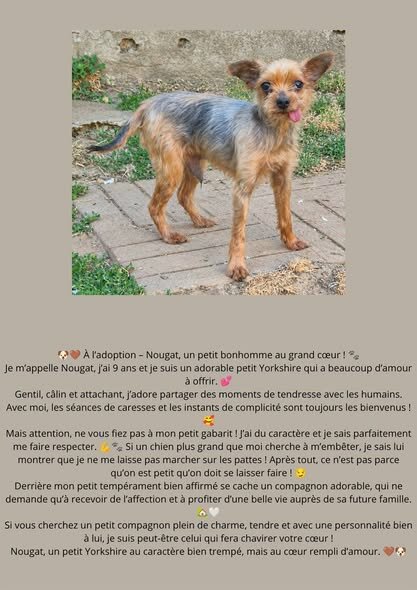
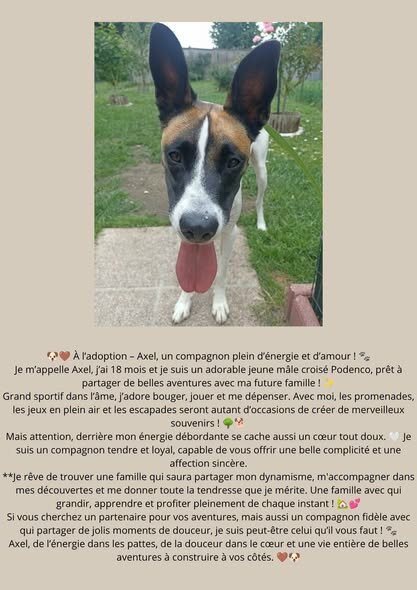
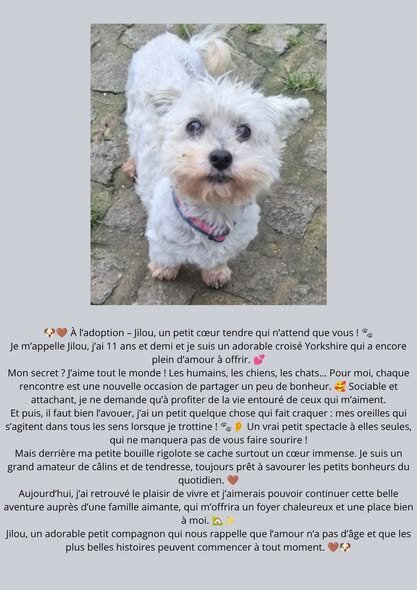
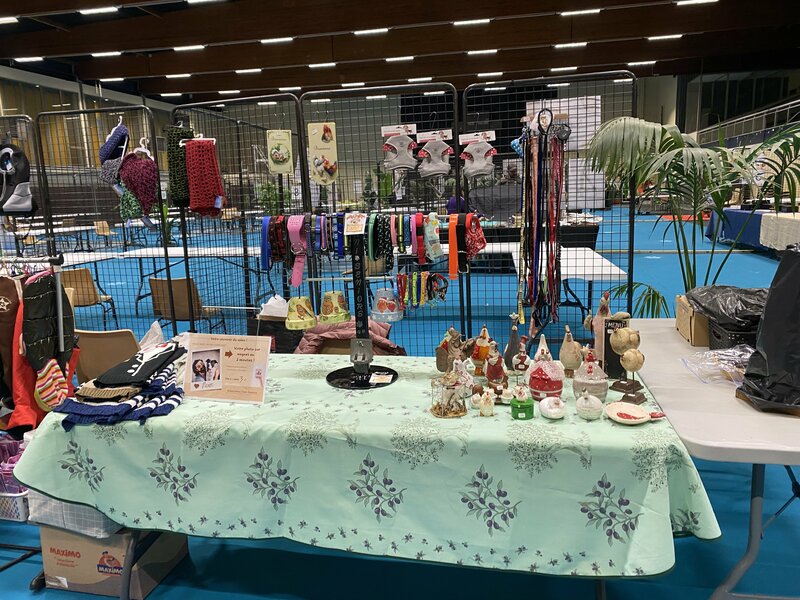
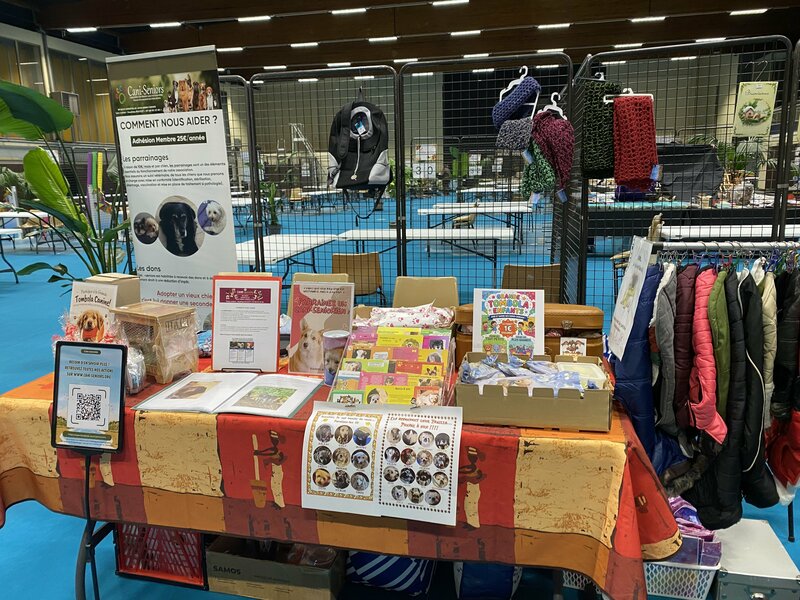
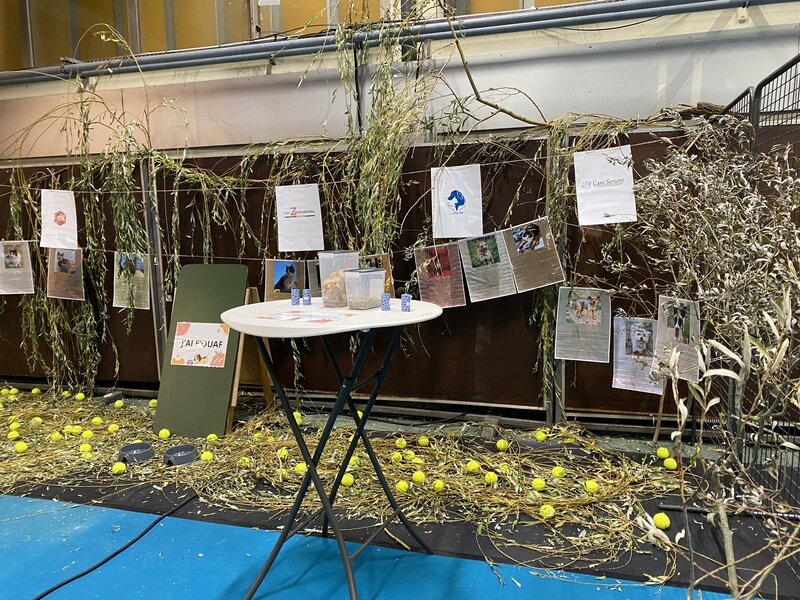
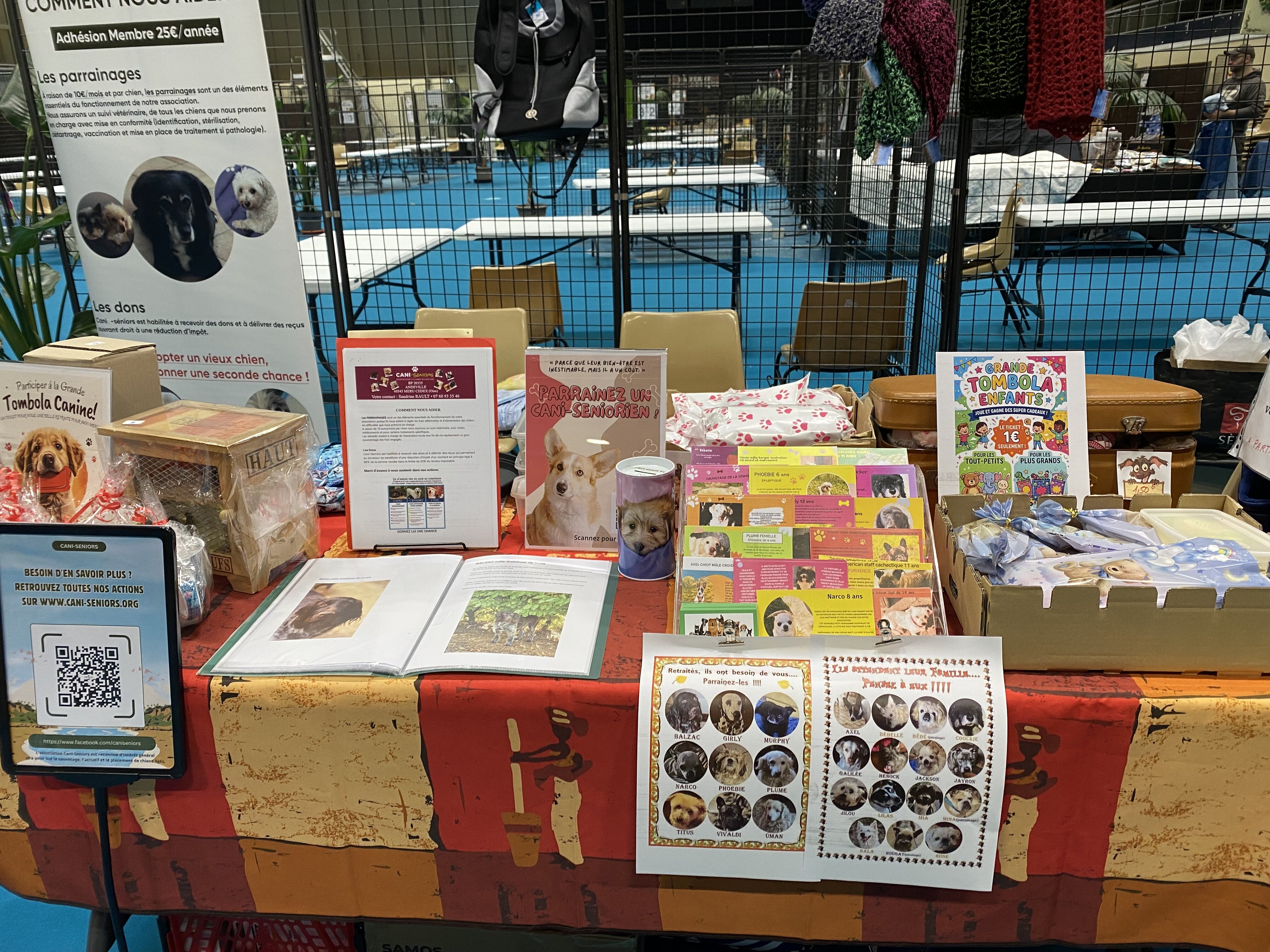
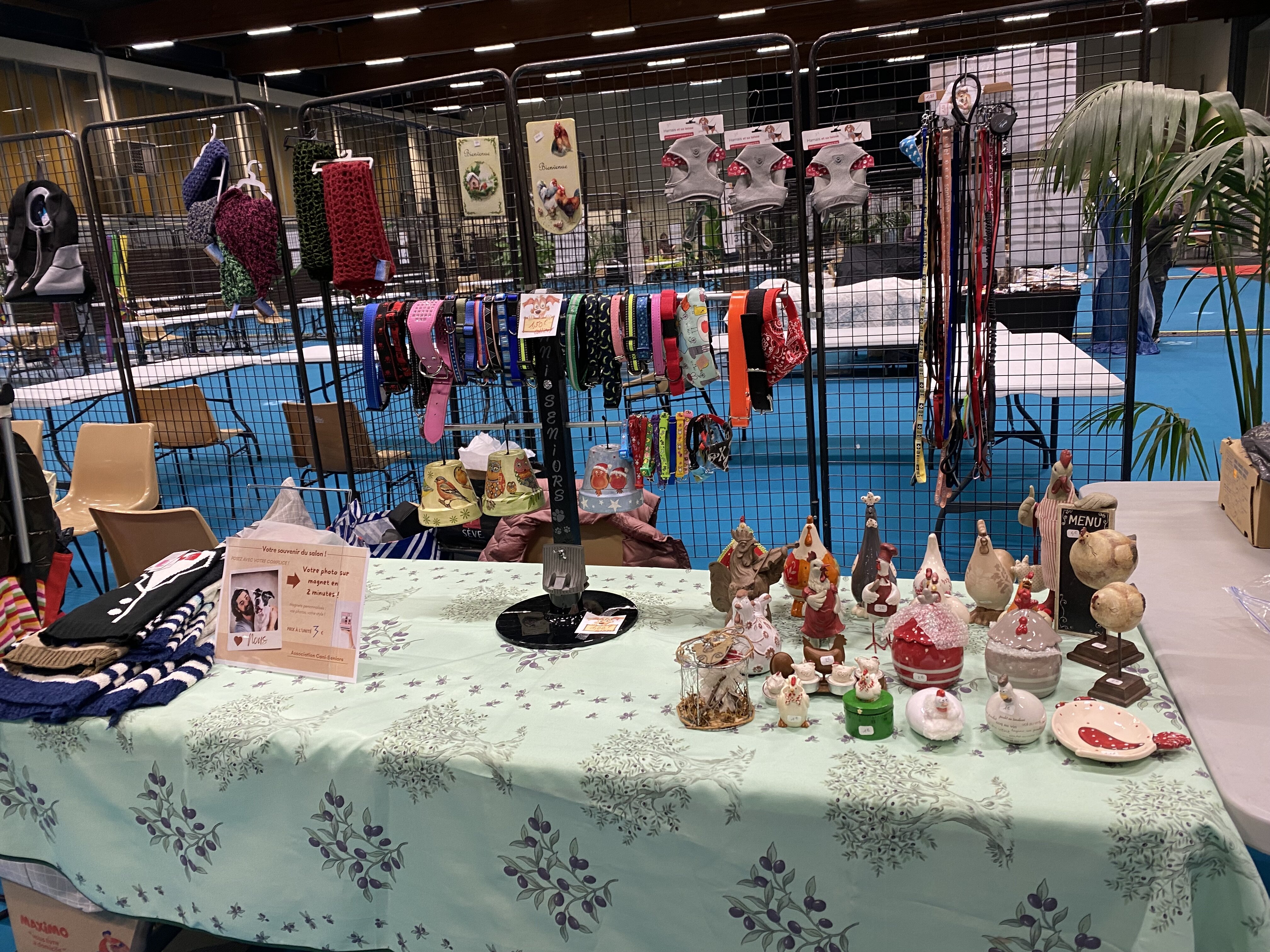
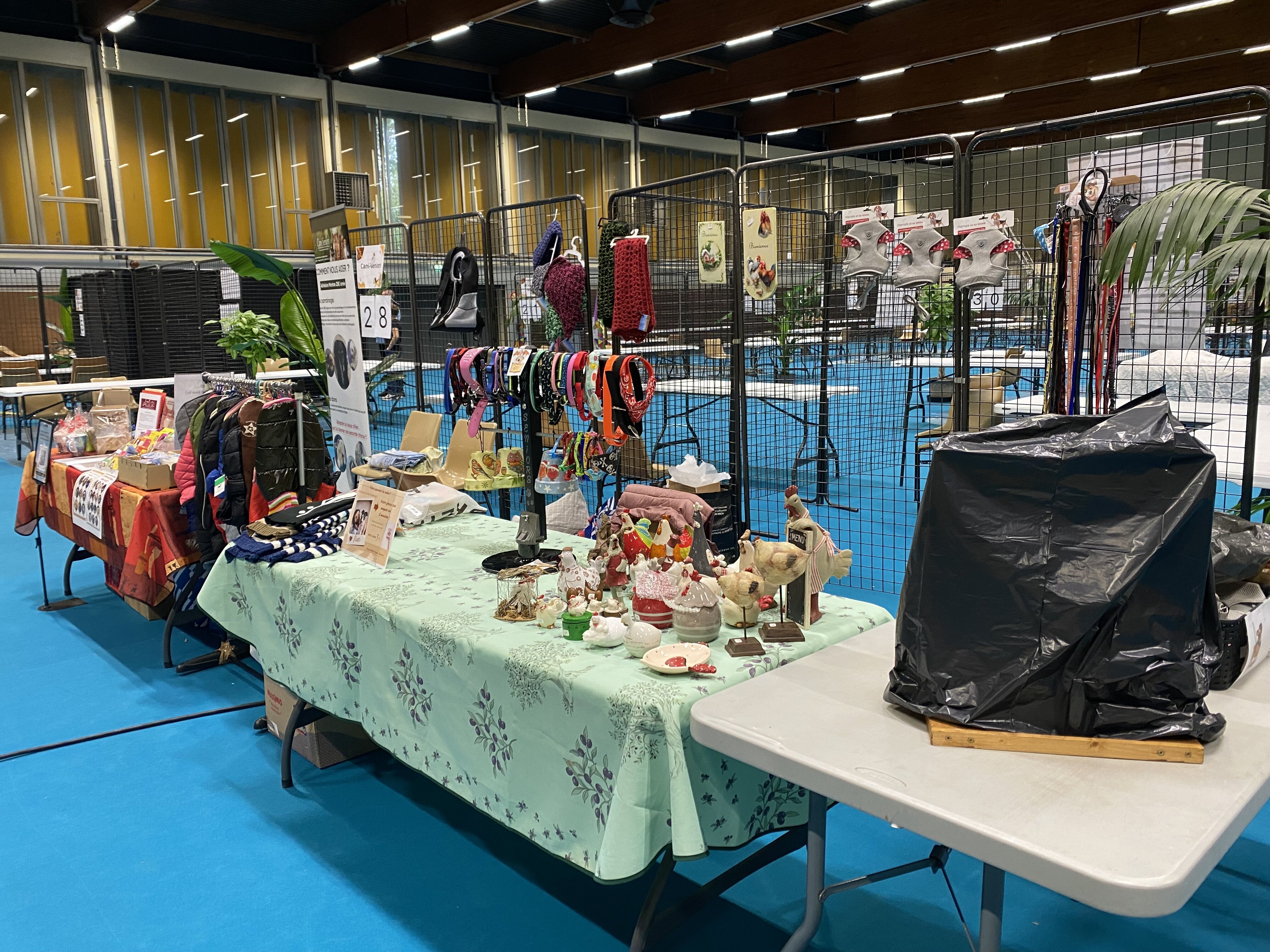
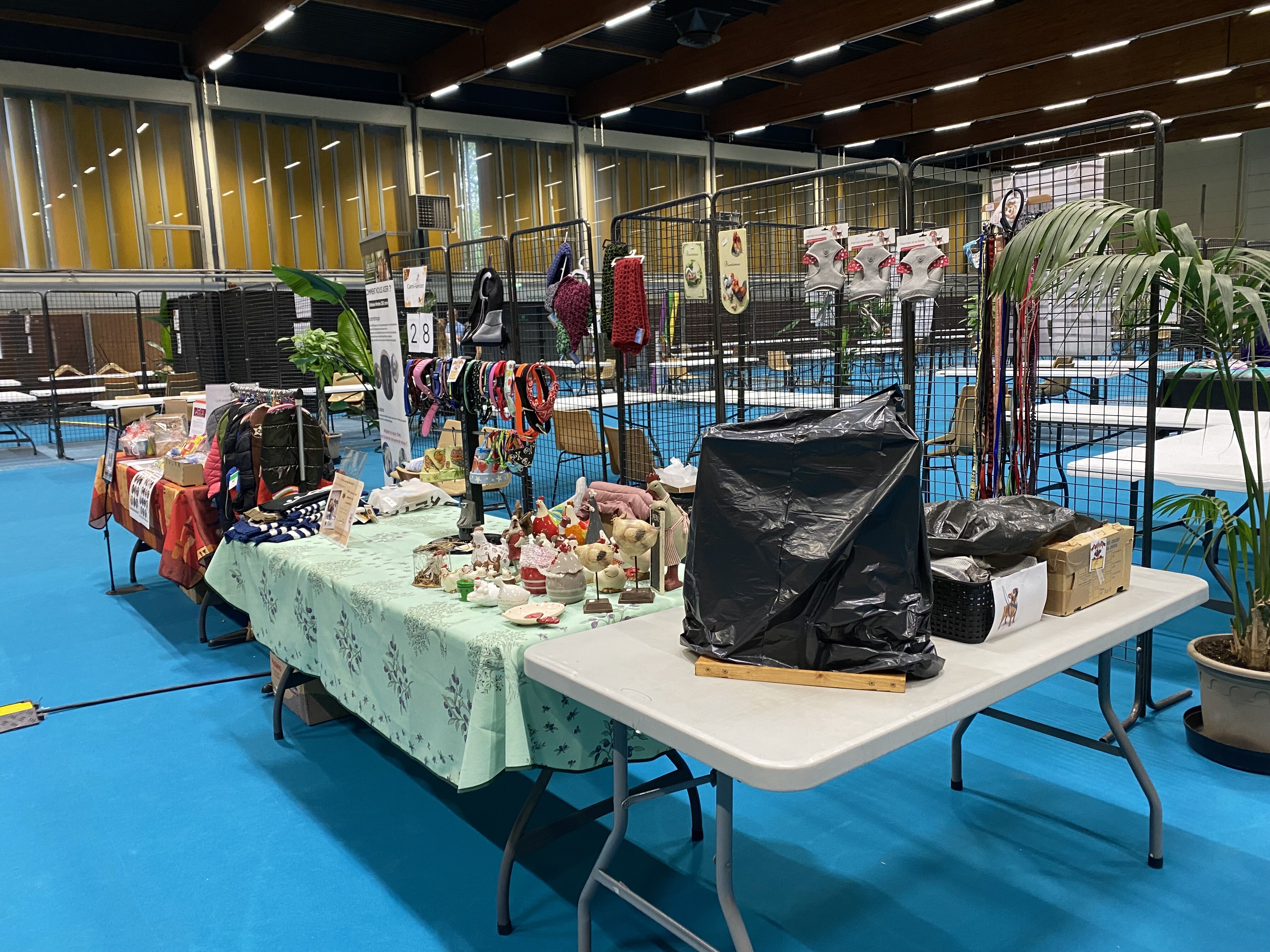
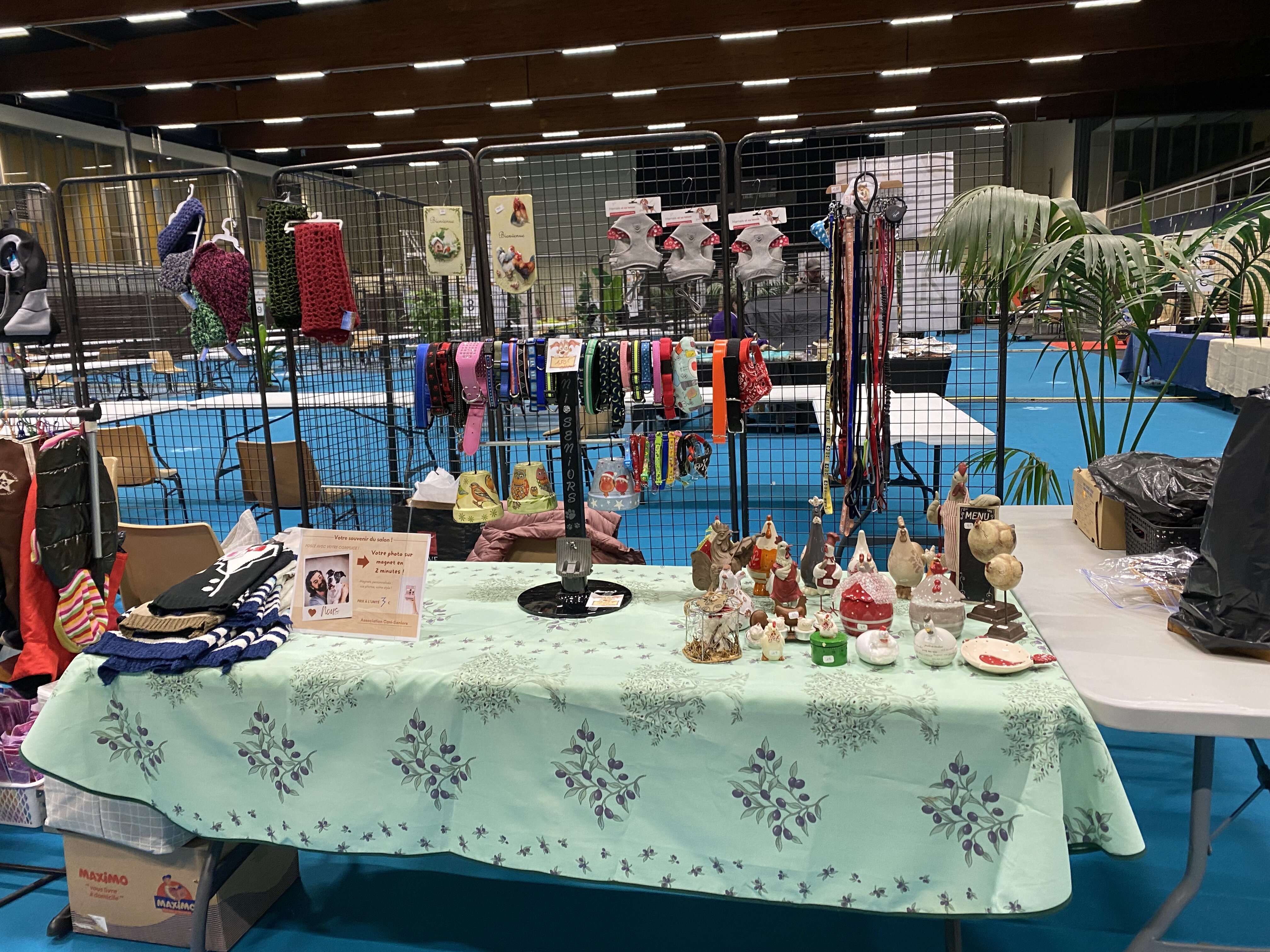
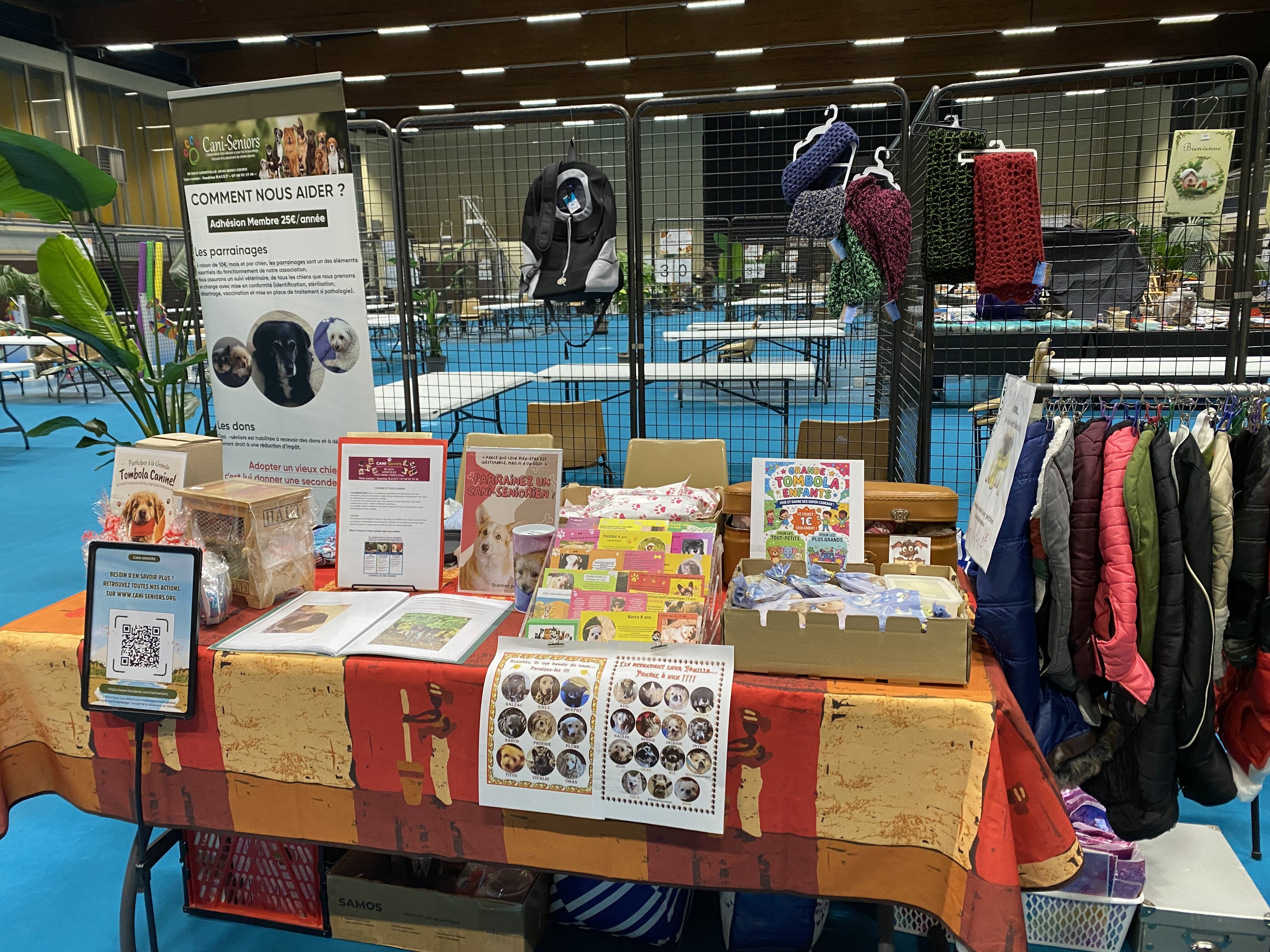
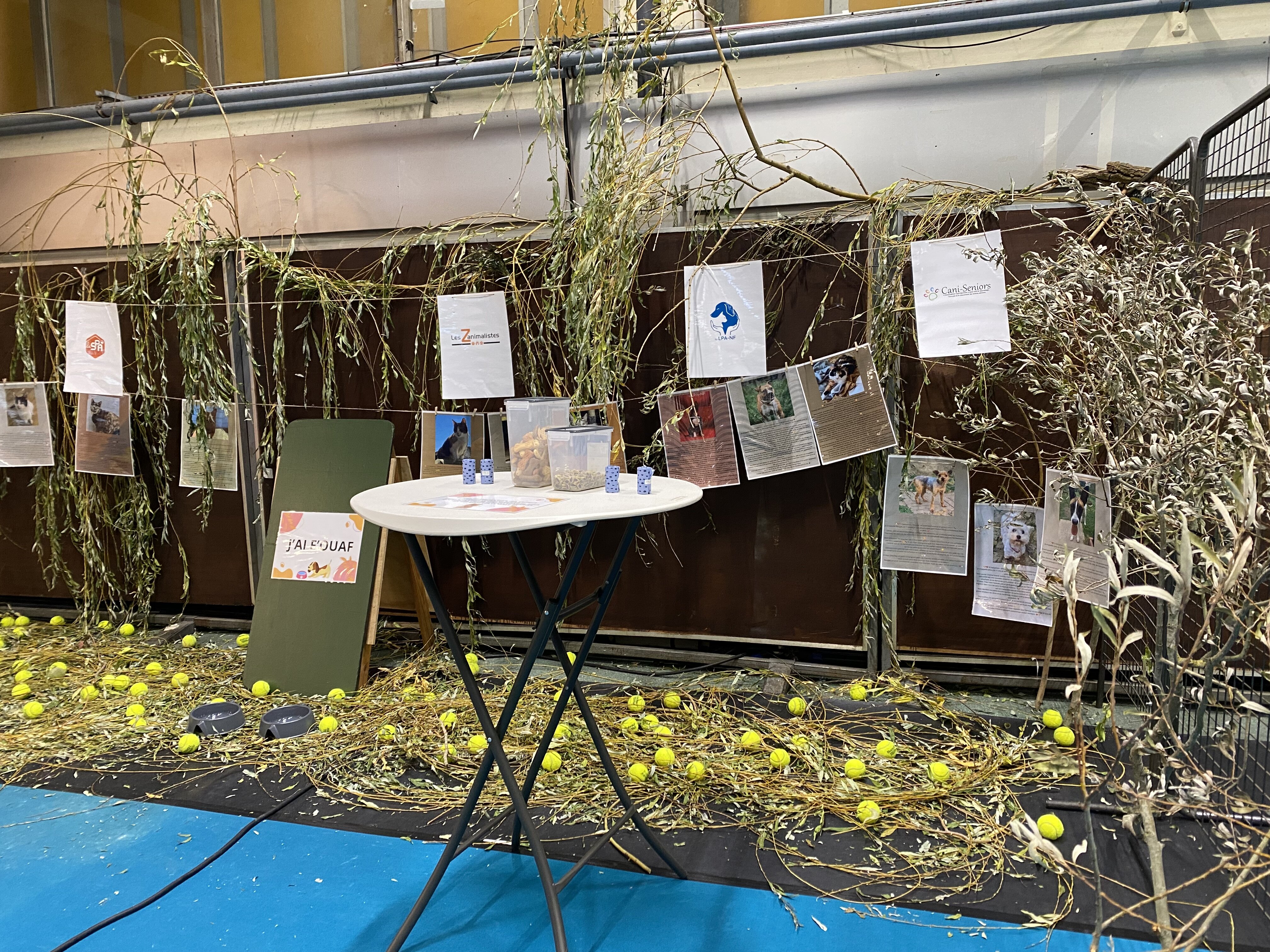
Comme l’année, deux espaces sont dédiées aux affiches des animaux à l’adoption. Ainsi que sur le facebook de la Ville de Wattrelos. Pour permettre aux visiteurs de découvrir un maximum d’animaux en attente d’une famille. L’objectif est de donner un joli coup de projecteur à quelques-uns des protégés en amont de l’événement. 𝗦𝗔𝗟𝗢𝗡 𝗗𝗨 𝗕𝗜𝗘𝗡 𝗘𝗧𝗥𝗘 𝗔𝗡𝗜𝗠𝗔𝗟 𝗝-1 C'est demain Et si cette journée était l'occasion de faire une belle rencontre… ou même de changer une vie ? Voici encore des loulous à adopter et les associations présentes Attention : les animaux ne seront pas présents sur le salon ! Mais vous pourrez rencontrer les représentants des associations pour découvrir les animaux proposés à l'adoption, poser toutes vos questions et vous renseigner sur les démarches et les conditions pour leur offrir un nouveau foyer. Parce qu'adopter un animal, c'est un engagement, mais aussi une formidable histoire d'amour qui commence ! 💕" Dimanche 8 novembre 2026 Salle Roger Salengro – Wattrelos De 10h à 17h30 Entrée gratuite ! Venez nombreux rencontrer les associations, exposants et professionnels passionnés par le bien-être animal ! Et voici le stand, on a de la chance, on un super emplacement, la suite sera pour demain.
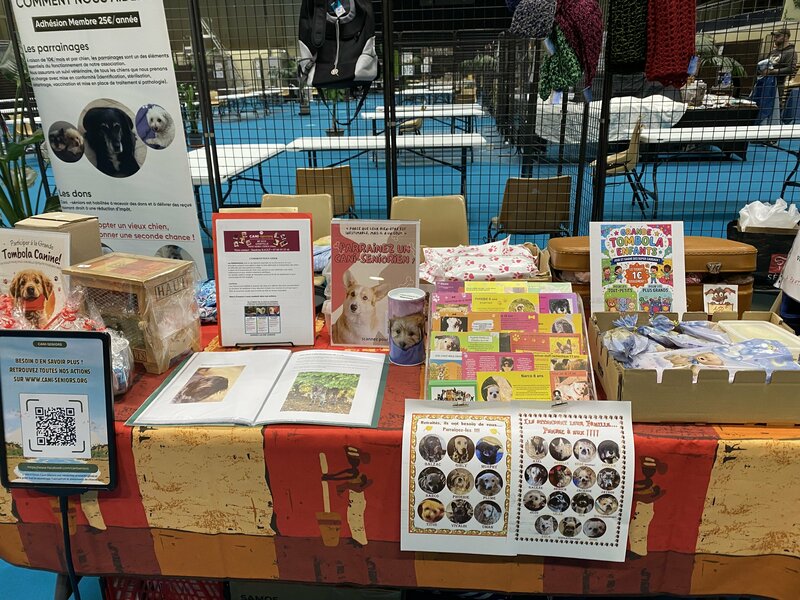
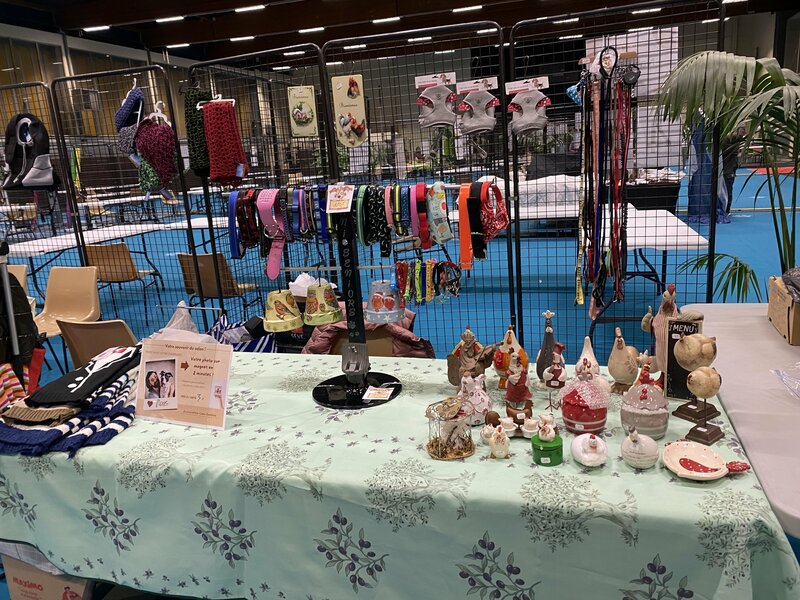
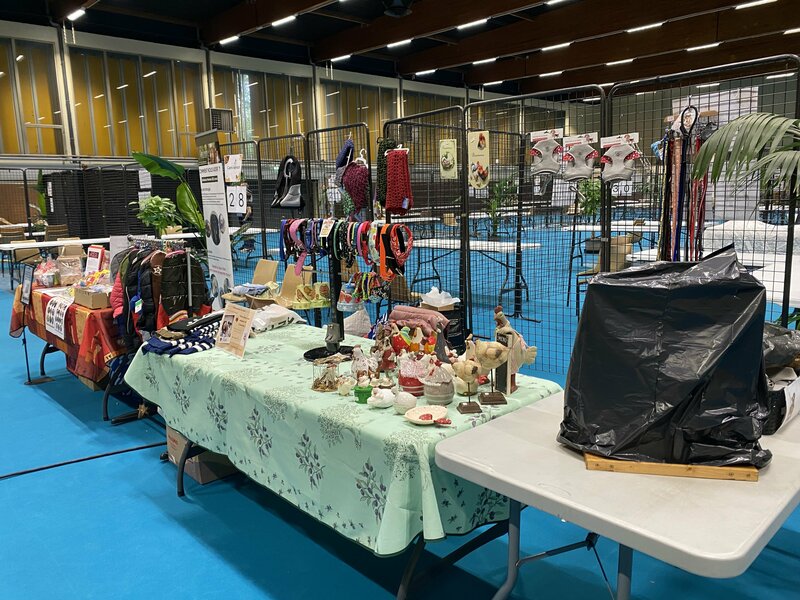
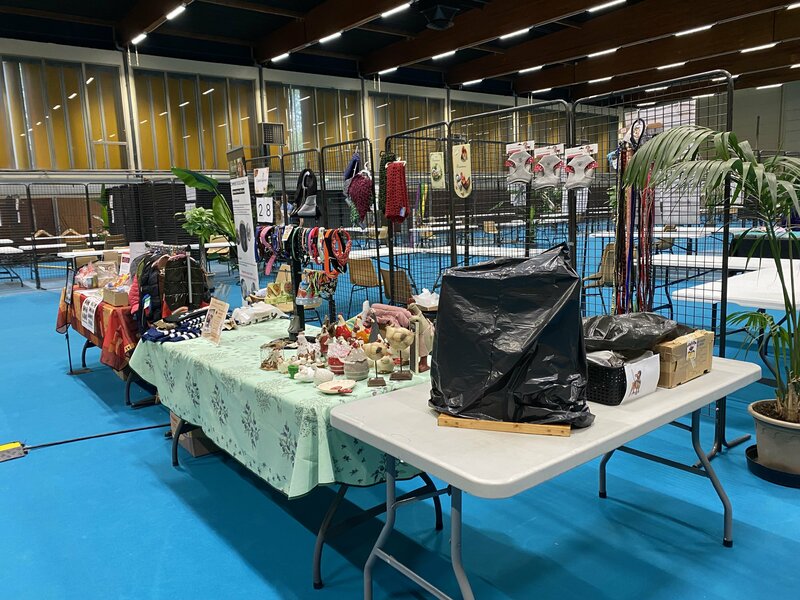
-
Tout à fait Naïa, pas beaucoup d'infos sur le salon pour l'instant, on verra demain matin, je vais déposer les affaires de la boutique, à suivre...
-
Merci Joe, je vais faire les impressions pour le salon dimanche
-
Ils sont beaux les loulous
-
Merci Cheyenne pour l'accueil de la petite Lilas
-
Il pose bien pour se faire tirer le portrait ce petit Nougat
-
Profite le plus possible Ange, je suis certaine que tu as eu une bonne gamelle aujourd'hui par Tatie Marion pour ton anniversaire.. Une grosse pensée pour toi Marion et Ange.
-
En effet, c'est chargée tes journées Naïa et avec les chats c'est en général plus difficile avec les médocs et les gouttes, j'espère que les traitements vont vite faire effet.
-
J-8 pour le jour des animaux sur Wattrelos 😍 Le dimanche 8 novembre de 10h à 17h30 à la salle Salengro c'est la 5ème édition du Salon du bien-être animal. Vous pourrez rencontrer des associations, commerçants et professionnels avec des animations toute la journée. Collecte de croquettes pour chat possible pour ceux qui le souhaitent Buvette et restauration foodtruck végétarien sur place. Entrée gratuite
-
Bonne nuit à toi aussi jolie Plumette
-
Bienvenue petite Rose, tu es bien jolie ❤️
-
Bon anniversaire petite Lilas
-
C'est vrai qu'il est rigolo ce petit Jilou, trop bien et il a la pêche
-
Bon rétablissement petit Ange, c'est pas trop mal les nouvelles et en plus tu as un nouveau manteau et harnais, et distribution de camebert pour toi et les copains
-
poupounette a répondu à un(e) sujet de S.Rault dans Les nouvelles données par les familles d'accueil (2010 à 2018)C'est vraiment trop triste, je pensais qu'elle serait encore là pour Noël, je pense bien à vous Chantal, merci d'avoir pris soin de la petite Elisa, doux repos petite Elisa.

.gif)

.gif)