Aller au contenu
View in the app

A better way to browse. Learn more.

Cani-Seniors

A full-screen app on your home screen with push notifications, badges and more.

To install this app on iOS and iPadOS
  1. Tap the Share icon in Safari
  2. Scroll the menu and tap Add to Home Screen.
  3. Tap Add in the top-right corner.
To install this app on Android
  1. Tap the 3-dot menu (⋮) in the top-right corner of the browser.
  2. Tap Add to Home screen or Install app.
  3. Confirm by tapping Install.

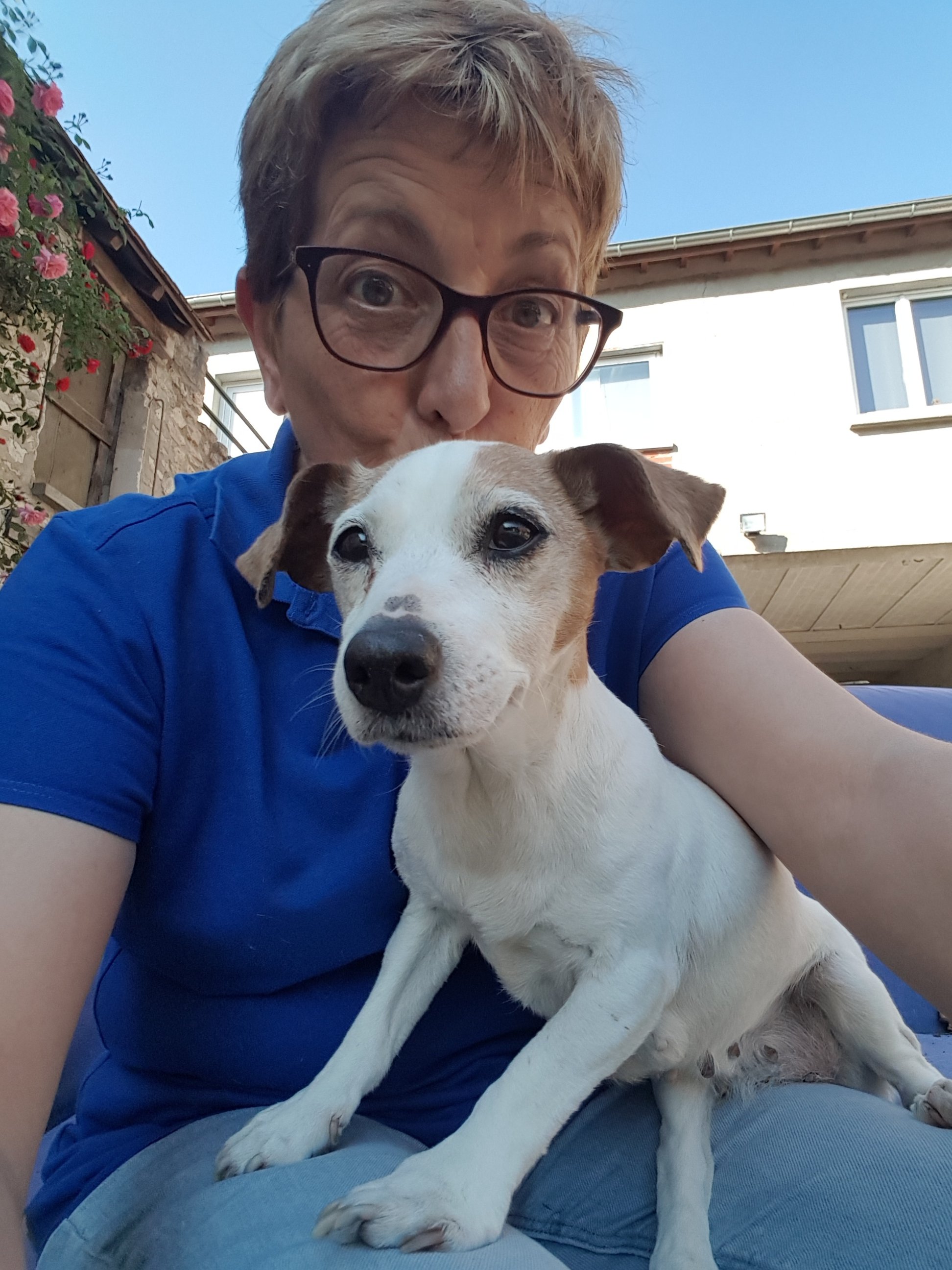
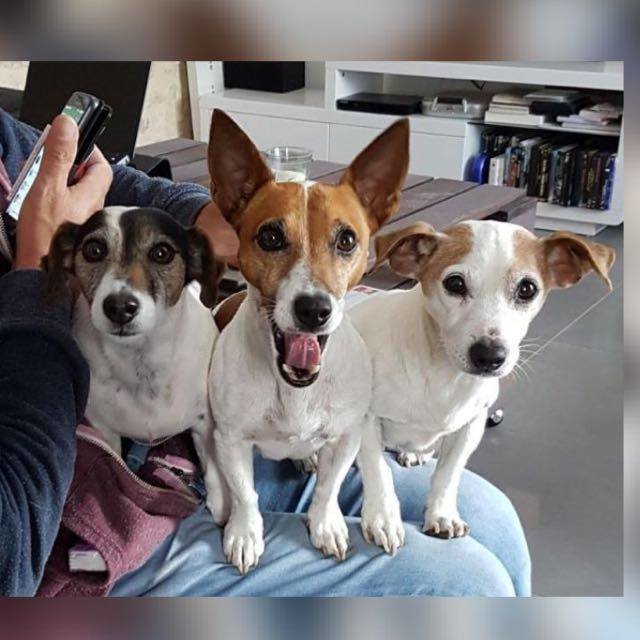
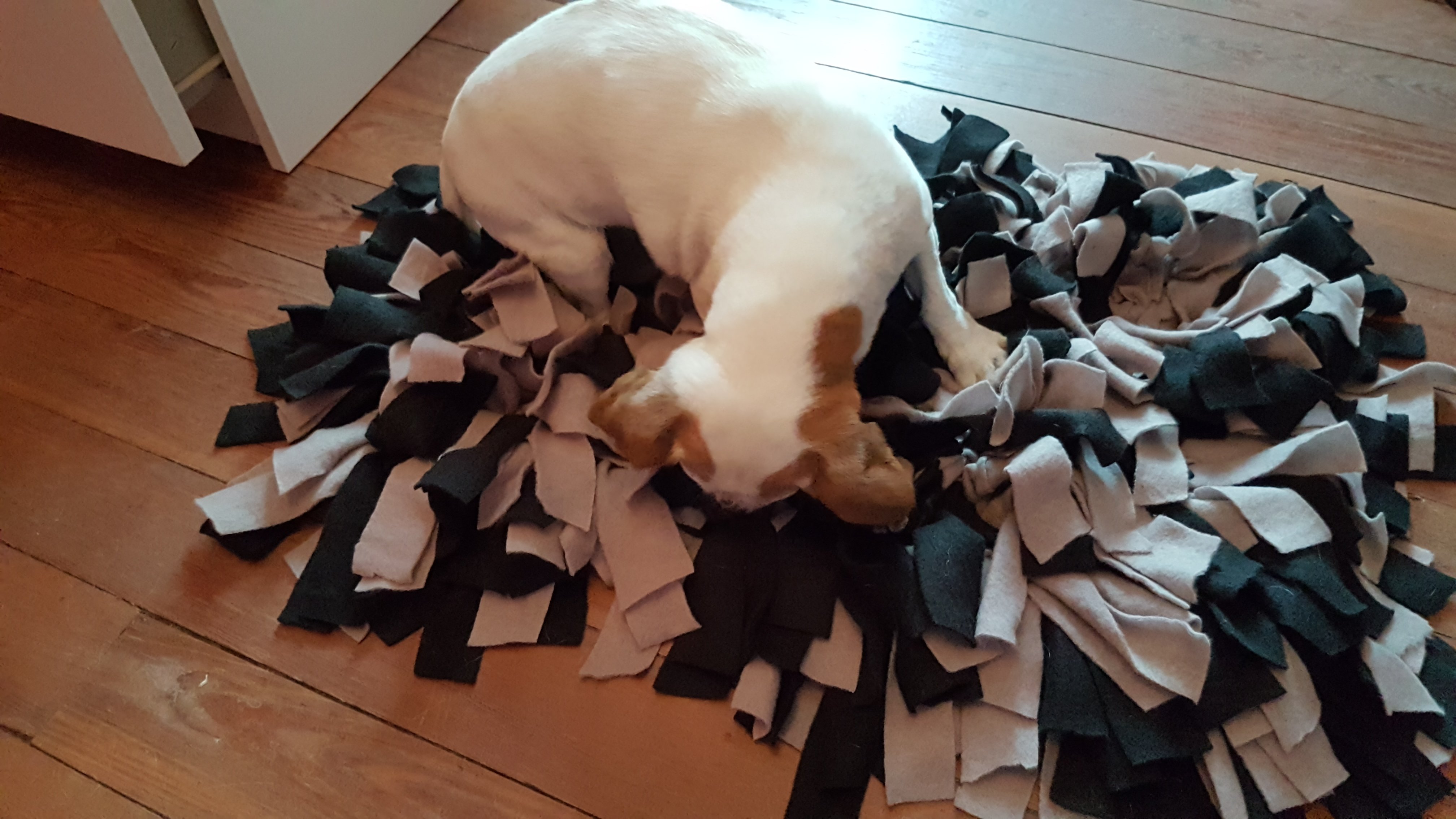
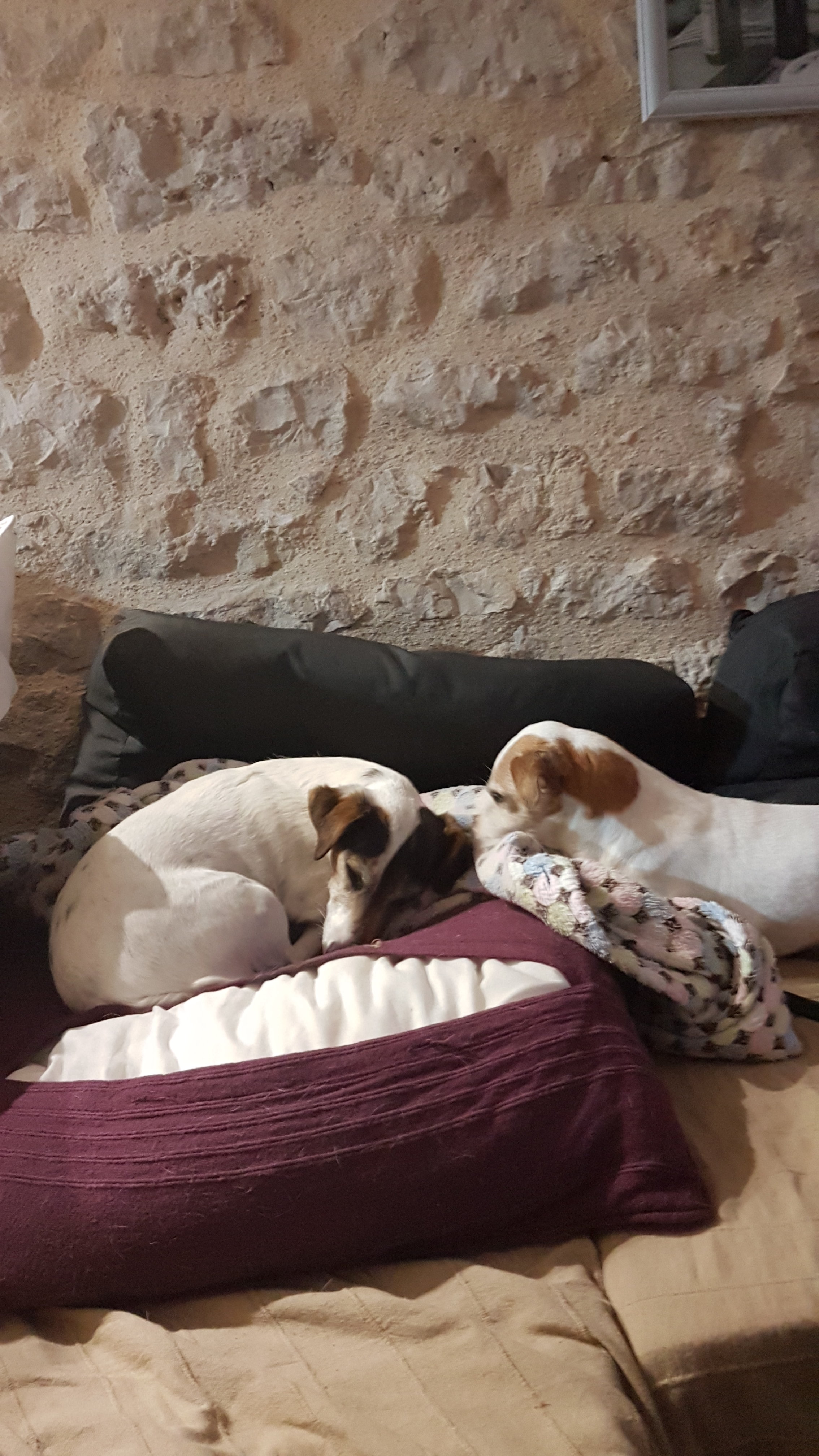
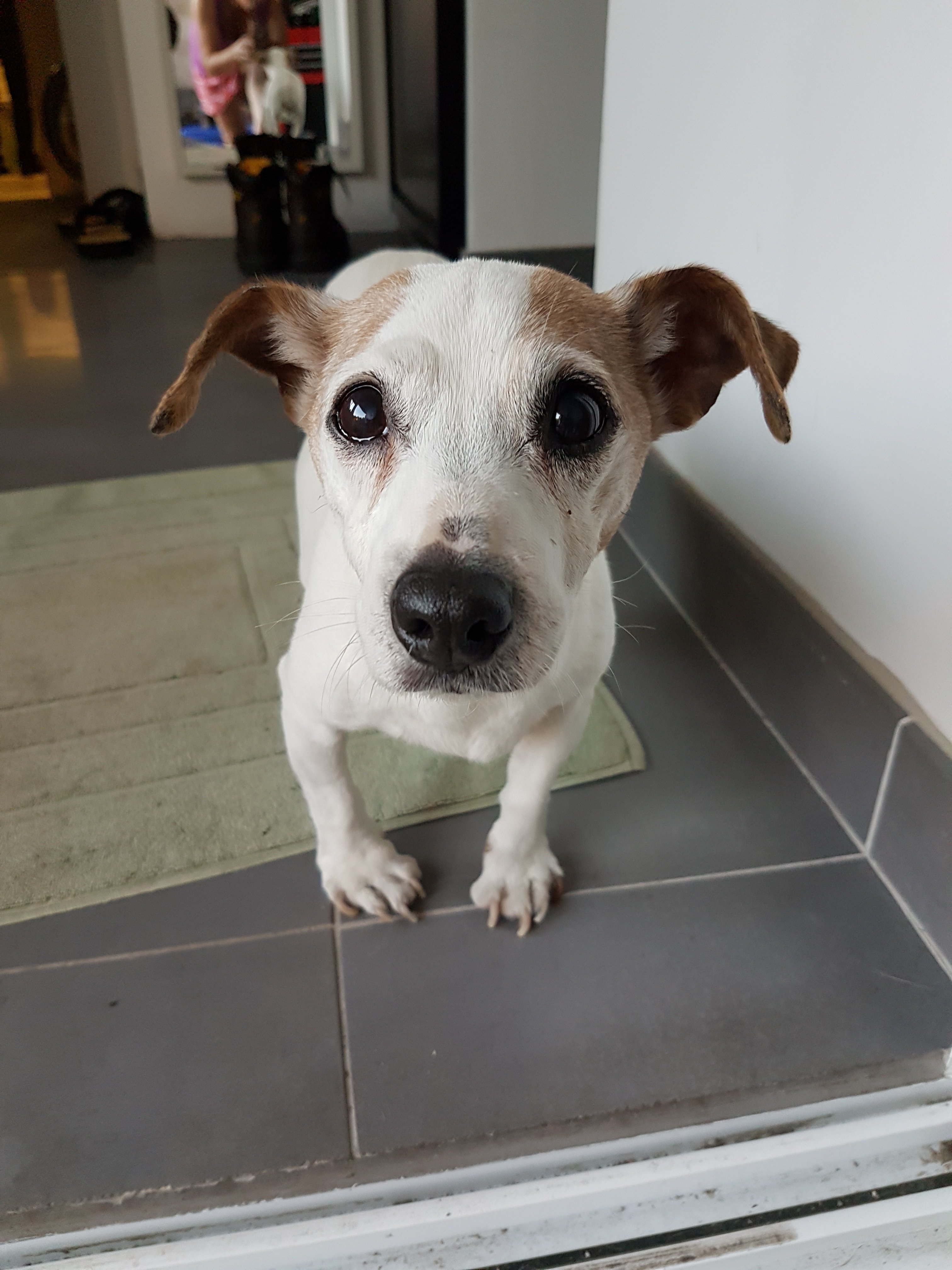
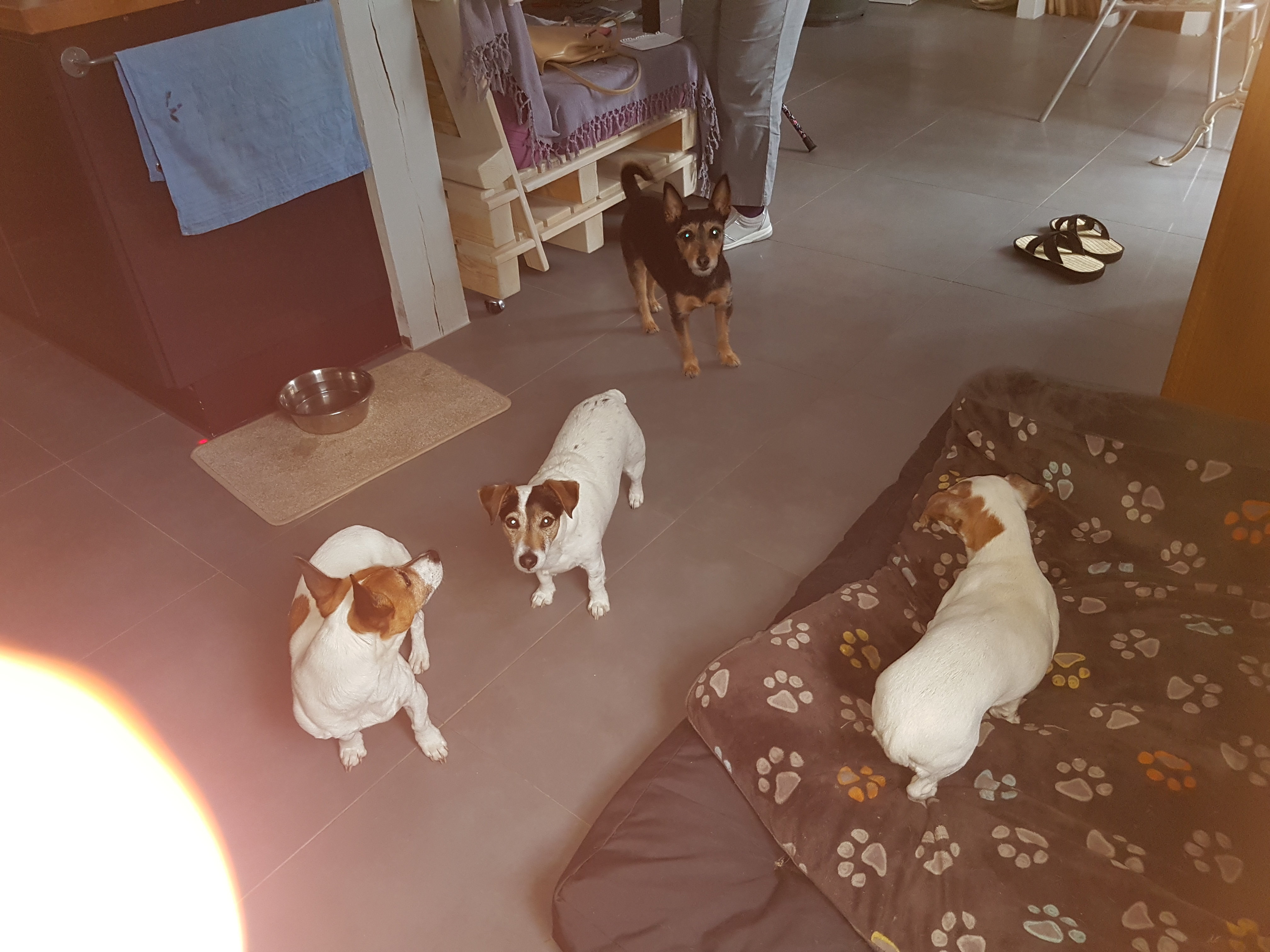
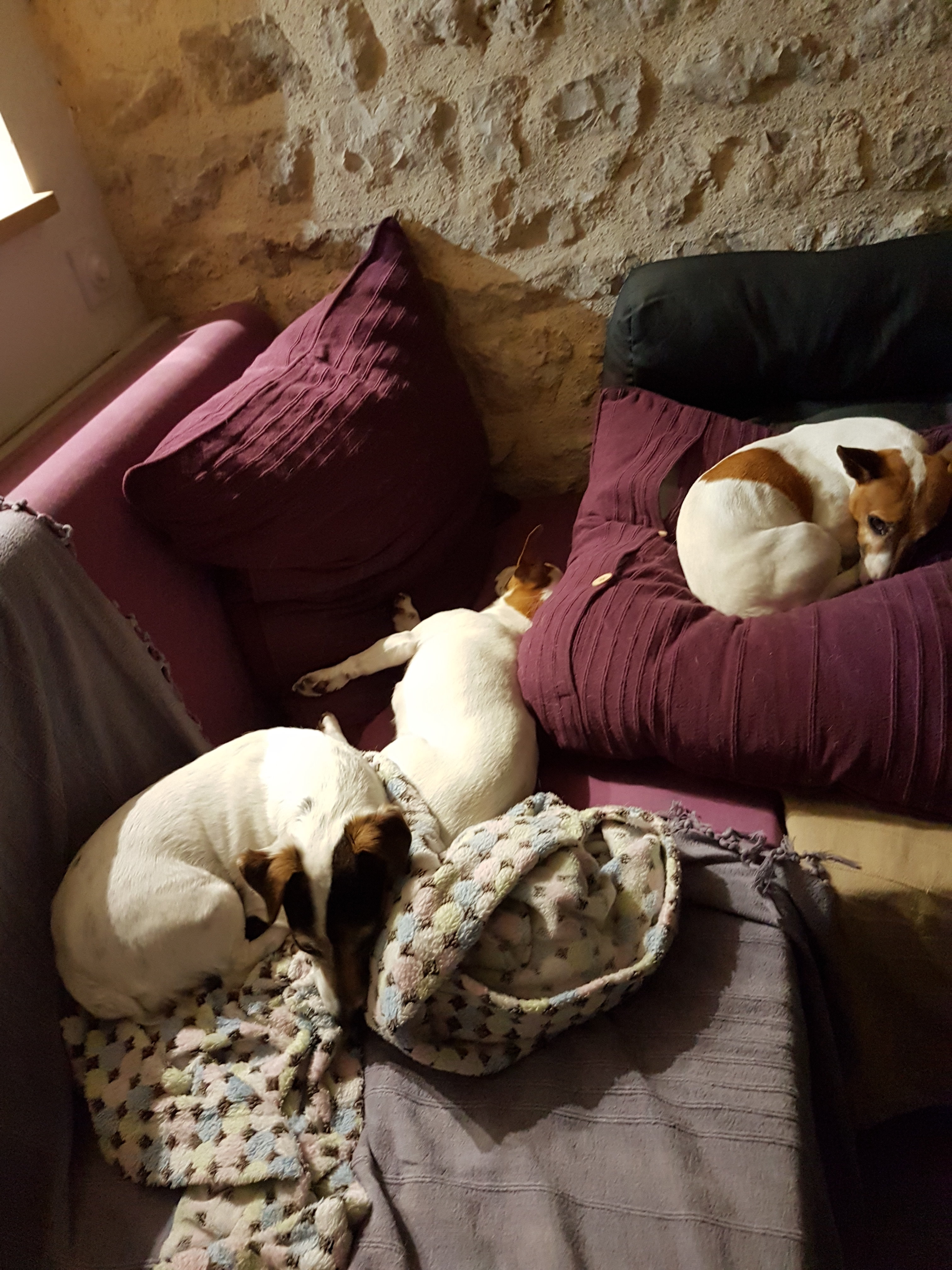
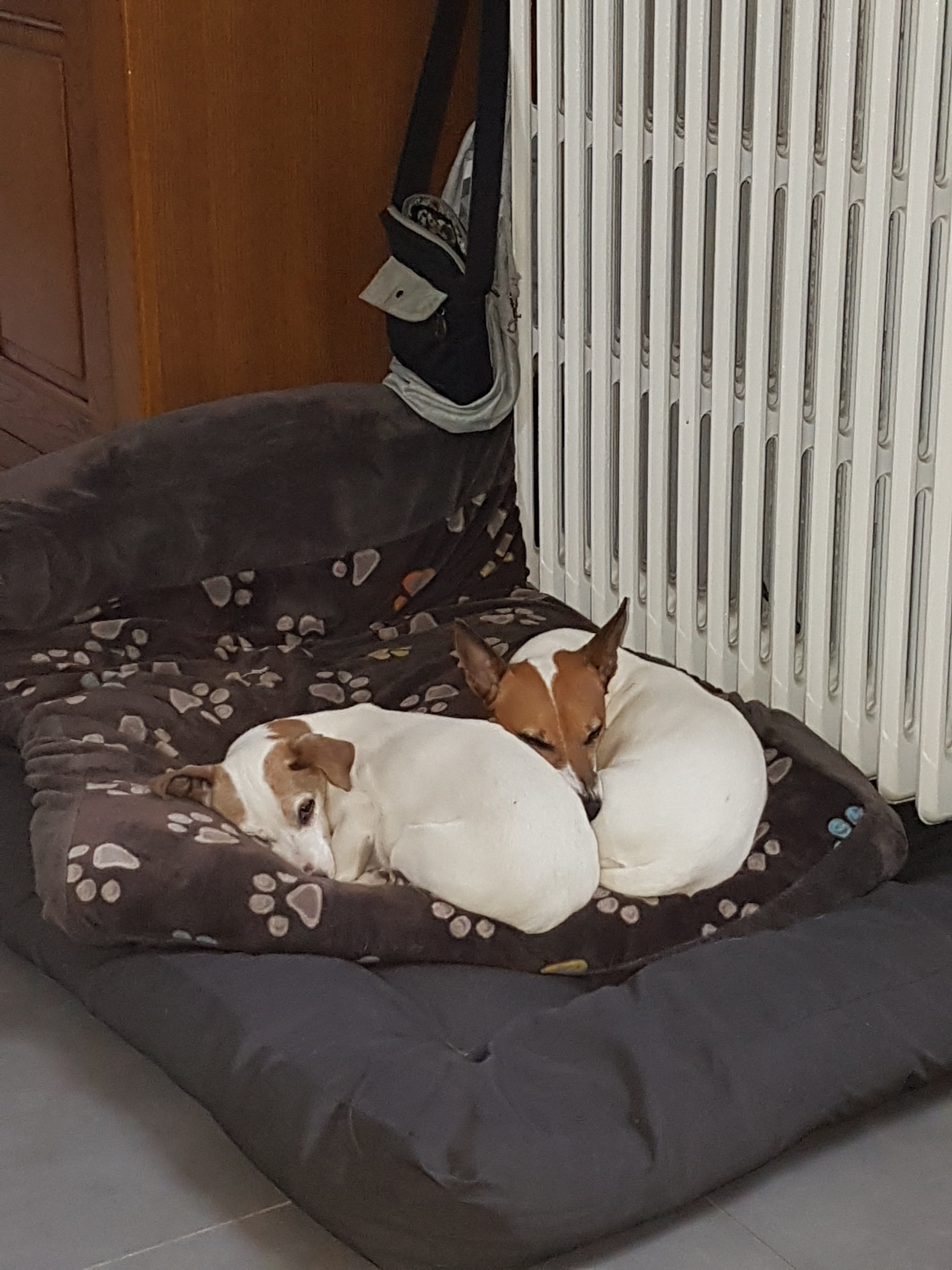
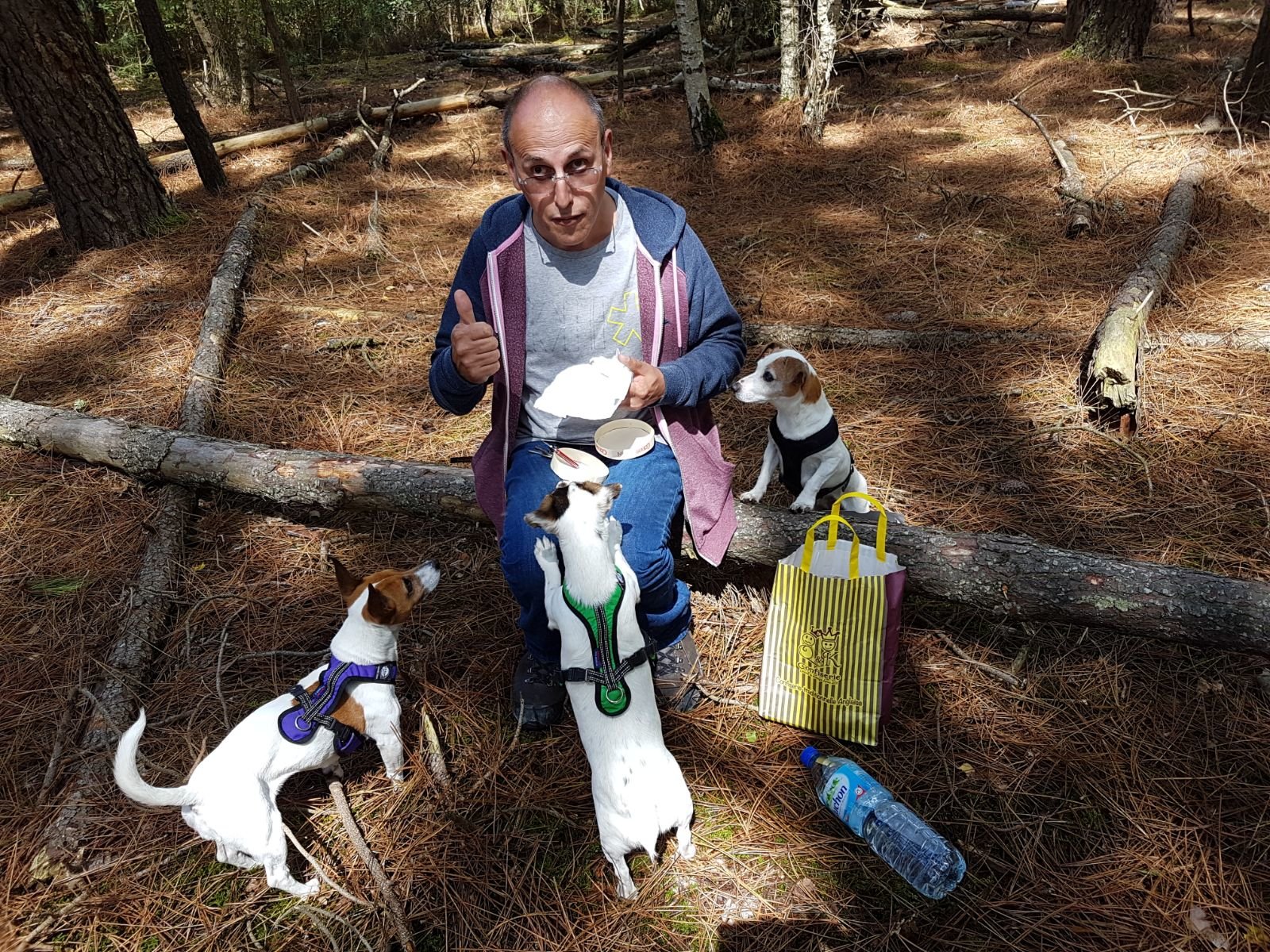
Les Triplettes

Album créé par Zoée&Did

20180520_181450.jpg

photo.jpg

20180711_185155.jpg

20180705_054337.jpg

20180626_210350.jpg

20180513_142204.jpg

20180526_050440_001.jpg

20180217_123241.jpg

IMG-20170813-WA0000.jpg

Il n’y a pas encore d’image dans cet album

Il n’y a aucun commentaire à afficher.

Account

Navigation

Rechercher

Rechercher

Configure browser push notifications

Chrome (Android)
  1. Tap the lock icon next to the address bar.
  2. Tap Permissions → Notifications.
  3. Adjust your preference.
Chrome (Desktop)
  1. Click the padlock icon in the address bar.
  2. Select Site settings.
  3. Find Notifications and adjust your preference.